Need help? Reach us at 

 +1 (855) 418-2323
Need help? Reach us at
+1 (855) 418-2323

 File Converters TIFF and PDF apps Forensic Freeware
If you are in the habit of downloading hundreds of songs to build your music collection, then you must have felt the need to compress files at some point of time or the other. Anybody who loves music can never get enough of it which is why it is important that you can reduce the file size in case you ever need to transfer or move them from one device to another. Since our phones and portable music devices are our best friends when it comes to listening to music, we have to keep in mind their storage capacities and the formats they support.
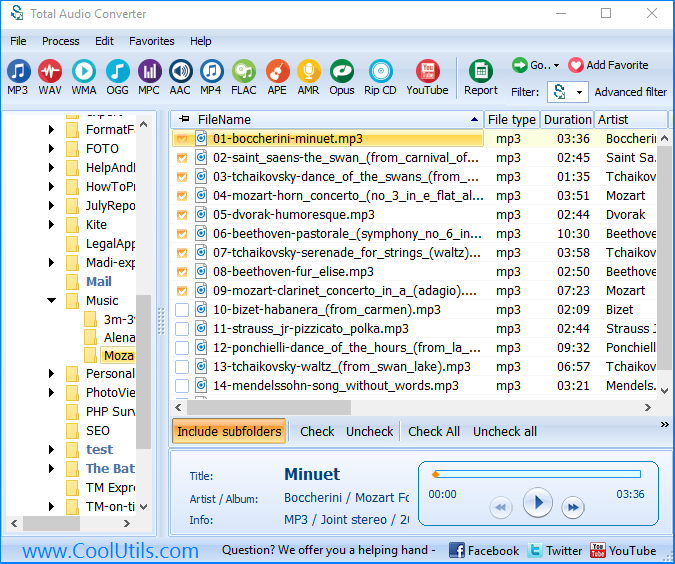
The answer lies in the powerful Total Audio Converter that supports a large number of audio formats and can convert your AMR files into any format you want.
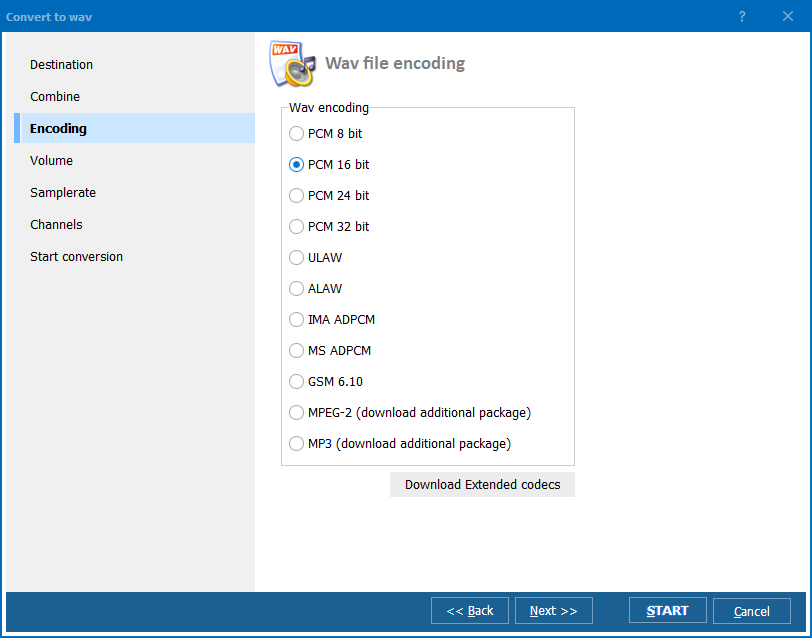
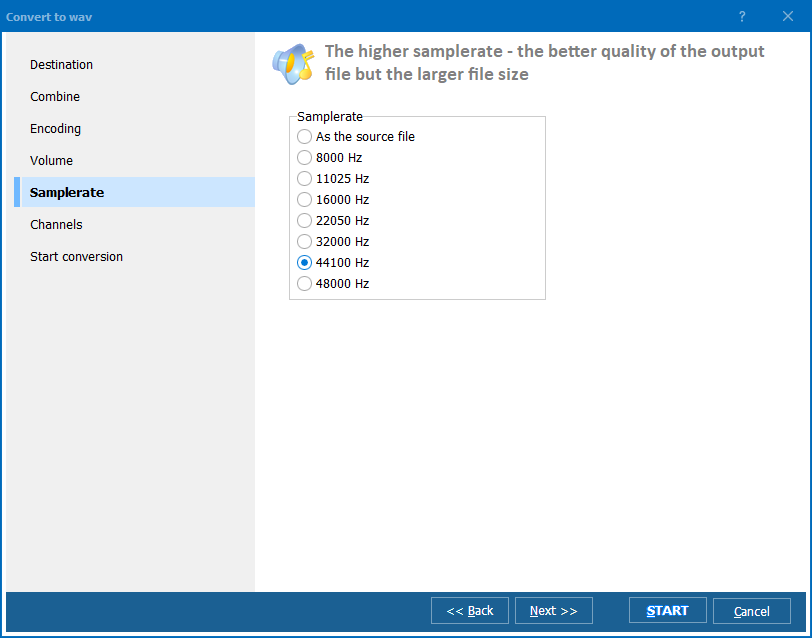
This amr converter is perfectly capable of giving you good results with just a few clicks. If you are just starting out with audio conversion then you may not know how to convert amr to mp3 in batch or individually for that matter, but the Total Audio Converter will make the process super simple for you. The resultant mp3 files may not be of the finest quality, but it will be good enough to enjoy on a lazy afternoon.
Total Audio Converter runs fine on Windows Vista/7/8/10/11.
Converting AMR to MP3:
"I used TAC as an MP3 converter. But then I had to convert AMR and even searched for MP3 AMR converter in Google. To my great surprise I found Total Audio Converter! Ups, my TAC can act as an amr converter as well! I just downloaded the new version and it worked. Thank you! Keep adding new formats:)" John Reese

Related Topics
Convert GSM to MP3 in a simple manner© 2024. All rights reserved. CoolUtils File Converters
