
|
Coolutils ConverterTotal HTML ConverterTotal PDF ConverterTotal Doc ConverterTotal Excel ConverterTotal CAD ConverterTotal CSV ConverterTotal XML ConverterTotal Mail ConverterTotal Outlook ConverterTotal Thunderbird ConverterOST to PST ConverterTotal Image ConverterTotal Audio ConverterTotal Movie Converter
|
Why Convert WMA to M4A?WMA uses a similar compression pattern as MP3 and therefore it cannot boast great sound quality. M4A is already thought to be one of the most promising audio file formats due to the evident advantages over WMA. Therefore, you may need a good WMA to M4A Converter in the foreseeable future.
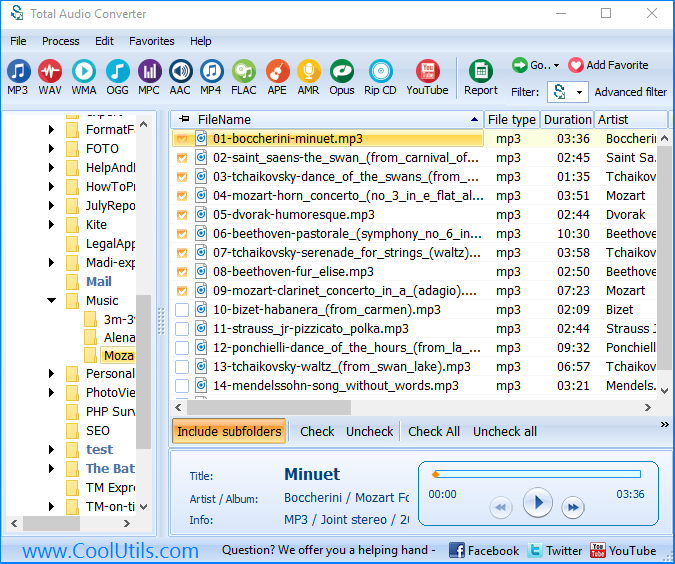
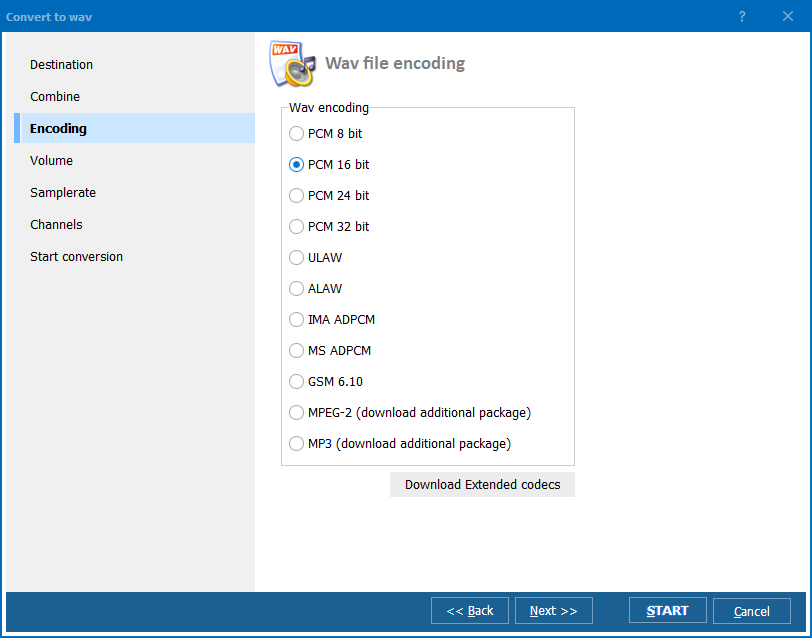
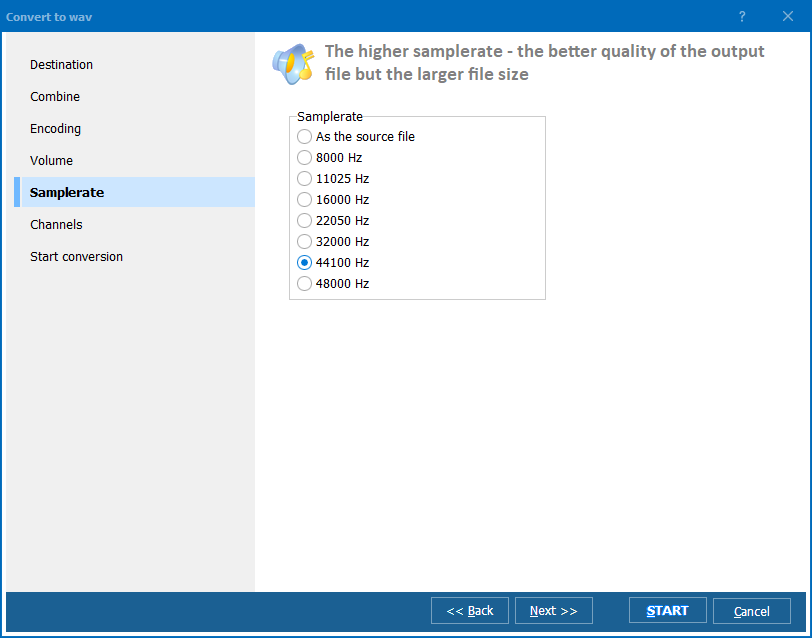
Total Audio Converter has a number of new features that put it above all existing converters. You can batch-convert hundreds of files just as fast as one file. Total Audio Converter can be launched from within other programs via command line. Besides, you can convert WMA to M4A right from the desktop, because the program integrates into the right-button menu. This WMA MP4 converter features a built-in audio player, so you can check sound quality before and after conversion. Converting WMA to M4A is very easy. All you need to do is select a folder with your WMA files, check the files you need to convert; select Convert to and specify M4A. The Wizard will offer you default settings, but you can make your own settings. When you have made all your selections, click Start. Total Audio Converter is as user friendly as it is cheap: it's worth only $24.90, and it is available online! There is hardly a converter in the whole world that can help you with all popular formats in less than no time. To see how it works, please, download the trial version and use it for 30 days! Related topicsConvert GSM to MP3 in a simple mannerConvert XWM to MP3 without any problems Convert AC3 files to MP3 in batch Convert VOX to MP4 professionally Convert VOX to MP3 audio-files Convert files from MPC into MP4 Convert Opus to WAV with custom settings Convert Opus to MP3 error-free. Convert 3GA to MP3 preserving quality Convert XM to MP3 in batches with custom settings Convert MP3 to AAC with custom settings Convert OGG to MP4 with comfort. Convert WAV to AAC with custom settings Convert FLAC to APE any number of files at one go Convert MPP to FLAC keeping quality Convert MPP to MP4 with comfort. Convert MPP to MP3 without any problems. Convert APE to MP4. Save time, it's easy. Convert APE to FLAC with CoolUtils tool! The best way is to convert MID to MP3 Convert MP3 to MP4 without any problems Convert FLAC to MP4 without any problems Convert CDA to MP4 without any problems How to convert WAV to MP4 easy? Convert MOD to MP3 in a simple Manner Convert AAC to FLAC keeping quality Convert WAV to mp3, convert WAV to mp3, WAV to mp3 converter, WAV to mp3 conversion, software Convert MP4 to MP3 with many handy options
|
   |



 Total Audio Converter is a new file conversion tool that supports more than 30 audio formats, including M4A. It is very easy to use, and it does not usually take a long time for even a newbie to learn how to handle it.