Need help? Reach us at 

 +1 (855) 418-2323
Need help? Reach us at
+1 (855) 418-2323

 Freeware
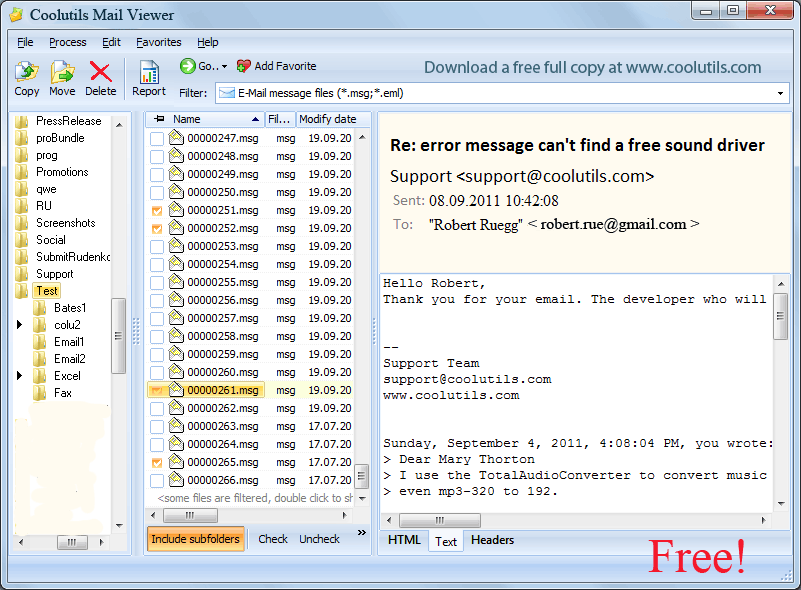
CoolUtils Mail Viewer includes a built-in MCP (Model Context Protocol) server. Run MailViewer.exe --mcp and the program skips its GUI, becoming a background server that AI assistants can call directly. Claude Code, Claude Desktop, Cursor, Cline, and any MCP-compatible agent can then convert, read, and extract attachments from your email files — responding to plain-language instructions, without any custom scripting.
Quick answer: CoolUtils Mail Viewer ships with a built-in MCP server inside MailViewer.exe. Run MailViewer.exe with the --mcp flag to start it as a background server, then add a small mailviewer block to your Claude Code or Claude Desktop config pointing at the executable. Your AI assistant can then convert mail files, read metadata, and extract attachments locally from plain-language requests.
Model Context Protocol is an open standard published by Anthropic that lets AI agents call desktop software as if it were a remote API. Instead of writing scripts or using the command line, you describe what you need in natural language. The agent resolves the parameters and invokes the right tool — in this case, Mail Viewer running silently in the background.
The MCP server is bundled inside the regular MailViewer.exe binary. There is nothing extra to install or license. The --mcp flag only changes startup behavior: the GUI is hidden, and a background stdio reader thread starts.
Once connected, you can give your AI assistant instructions like these:
convert_mail on each file in the folderget_mail_info returns a clean JSON object instantlyextract_attachments saves them all in one passConverts a mail file to the specified output format. Uses the full Mail Viewer rendering engine, so PDF and DOCX output includes embedded HTML, inline images, attachment previews, and message headers — identical to what you see in the GUI.
Source formats: .eml, .msg, .mim, .p7m, .vmbx, .tnef, .mapixml, .olk15, .vcf, .contact, .3uc
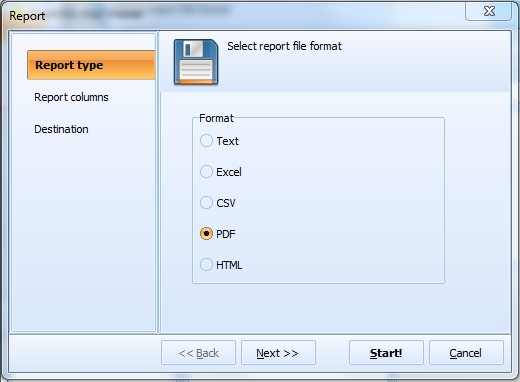
Output formats: pdf, html, txt, doc, rtf, tiff, jpg, png, bmp, emf, eml, xps
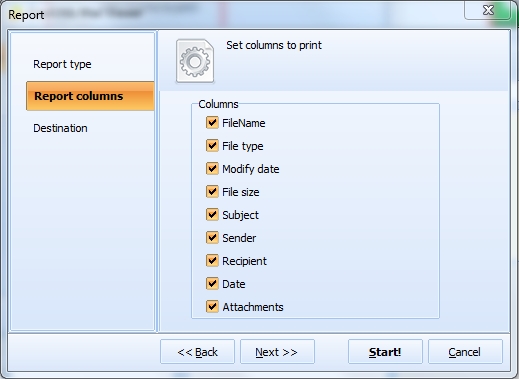
Reads a mail file and returns its metadata as JSON: sender, To/CC/BCC recipients, subject, date, raw RFC headers, plain-text and HTML body, and a list of attachments with names, sizes, and content types. The source file is not modified.
Saves all attachments from a mail file into a target folder (created automatically if it does not exist). Returns the list of saved files with their absolute paths and sizes in bytes.
Add the following block to your ~/.claude.json file inside the mcpServers object (create the key if it does not exist):
{
  "mcpServers": {
    "mailviewer": {
      "command": "C:\\Program Files\\CoolUtils\\CoolUtils Mail Viewer\\MailViewer.exe",
      "args": ["--mcp"]
    }
  }
}
A copy-paste-ready snippet is installed next to the executable as claude-config-snippet.json. Adjust the path if you installed Mail Viewer in a non-default location.
Open %APPDATA%\Claude\claude_desktop_config.json and add the same block under mcpServers:
{
  "mcpServers": {
    "mailviewer": {
      "command": "C:\\Program Files\\CoolUtils\\CoolUtils Mail Viewer\\MailViewer.exe",
      "args": ["--mcp"]
    }
  }
}
The same config format works for Cursor, Cline, and any other agent that supports the Model Context Protocol standard.
Run the following in a command prompt to confirm the MCP server responds correctly:
echo {"jsonrpc":"2.0","id":1,"method":"initialize","params":{"protocolVersion":"2024-11-05","capabilities":{},"clientInfo":{"name":"t","version":"0"}}} | "C:\Program Files\CoolUtils\CoolUtils Mail Viewer\MailViewer.exe" --mcp
You should see a single JSON-RPC response containing protocolVersion, serverInfo, and a tools capability. If it appears, the server is ready to use.
For developers and integrators: the server communicates over stdio using NDJSON (one JSON-RPC 2.0 message per line, UTF-8 encoding). Protocol version: 2024-11-05. Server name reported in initialize: mailviewer-mcp. Full input schemas for all three tools are installed alongside the executable as mcp-tools.json. A machine-readable server manifest is available as mcp-server.json.
Download free trial and convert your files in minutes.
No credit card or email required.