|
Coolutils ConverterTotal HTML ConverterTotal PDF ConverterTotal Doc ConverterTotal Excel ConverterTotal CAD ConverterTotal CSV ConverterTotal XML ConverterTotal Mail ConverterTotal Outlook ConverterTotal Thunderbird ConverterOST to PST ConverterTotal Image ConverterTotal Audio ConverterTotal Movie Converter
|

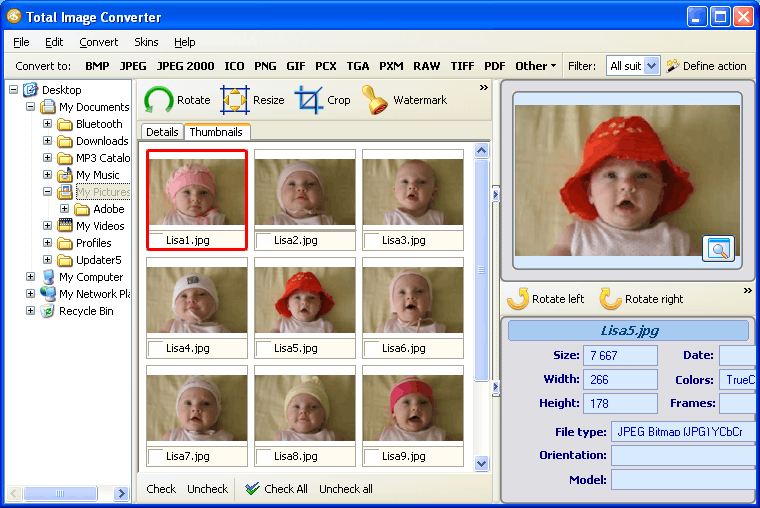
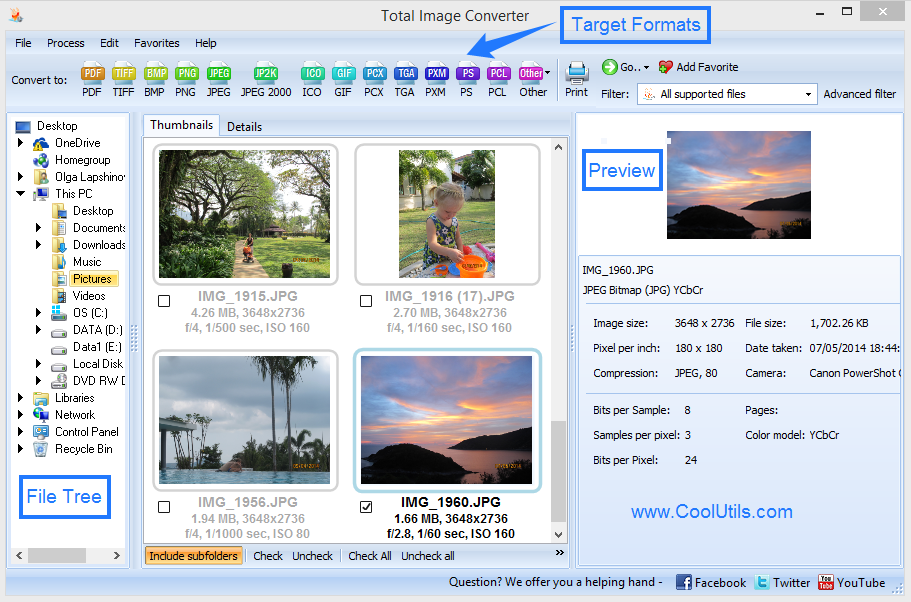
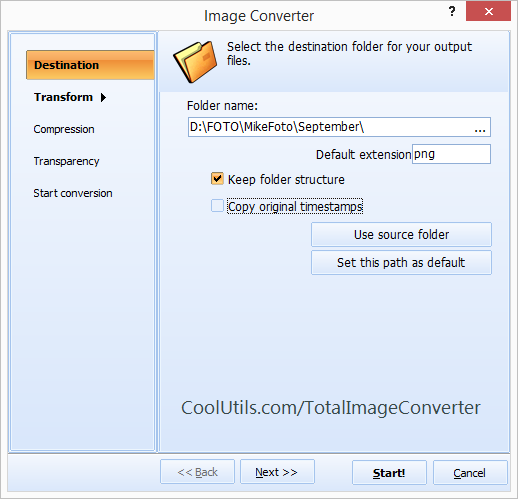
Converting PSD to JPEG in BatchTotal Image Converter is a compact and user-friendly PSD converter. By aid of the batch mode function you can convert many PSD files to JPEG simultaneously. Truly, this is something very few converters can boast of!And here comes possibly the mootest question you would ever ask me: how do I convert PSD in batch? No great pain! It's not even YOU converting the files, but the program itself. All you have to do is launch the tool, make your options and follow the Wizard's recommendations. It does not take expert knowledge to operate the program. After just one or two uses, you will get the complete idea on how to convert PSD in batch! Select the folder with your PSD files and check as many files as you need to convert right now. To check all files, click Select All. The program features a built-in viewer, so you can preview images before conversion. Besides, the tool enables you to crop, rotate and resize images according to your preferences.
As you can see, this is the most advanced image conversion utility available today. The best thing about it is its low price. For only $24.90, you receive a broad array of functions and regular free upgrades. Besides, you can download the trial version and use it for 30 days. This is a great chance to see how the program works! Related topicsConvert files from PSD into BMP in batchesConverting PSD to TIFF in batches has never been so easy! Back to Total Image Converter Home Back to Converting PSD to JPEG in batches just in few clicks!
|
  |