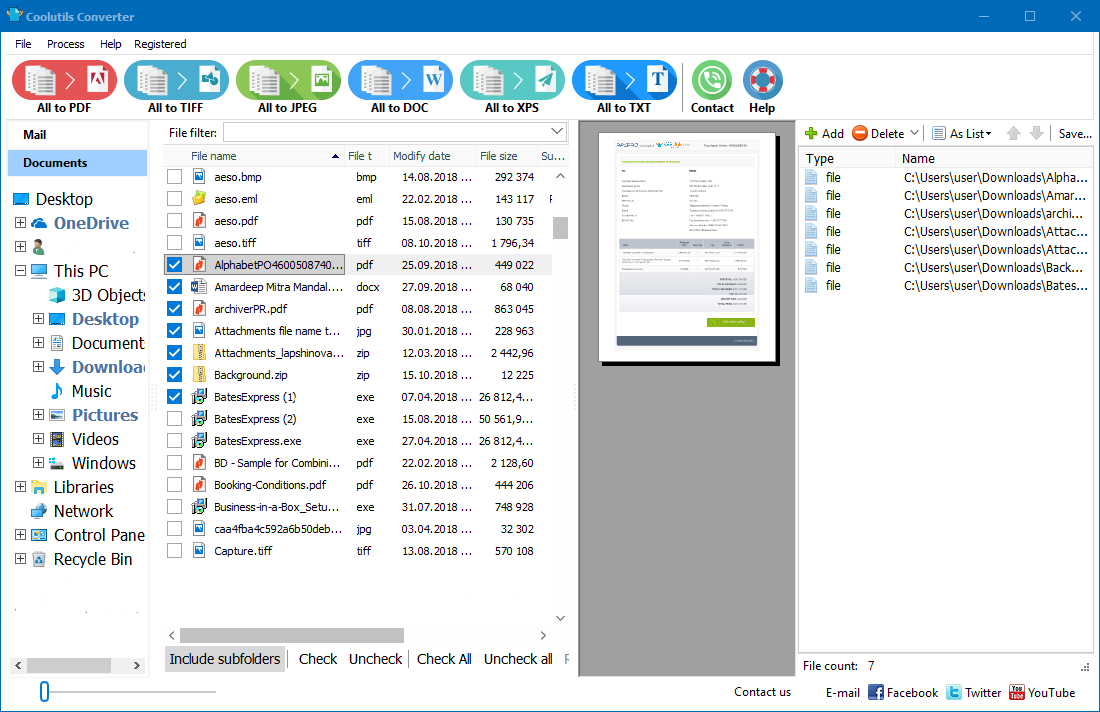
Welcome to Coolutils Bates Stamp Software, the premier solution for professionals and organizations seeking efficient and accurate Bates stamping and numbering capabilities. Here we'll delve into the key features, benefits, and best practices of our software, empowering you to streamline your document management processes with confidence and precision
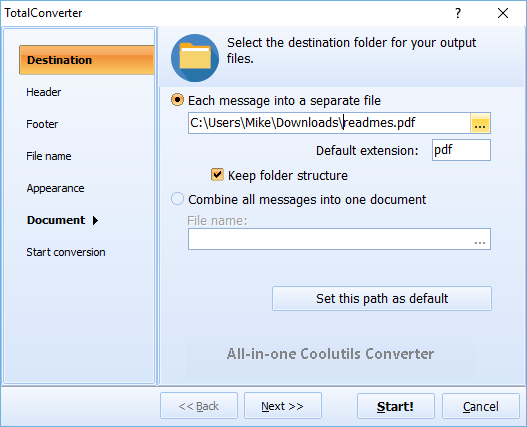
Quick answer: To Bates stamp PDF and TIFF documents, install Coolutils Converter, add the files or folder, choose a Bates prefix, starting number, font, and page position, then run the batch to stamp every page sequentially. The whole document set is numbered in one pass locally, giving you court-ready, consistently identified files.
Why Choose Our Bates Stamping Software?
Coolutils Bates Stamp Software is meticulously crafted to meet the exacting standards of legal professionals, businesses, and individuals who demand reliability, customization, and security in their Bates stamping workflows. Here's why our software stands out:
- Advanced Bates Stamping Technology: Leveraging cutting-edge technology, our software ensures precise placement and formatting of Bates numbers on your PDF documents.
- Customization Options: Tailor Bates numbering schemes to your specific requirements, including prefix, starting number, font style, size, and position.
- Batch Processing Efficiency: Save time and effort with batch processing capabilities, allowing you to Bates stamp multiple documents simultaneously.
- Encryption and Security Features: Protect sensitive information with robust encryption options, ensuring the confidentiality and integrity of stamped documents.
Key Features and Benefits
Explore the key features and benefits of Coolutils Bates Stamp Software:
| Feature | Benefit |
| Advanced Bates Stamping | Accurate and professional appearance of Bates numbers |
| Customization Options | Tailored Bates numbering schemes to meet specific needs |
| Batch Processing | Increased efficiency and productivity with bulk stamping |
| Encryption and Security | Secure handling of sensitive information |
| User-Friendly Interface | Intuitive and easy-to-use interface for seamless operation |
Bates Numbering Examples & Best Practices
Learn from industry-leading examples and best practices in Bates numbering:
| Bates Numbering Example | Best Practice |
| Legal Document | Include case numbers and client identifiers for legal document sets |
| Business Report | Utilize Bates numbering for document versioning and tracking |
| Academic Thesis | Incorporate chapter or section numbers for academic manuscripts |
Get Started with Our Bates Stamping Software Today
Elevate your document management efficiency with Coolutils Bates Stamp Software. Download now and experience the precision, customization, and security our software offers.
FAQs
What is Bates Stamping / Bates Numbering?
Bates stamping, also known as Bates numbering, is a method used to uniquely identify and number pages in legal and professional documents for tracking and referencing purposes.
What is Bates Numbering in PDF?
Bates numbering in PDF refers to the process of adding sequential numbers or stamps to each page of a PDF document for identification and organization.
What Does Bates Numbering Look Like?
Bates numbering typically appears as a series of consecutive numbers or alphanumeric characters, usually placed at the bottom or top of each page in a document.
How to Remove Bates Numbering from PDF?
Our software offers the capability to remove Bates numbering from PDF documents while preserving the original content. Simply select the "Remove Bates Numbers" option to revert to the unnumbered state.


 +1 (855) 418-2323

 File Converters