Need help? Reach us at 

 +1 (855) 418-2323
Need help? Reach us at
+1 (855) 418-2323

Sometimes it is necessary to print folder list of a hard drive or some root memory folder. Recently there was only one possible way to solve this task using PrintScreen option and copy-pasted screened images to some image editor. If the folder list is too big, this operation has to be repeated a lot of times. It is far more efficient to use directory printing software that does this job by itself, giving you a ready-made folder content list within a second. This is exactly what PrintMaestro is intended for.
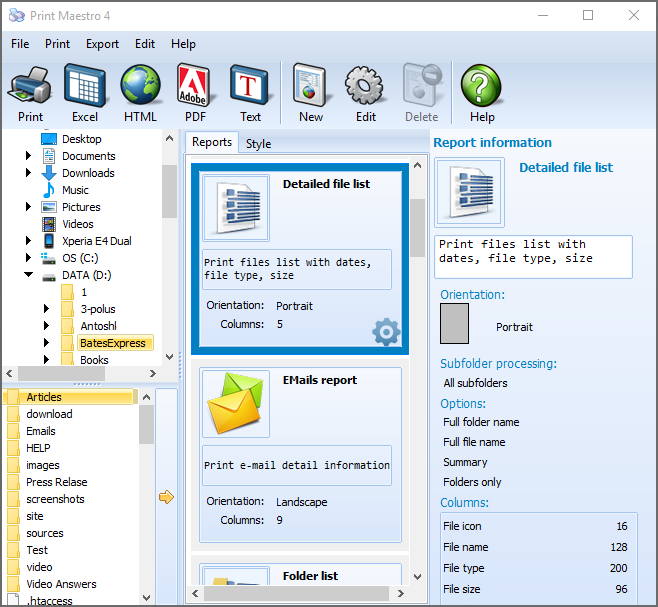
Quick answer: To print a folder list, open Print Maestro, select the drive or directory in the left panel, choose the folder-list report (folders and subfolders in alphabetical order, on all levels), preview it, then click Print or save the list to TXT, DOC, Excel, PDF, HTML, or an image. No PrintScreen and no manual copy-pasting required.
This utility from CoolUtils is able either to print folder structure of the selected directory or save the list to a file of one of the following formats:
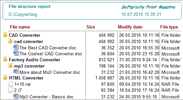
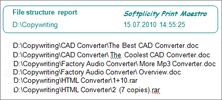
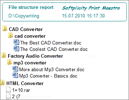
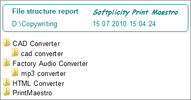
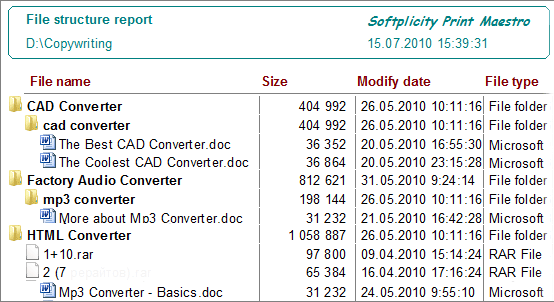
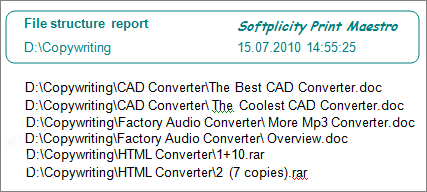
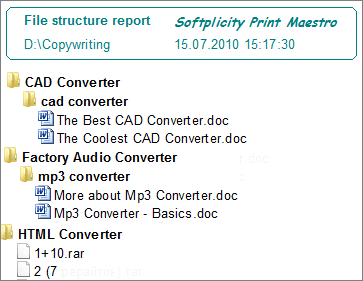
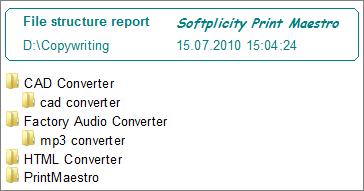
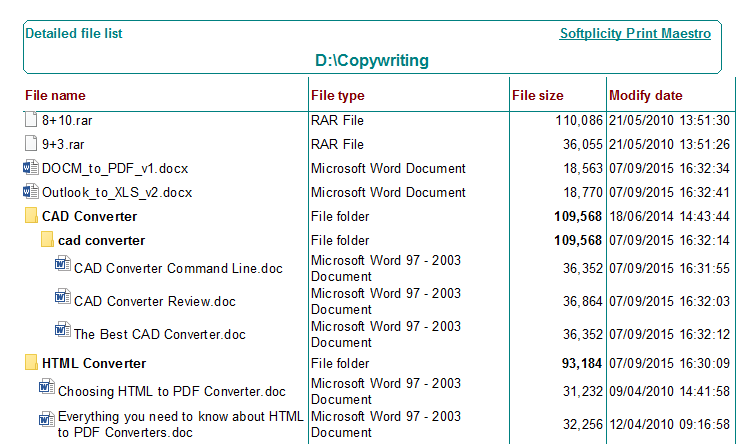
Printing a file list means that the program will print the list of folders and subfolders of the chosen directory, representing the whole folder structure in the form of report list. The folders and subfolders are displayed in alphabet order, on all levels. The printed folder tree will be structured in levels, up to the folders that do not have any subfolders but just files or are empty.
Before printing the program will offer you to preview future document in order to get sure its appearance suits your requirements. If everything is fine, just click ‘Print' button and get your folder list on paper. In Print Preview you can also export the document to one of the formats supported by PrintMaestro.
The utility can not only print folder list, but also present it in separate virtual document. It is a useful feature if you need to get a folder list but have no printer installed on your PC. Depending on the format, you are able to set different formatting settings, compression methods and document security parameters.
Download PrintMaestro in free trial version and appraise its benefits by yourself.
Windows XP/2003/Vista/7/8/10/11
Download free trial and convert your files in minutes.
No credit card or email required.


 Forensic