Need help? Reach us at 

 +1 (855) 418-2323
Need help? Reach us at
+1 (855) 418-2323

 File Converters
When you have to convert HTML to PDF and sign output files with your digital signature, Total HTML Converter is your time saver. It will process all your files in one go, you only set all the options once.
Quick answer: To convert HTML to PDF and add a digital signature, install Total HTML Converter, add your HTML files, set PDF as the target format, open Settings then Document then Signature, point to your PFX certificate and enter its password plus location, contact and reason, then click Start. Every PDF is converted and signed in one batch.
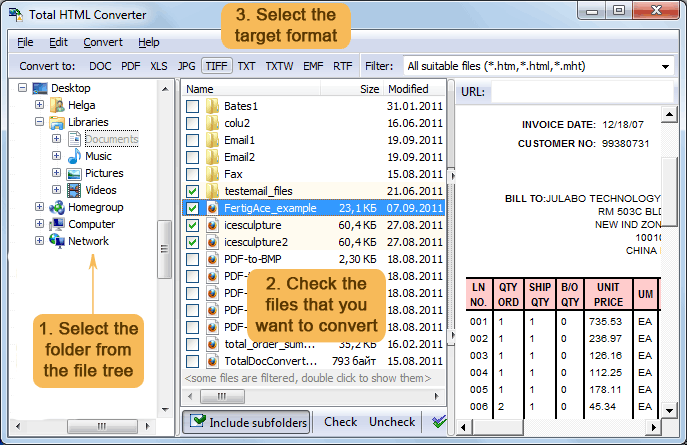
Total HTML Converter is very user-frienldy. First you need to set a batch of source HTML files and set PDF as your target format. Then in settings menu you need to go to Document -> Signature and set the following parameters: PFX file location, password, location, contact and reason parameters.
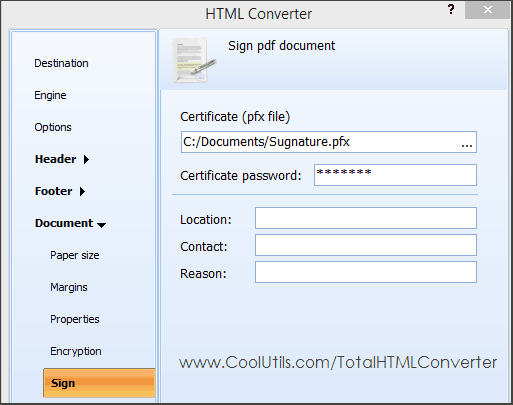
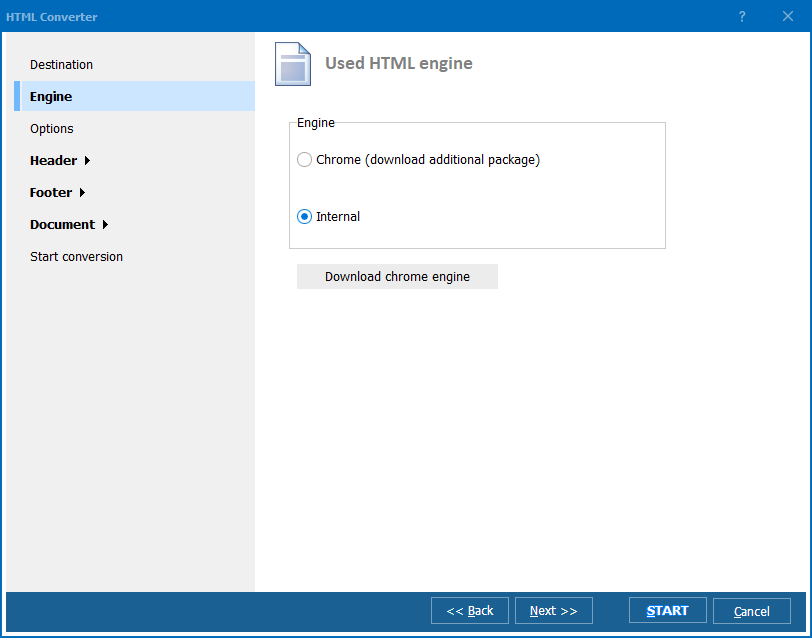
When your are done press Start! button that will enable the process of conversion and signing. If you need to set other parameters, just navigate through the other tabs of settings wizard. Here you can specify, what elements of HTML content you wish to render, what background to set, what info should be displayed in header and footer and many others.
You can sign thousands of PDF files in one go thanks to the batch mode. Total HTML Converter also offers combining all HTML source files into one PDF document, while by defaut it creates a new PDF file for each HTML source. In both cases you can sign output PDF files.
Apart from the digital signature, you can use other security measures available in settings. For example the program offers a two-level password protection. You can allow or forbid editing, printing or copying the document.
Test digital signature for converted PDF files for free - get a trial version for 1 month of use.
Total HTML Converter run in Windows 2000/2003/Vista/7/8/10/11 (both GUI and command line version).
Download free trial and convert your files in minutes.
No credit card or email required.