Need help? Reach us at 

 +1 (855) 418-2323
Need help? Reach us at
+1 (855) 418-2323

 File Converters
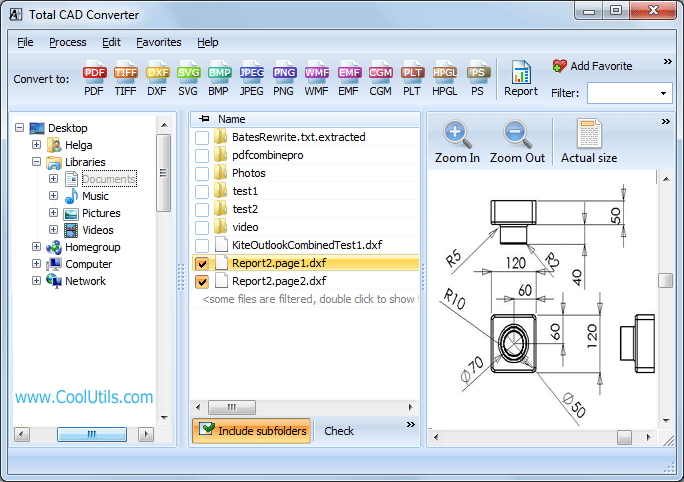
You have PLO files and your computer does not have a program to open them. PLO format is another one that Hewlett-Packard Plotter uses to save its output, which is not widely spread today. To read it, either you can search for a special software online (likely with the help of the OS), or you can convert PLO to PDF, a popular and widely used format. Total CAD Converter lets you do just that, freeing you from the hassle of finding and installing another software on your hard drive.
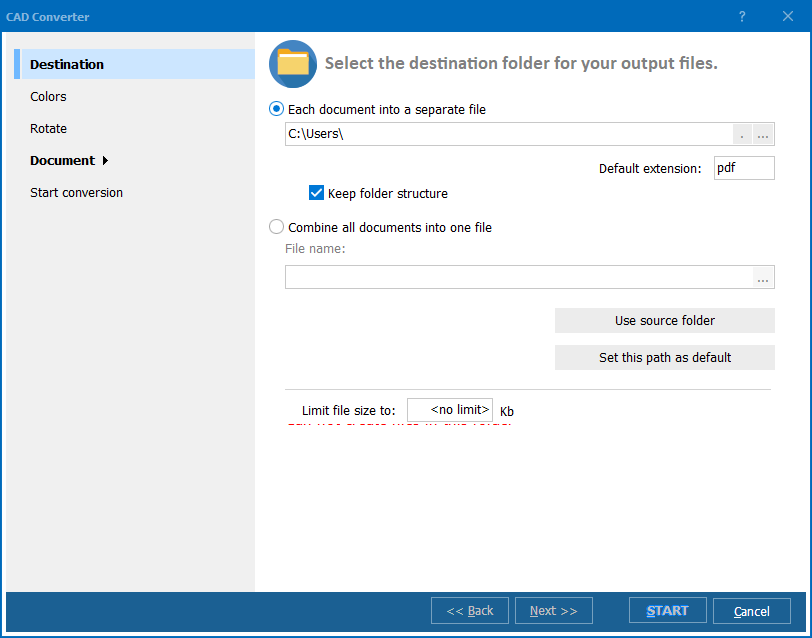
Quick answer: To convert PLO to PDF, install Total CAD Converter on Windows, open the folder holding your HP plotter PLO files, select the files you need, click the PDF button, choose page sizing, line weights and security settings (or export several PLO files into one PDF), then click Start. The whole batch converts offline at true print quality.
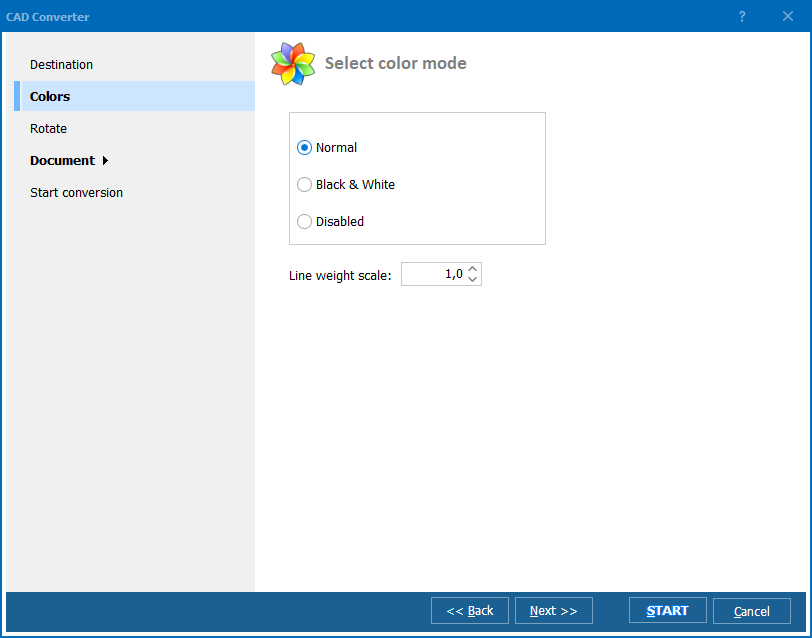
If the output quality is your concern, then we are proud to inform you that the 12 years of refinement work has blessed the Total CAD Converter with the "true print quality" rendering ability that produces accurate vector drawings. It also gives you the option of using a black-and-white mode for better understandability of those light-colored lines. Besides, you can export multiple PLO files into a single PDF.
In addition to conversion, the Total CAD Converter stresses on numerous customization ability. To name a few, it offers:
The Total CAD Converter excels at security features as well. Apart from the ability to make the output PDF password protected, this PLO converter gives you the options to set various user permission like copying, modifying or printing capability. What is more, it also let you add a text watermark in every page to protect the file against copyright theft.
If you are not so much into software, we got you covered. The GUI interface is very much user-friendly for any beginner and if you are an advanced one, you will be much benefitted with CAD Converter's command line mode.
There are very few similar solutions on the market that can convert PLO files to PDF with added customization and security features like Total CAD converter. Given the cheap price of the Total CAD Converter it is much more affordable than those.
Try its options on your own today by downloading its free 30-day trial version!
Windows 2000/2003/Vista/7/8/10/11. GUI + command line tool.
Download free trial and convert your files in minutes.
No credit card or email required.