Need help? Reach us at 

 +1 (855) 418-2323
Need help? Reach us at
+1 (855) 418-2323

 File Converters
Windows users of a certain age will need no telling what WAB stands for, but since the phasing out of Windows Address Book back in Windows Vista it's increasingly rare to come across .WAB files in the wild.
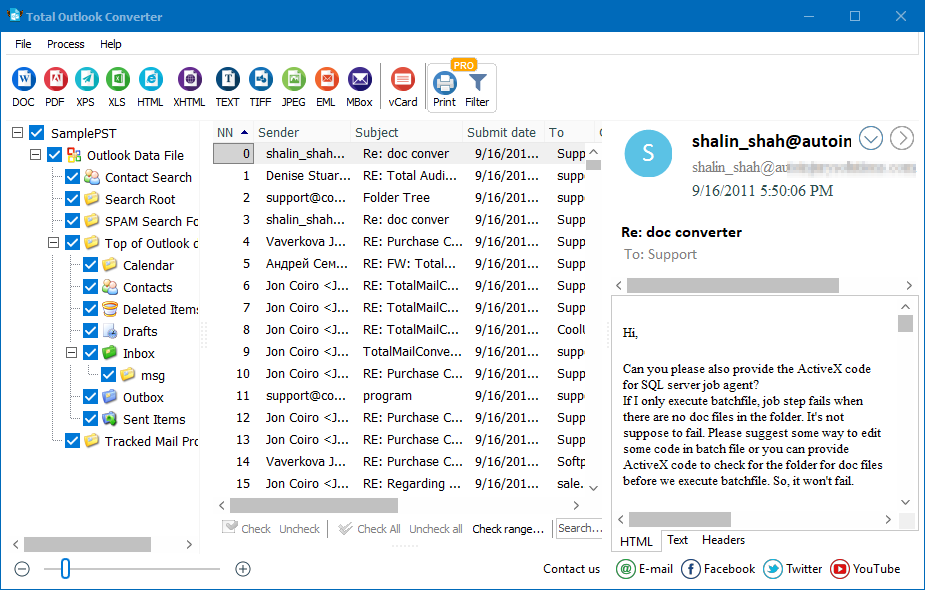
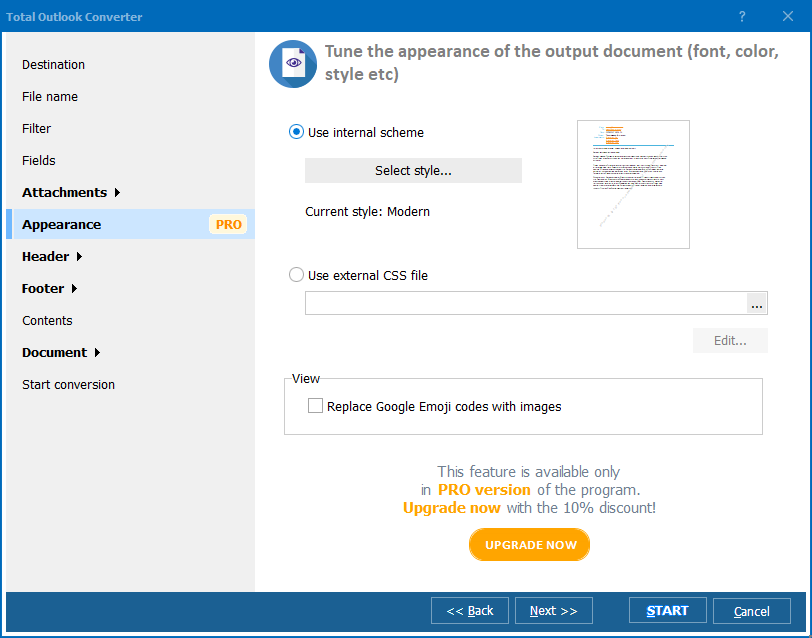
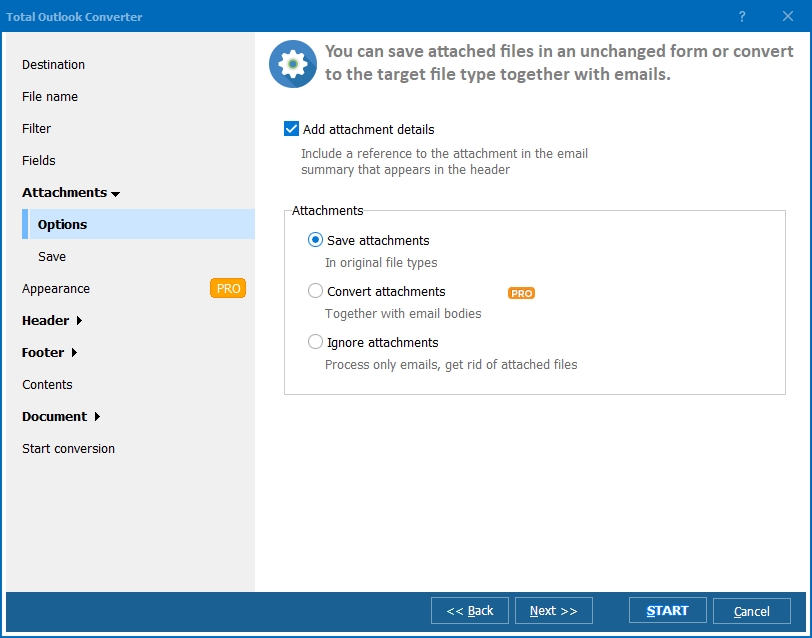
Quick answer: To convert a Windows Address Book WAB file to XLSX, open it in Total Outlook Converter, select one file or a whole batch, click the XLS or XLSX button, set the output folder, and click Start. The contact data lands in a clean Excel spreadsheet you can sort, filter, or import into Windows Contacts, and the same job can run from the command line.
That said though, there is still a huge amount of legacy contact information trapped in these files in personal and corporate settings across the world and you may well find yourself needing to get that info into a friendlier format at some stage in order to analyze it or import it into Windows Contacts or some other type of contacts software.
Getting the data organized in a program like Excel is an excellent first step when planning something like that and our Total Outlook Converter software is just the tool for this and many other tasks.
If you're looking to export a Windows Address Book to XLSX, you'll appreciate its intuitive graphical interface that lets you complete the task with just a few clicks regardless of whether you're dealing with one file or hundreds.
Power users are catered for as well of course. Total Outlook Converter, as with nearly all of our software, can also be run via the command line where you can access its full range of functionality with just a few keystrokes.
It's not just WAB to XLSX conversion that Total Outlook Converter handles of course. It can also deal with a huge range of further output formats such as DOC, PDF, HTML, TXT, and many more. We've specialised in providing top of the range document conversion software to thousands of satisfied customers across the world for over ten years now and are happy to stand behind the quality of our software.
That's why we're delighted to be able to offer you the chance to test its functionality for yourself prior to purchase. Simply download a free, fully working 30-day free trial of Total Outlook Converter today and you'll have an entire month to kick its tires and discover the value it represents for yourself.
So don't delay, get your copy today and start taking your office workflow to the next level!
Windows 2000/2003/Vista/7/8/10/11
Download free trial and convert your files in minutes.
No credit card or email required.