Need help? Reach us at 

 +1 (855) 418-2323
Need help? Reach us at
+1 (855) 418-2323

 File Converters
Every week the same job: a folder of PDFs has to become Word, Excel or TIFF. A cloud service like CloudConvert does it in the browser, but every file is uploaded to someone else's server and every conversion draws down a credit meter. For confidential documents, or for batches that repeat, that model turns risky and expensive fast. The desktop alternative, Total PDF Converter, keeps the files on your own PC. Here is how they actually compare.
Quick answer: CloudConvert is the right pick for one-off conversions of exotic formats and for a cross-platform conversion API — it handles 200+ formats in any browser. Total PDF Converter suits recurring PDF batches on Windows: it converts whole folders to DOC, XLS, TIFF or JPEG offline, with no upload, no per-conversion credits, and a command line, for a one-time $39.90 and a 30-day free trial.
| Total PDF Converter | CloudConvert | |
|---|---|---|
| Where files are processed | Locally on your PC — nothing is uploaded | Uploaded to CloudConvert servers |
| Source formats | PDF (also XPS, PS, EPS) | 200+ formats — documents, images, audio, video, archives |
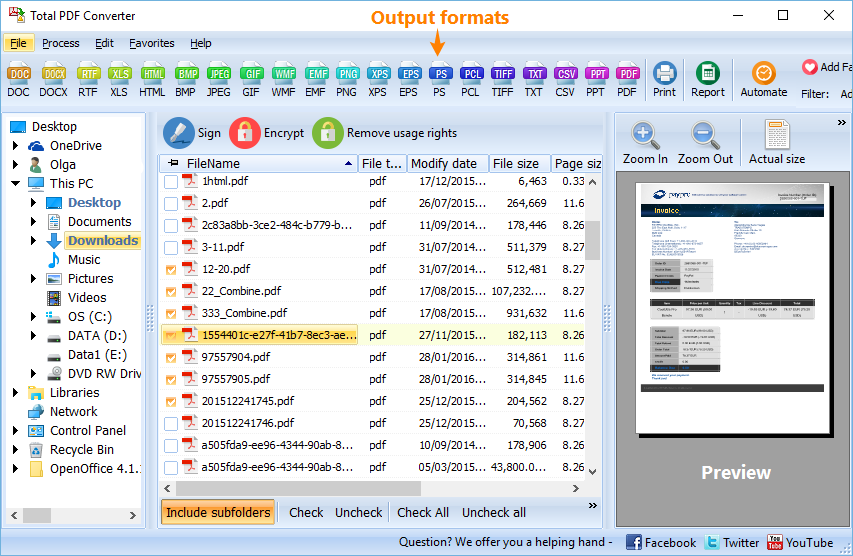
| Output formats | DOC, DOCX, XLS, CSV, HTML, TXT, RTF, TIFF, JPEG, PS, EPS, PDF/A | 200+ target formats |
| Batch conversion | Whole folders and subfolders in one run, keeps the folder structure | Yes, but every file counts against your conversion-minute balance |
| Free tier | 30-day trial, fully functional | 25 conversion minutes per day |
| File size cap | None — limited only by your disk | Unlimited on paid plans; free tier is time-metered |
| Automation | Documented command line, .bat and Task Scheduler | REST API and integrations (Zapier, cloud storage) |
| Pricing model | One-time $39.90 license | Credits or monthly subscription, billed per conversion minute |
| Works offline | Yes | No — needs an internet connection |
| Operating system | Windows 7/8/10/11 | Any — runs in the browser |
CloudConvert converts more than 200 formats — not just documents, but images, audio, video, ebooks and archives. Total PDF Converter takes only PDF and a few page-description formats as input, so for an odd one-off file — a video clip, an ebook, an obscure image — CloudConvert simply covers more ground.
It also installs nothing. The converter runs in any browser on any operating system: Windows, macOS, Linux, ChromeOS, even a phone. And it ships a mature REST API with ready integrations for Zapier, Google Drive, Dropbox and Amazon S3, which makes it a sensible building block when you need to wire file conversion into a web app.
CloudConvert encrypts transfers and states that it deletes files after processing, so for ordinary documents it is reasonable. The catch with regulated material — contracts under NDA, medical records, financial statements — is not the vendor's deletion policy. It is that the file leaves your control at all. Many compliance rules forbid sending such documents to any third-party server, however well that server behaves. Total PDF Converter removes the question: the PDF is read and written on your own disk, and nothing is uploaded.
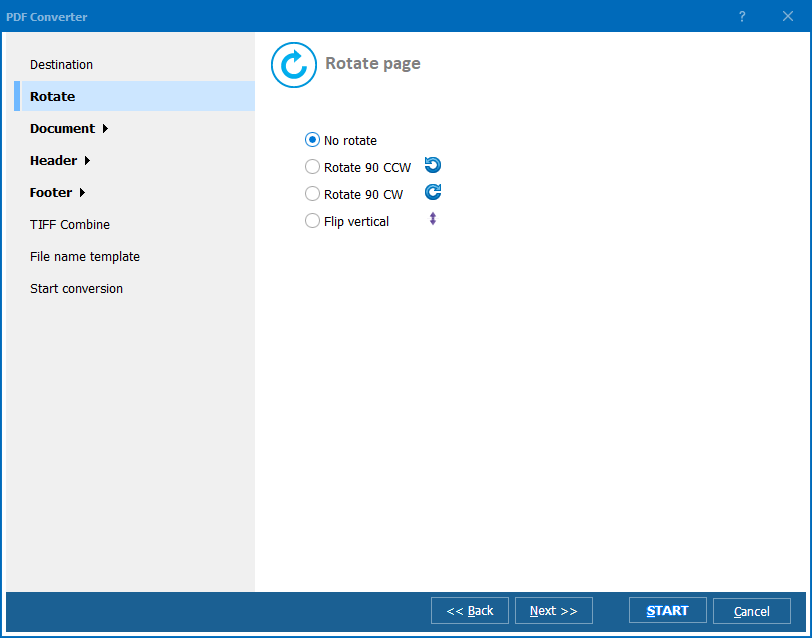
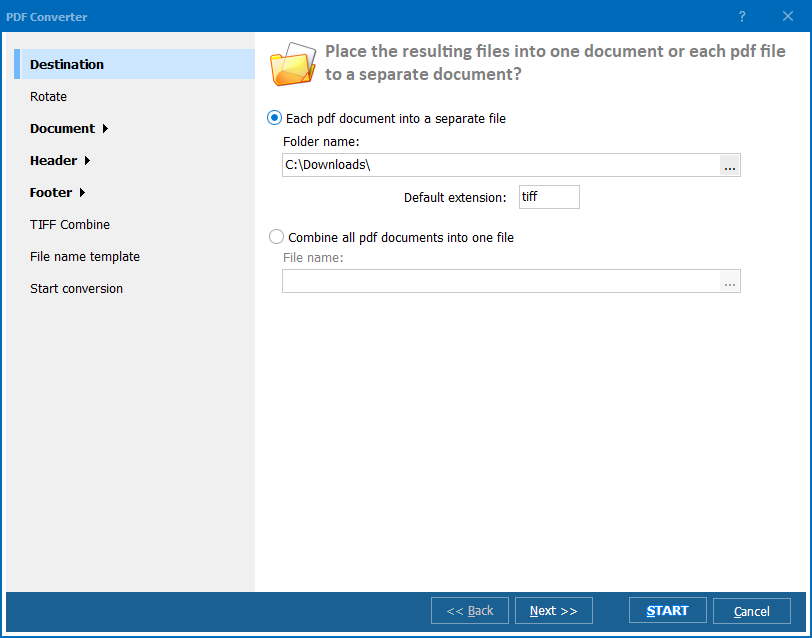
Install Total PDF Converter, point it at a folder, pick the output format, and click Convert — it walks the subfolders and rebuilds the same tree in the output. From the command line:
PDFConverter.exe "C:\Invoices\*.pdf" "C:\Out\" -c DOCX -Recurse -kfs
-c sets the target format, -Recurse includes subfolders, -kfs keeps the folder structure. Add -combine to merge a whole folder of PDFs into one document, or a <DATE> macro in the output path to drop each run into a dated folder. Put that line in a .bat file, schedule it, and the job runs nightly with no internet and no credits.
CloudConvert meters by conversion minutes, not by file: a free allowance of 25 minutes a day, then paid credit packages or a monthly subscription billed per minute. A short document is well under a minute; a large or complex job costs more. For occasional use the free tier is generous. For a team converting PDFs every day the meter never stops — each batch draws down credits, month after month. Total PDF Converter is bought once and then converts unlimited files forever, so the more you convert, the more the desktop tool saves.
Total PDF Converter costs $39.90 for a one-time personal license. The 30-day trial is free and fully functional, with no email or credit card — run it on a real folder of PDFs and watch it convert offline. For a single quick job with nothing to install, CoolUtils' own free online tools do it in the browser: PDF to DOC, PDF to TIFF, PDF to TXT.
Download free trial and convert your files in minutes.
No credit card or email required.

© 2026. All rights reserved. CoolUtils File Converters

