Need help? Reach us at 

 +1 (855) 418-2323
Need help? Reach us at
+1 (855) 418-2323

 File Converters
Millions of users worldwide rely on Excel for its number-crunching power and the sheer range of native functionality it supports. Sooner or later though, as you dive deeper into what it can actually do, you'll find yourself starting to lean on macros to perform custom tasks that match your workflow.
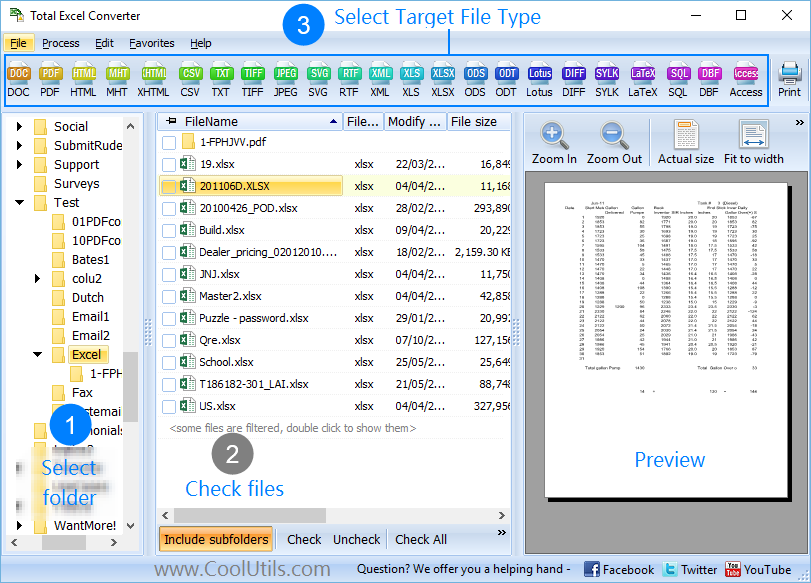
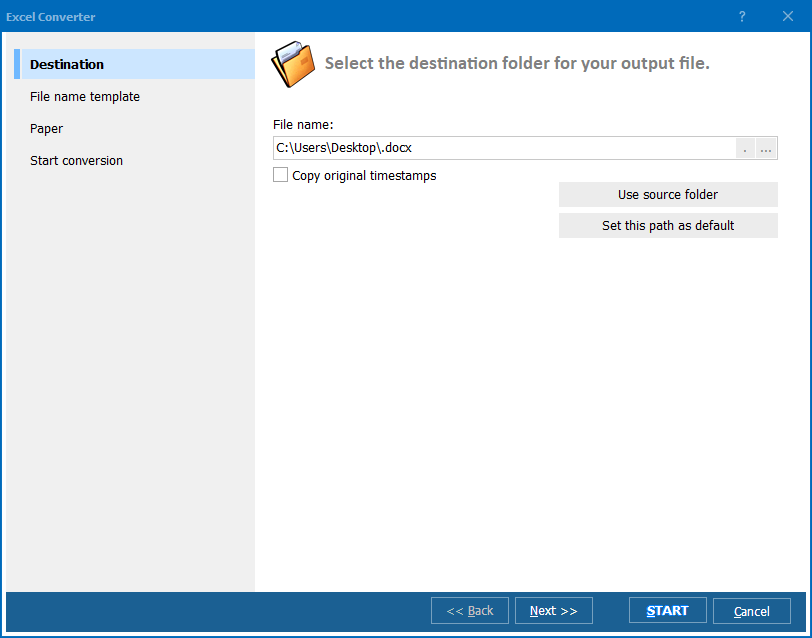
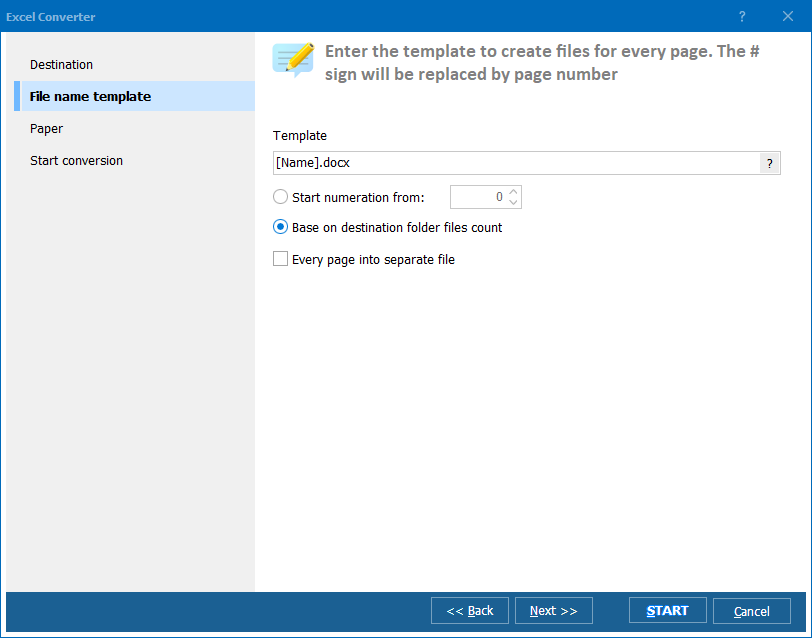
Quick answer: To convert XLTM to XLSX in batch, open Total Excel Converter, browse to the folder of Excel macro-enabled templates, check the files you want, click the XLSX button, keep or change the output folder, then click Start. The whole batch converts at once while the original folder structure is preserved, with no manual Save As needed.
XLTM files (short for Excel Macro-Enabled Template) are at the heart of this functionality and you'll find yourself using them pretty often once you start experimenting with macros. A common requirement with these files is converting them into the more common XLSX format. When you need to do this, more often than not, you'll end up having to to do it in bulk.
That's where our Total Excel Converter once again proves its worth. It's an affordable and feature rich package that can export XLTM to XLSX with ease, in addition to a massive range of other handy options.
The ability to convert XLTM to XLSX in batch is a potentially enormous timesaver for you and your team. It is of course perfectly possible to do this by hand, by painstakingly picking your way through individual files and hitting "Save XLTM as XLSX", but who really has time to spare for doing that?
You're much better off letting a piece of dedicated software do the heavy lifting for you - Total Excel Converter.
There are a number of built-in features of this excellent XLSX converter that have been carefully considered to help you get the most bang for your buck - particularly when you're processing a huge amount of files at the same time.
For example, your original folder structure can be easily maintained when operating in batch mode - a small detail but one that saves you a large amount of tedious manual organization.
Total Excel Converter can also be run via the command line where power users can take advantage of a large number of command line parameters to use the tool exactly how they want with just a few keystrokes.
Non-technical users can also access this power by using the intuitive GUI to create executable BAT files that can be run with just a simple click.

At this price, you will not find a better Excel converter on the market. Take it for a test drive today with our free download and see for yourself!
Download free trial and convert your files in minutes.
No credit card or email required.