Need help? Reach us at 

 +1 (855) 418-2323
Need help? Reach us at
+1 (855) 418-2323

 File Converters
While MS Outlook and related software as Microsoft Exchange Client and Microsoft Messaging are highly useful and value for many of us and our scheduling habits, we need to understand that there is not such thing as perfect software. It could be free of bugs and secure in terms of informatics but it could be unable to satisfy us at one hundred percent.
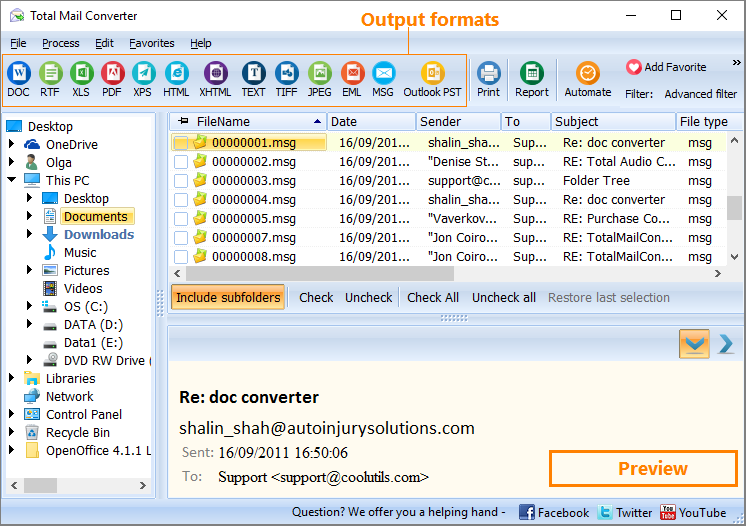
Quick answer: To convert MSG to PST, install Total Mail Converter, point it at the folder holding your MSG files, check the emails you want, choose PST as the output format, set the destination, then start the batch. All attributes and attachments are preserved, and the resulting PST imports into any Outlook version (2007 through 2016 and later) as a ready-to-use mailbox.
If this happens to you, it is probably because you did not know the Total Mail Converter software back then. This batch email converter developed by CoolUtils performs extremely well by creating compatibility and maximizing the capability of your MSG files. So, let us take a close look at the built-in features of this useful software.
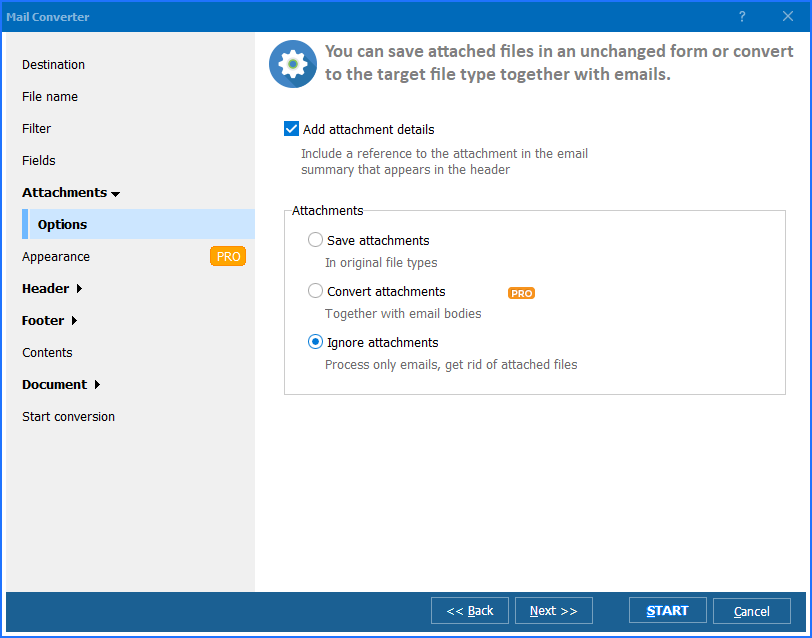
This MSG PST converter takes care of all your emails attributes when it process them. It comes handy to have all the original information from the output files. If you want to import MSG to PST by using Total Mail Converter, you can also feel safe and secure about your attached images and messages. If you want to convert attachemnts in other formats as well, Total Mail Converter Pro will help you. This means that you are not going to lose any information you could consider valuable.
As mentioned previously, this batch email converter aims to create the maximum compatibility possible. This means that the user can convert MSG to PST format file which will be totally supportable into any Microsoft Outlook versions, like 2016, 2013, 2010, 2007, and previous presentations that can handle the PST format.
The software engineers at CoolUtils thought that could be an amazing idea to incorporate both GUI and command line operation to this batch email converter. This way, the whole process could be done by the user accordingly his or her exact needs. By offering a user-friendly interface, this MSG PST converter could be used by any kind of user, not matter how much he or she knows about tech. On the other hand, the command line console allows advanced users to manipulate at will and desired the platform. This does not mean that the advanced user will take more advantages of the software. The basic user can achieve the exact same results with the regular GUI.
When a user needs to import MSG to Outlook or save MSG to PST, the choice is quite simple. Most users try Total Mail Converter by downloading its trial, but shortly after, they purchase a use license. This is because they know that they are handling a powerful batch email converter that can make their life easier.
That is exactly the goal of CoolUtils: to make their customers' lives easier and way more productive. This is only achievable by delivering smartly designed and totally functional tools.
Windows 2000/2003/Vista/7/8/10/11.
Download free trial and convert your files in minutes.
No credit card or email required.

Related Topics
Convert Emails to PDF And Add Page Counter
