Need help? Reach us at 

 +1 (855) 418-2323
Need help? Reach us at
+1 (855) 418-2323

 TIFF and PDF apps
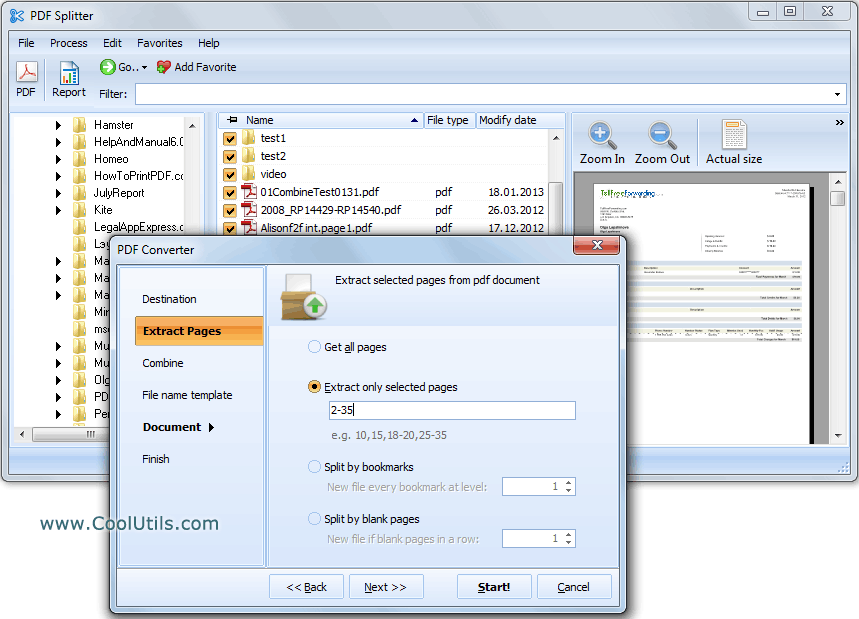
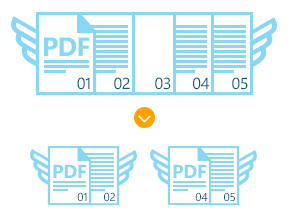
Are there blank pages between pages in your PDF files? You can easily split PDF file into new documents by using a blank page in the middle with the help of PDF Splitter from CoolUtils. The program will automatically detect blank pages and create a new PDF file once it encounters one.
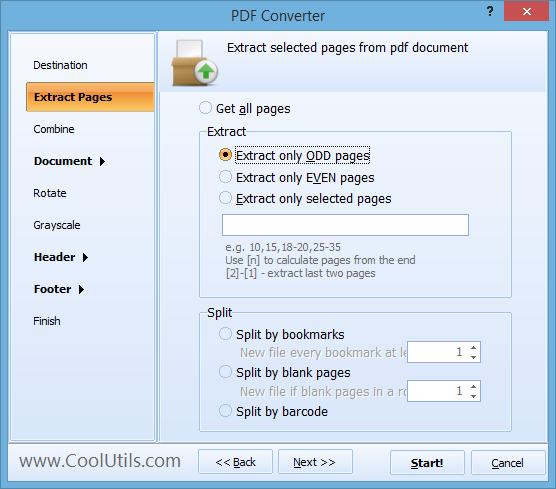
Quick answer: To split a PDF by blank pages, open PDF Splitter, add your PDF files, choose the split-by-blank-pages mode in the settings wizard (set whether to cut after one blank or after two or more), then pick a destination folder and run it. PDF Splitter detects each blank separator and saves every fragment between blanks as a new PDF, in batch and offline.
This tool split PDF files in different ways:
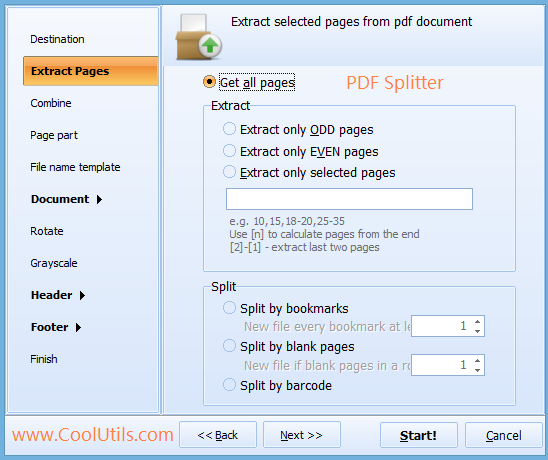
The splitting method is activated in setting wizard together with other options. PDF Splitter will adapt the extracted pages for your needs. You can add header, footer, watermarks. Additionally PDF pages can be password-protected and signed. You can split multi-page PDF by blanks in batch, processing any number of documents at once.
Such splitting results in a few PDF files, each one contains a fragment of original document stored between two blank pages. If you process many files at once, they all will be split and adjusted according to the settings you make in the wizard. Basically it is a conversion from PDF format to PDF again, re-arranging the data in the same format.

You can also play with PDF formatting. For example, you can add text or stamps to header or footer. If you have colorful PDF documents and wish to print them on black and white printer or simply want to make them more compact in size, you can turn them grayscale. There is an option for this in the wizard. While you split PDF by blank pages additional protection can be aplied. Add two-level password protection, sign with your digital signature or prit watermarks on every page.
Buy PDF Splitter now to get your PDF documents properly formatted! The license never expires, you even get all the major upgrades for a year absolutely free.
Windows XP/2003/Vista/7/8/10/11
Download free trial and convert your files in minutes.
No credit card or email required.