Need help? Reach us at 

 +1 (855) 418-2323
Need help? Reach us at
+1 (855) 418-2323

 File Converters
An archived PST has to reach an auditor as searchable PDF, and clicking Save As on each message is not an option when the file holds thousands of them. Two Windows tools come up for the job: SysTools PST Converter and Total Outlook Converter by CoolUtils. They overlap on batch PST-to-PDF, but each is built around different priorities.
Quick answer: Both tools batch-convert PST to PDF, EML, and DOC for a similar one-time price (Total Outlook Converter $49.90, SysTools $49). Choose SysTools PST Converter to repair corrupted or password-protected PST files and recover deleted items on a standalone desktop. Choose Total Outlook Converter for a documented command line, OST conversion, attachment conversion in the Pro edition, and server editions that run without Microsoft Outlook.
Both are established Windows tools. The differences show up in what they read, how they handle attachments, and how they automate. SysTools facts below are taken from systoolsgroup.com as of July 2026.
| Total Outlook Converter | SysTools PST Converter | |
|---|---|---|
| Input | PST, OST, MSG, and live Outlook folders; also imports EML and MBOX into PST | PST files (OST conversion is a separate SysTools product) |
| Output formats | PDF, PDF/A, DOC, DOCX, HTML, XHTML, TXT, TIFF, JPEG, EML — over 20 targets | PDF, DOCX, RTF, HTML, MHT, TXT, EML, MSG, MBOX, PST, CSV, VCF, ICS, JSON |
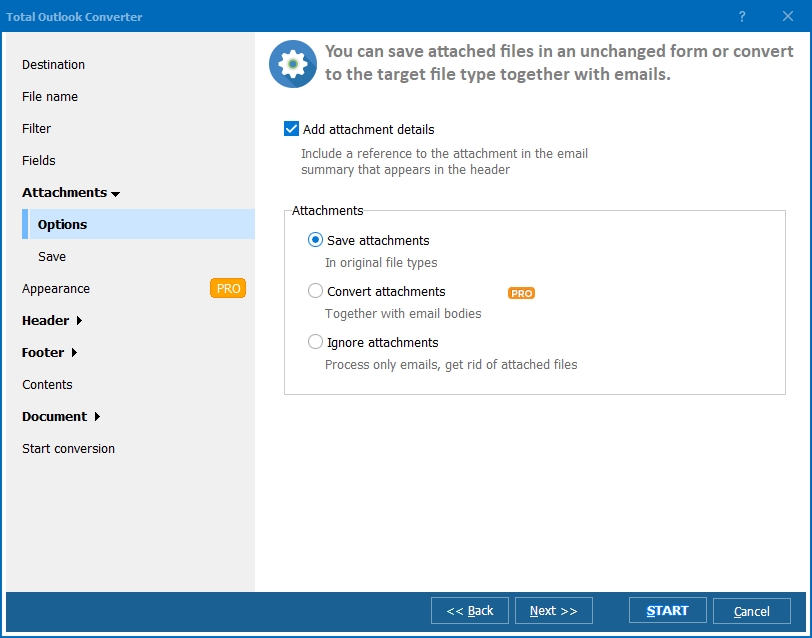
| Attachments | Base saves attachments in their original format; Pro converts DOC, XLS and PDF attachments and embeds them into the output file | Attachments saved alongside the exported items |
| Batch conversion | Yes — whole folders and subfolders, keeps folder structure, can combine messages into one file | Yes — add multiple PST files at once |
| Command line | Yes — OutlookConverter.exe with documented switches, .bat friendly | No command-line interface documented |
| Needs Outlook installed? | Reads PST files directly; the X and Pro X server editions convert without Microsoft Outlook | No — standalone tool |
| Price | $49.90 base, $99.90 Pro, one-time; server editions from $850 | $49 one-time, Windows (systoolsgroup.com, July 2026) |
| Free trial | 30 days, fully functional, no credit card or email | Demo converts the first 25 items per folder |
| Operating system | Windows 7/8/10/11 | Windows 7/8/10/11 and Windows Server 2008–2022 |
SysTools is a large vendor with a broad recovery-and-migration line, and the PST Converter reflects that. It runs as a standalone tool: no Microsoft Outlook installation is required to open a PST file. It reads corrupted and password-protected PST files, and it can recover permanently deleted items — useful when the archive is damaged or partly wiped rather than intact.
Its output list is wide. Besides PDF, DOCX, and HTML, it exports contacts to VCF, calendar entries to ICS, and mail metadata to CSV or JSON, with a preview that shows items in several modes before you commit. If your job is rescuing a broken PST or pulling contacts and calendar out of it, that is the right category of tool. Total Outlook Converter does not repair damaged PST files.
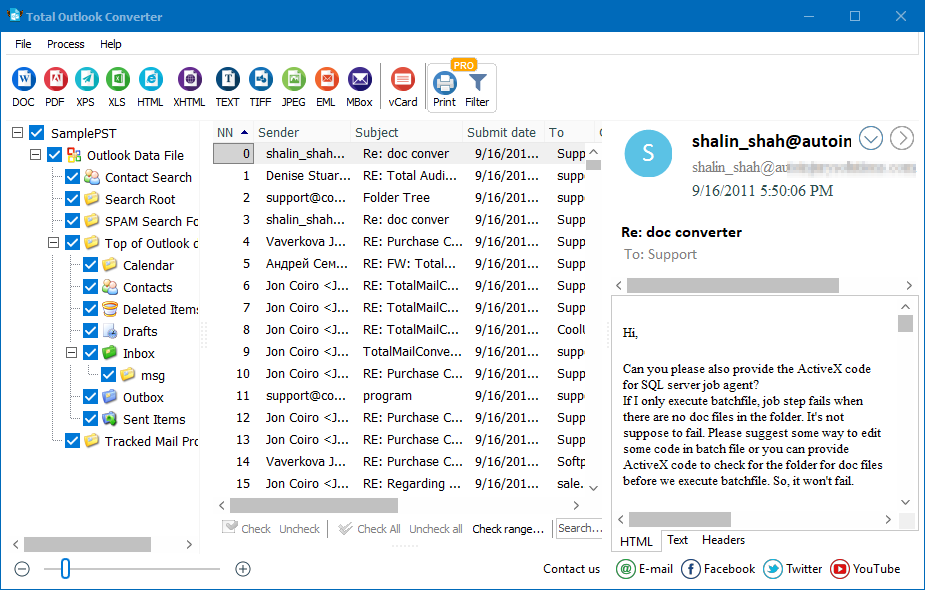
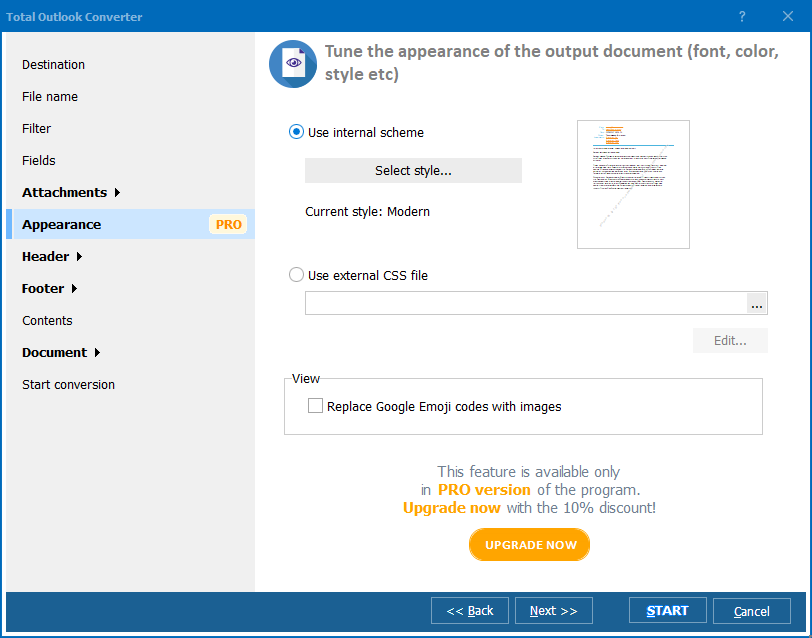
Install Total Outlook Converter and launch it; it lists the PST archives and mailbox folders it finds. Tick the folders or messages you need, choose PDF as the output format, set the destination and options such as page size and attachment handling, then click Convert. The run processes hundreds of messages at once and either saves each as its own PDF or merges them into a single document, headers and folder structure preserved.
Total Outlook Converter converts OST files to PST and exports them to PDF, DOC, or TIFF, so an orphaned offline cache does not have to stay locked inside Outlook. For unattended or server use with no Outlook installed, Total Outlook Converter X and Pro X run the same engine without Microsoft Outlook. SysTools PST Converter does not process OST at all — that is handled by a separate SysTools OST tool — so for a mixed PST-and-OST archive the CoolUtils tool covers both in one product.
Yes. Set the options once in the interface, then reuse the command in a .bat file or Windows Task Scheduler:
OutlookConverter.exe C:\Mail\*.pst C:\PDF\ -c PDF -sender -subject -attach -log C:\Logs\pst.log
Here -c PDF sets the target format, -sender and -subject keep those header fields, -attach saves attachments, and -log writes errors to a file instead of showing dialogs. Add -Recurse for subfolders, -kfs to keep the folder structure, or -combine to merge everything into one PDF; in the Pro version -docs converts attached documents into the output. SysTools PST Converter offers no documented command line, so unattended automation is where the two tools part ways.
Total Outlook Converter costs $49.90 for a personal license, $99.90 for Pro. The 30-day trial is fully functional and needs no email or credit card — run it on your own PST archive and compare the PDF output with SysTools before you decide.
Download free trial and convert your files in minutes.
No credit card or email required.