Need help? Reach us at 

 +1 (855) 418-2323
Need help? Reach us at
+1 (855) 418-2323

 File Converters TIFF and PDF apps Forensic Freeware
Download Total CSV Converter and turn your CSV files into plain text today.
(includes 30 day FREE trial)
(only $59.90)
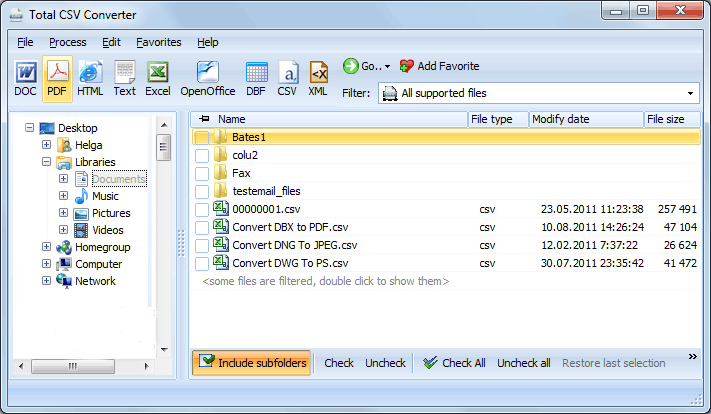
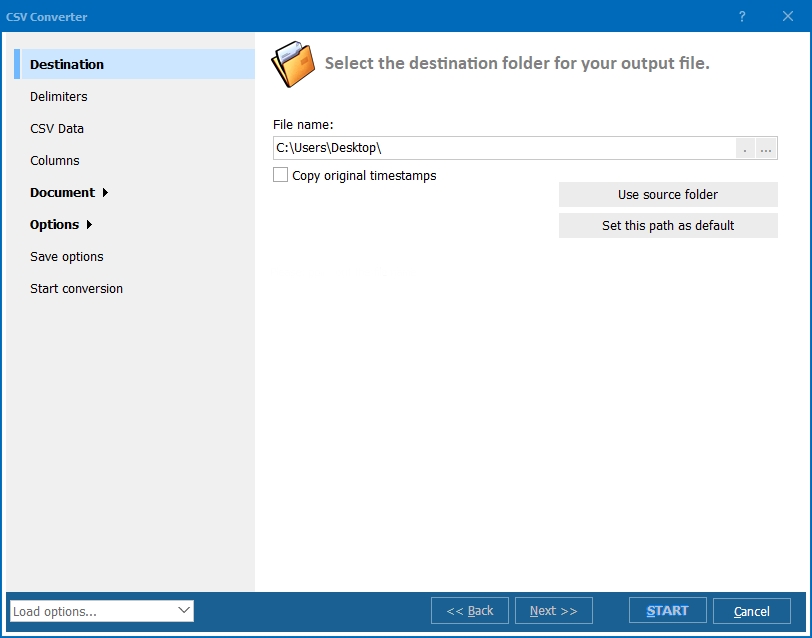
Quick answer: To convert CSV to TXT, install Total CSV Converter, browse to your CSV files, check the ones you need, click the TXT button, set the delimiter, columns, and encoding, then press Start. Each file becomes a plain-text file in one offline batch, with no file-size limit. You can also right-click a CSV in Explorer and pick Convert To, or automate the job from the command line.
CSV (Comma-Separated Values) is a specific kind of text file: each line is a record and each field is separated by a delimiter. Programs treat the delimiter as structure, which is why a CSV opened in a spreadsheet splits into columns.
TXT is unstructured plain text. It carries no column meaning, no formatting, and no delimiter contract — just lines of characters that any text editor, terminal, or script can read on any platform. That makes TXT the safest format for logs, imports into tools that expect free text, and long-term readability.
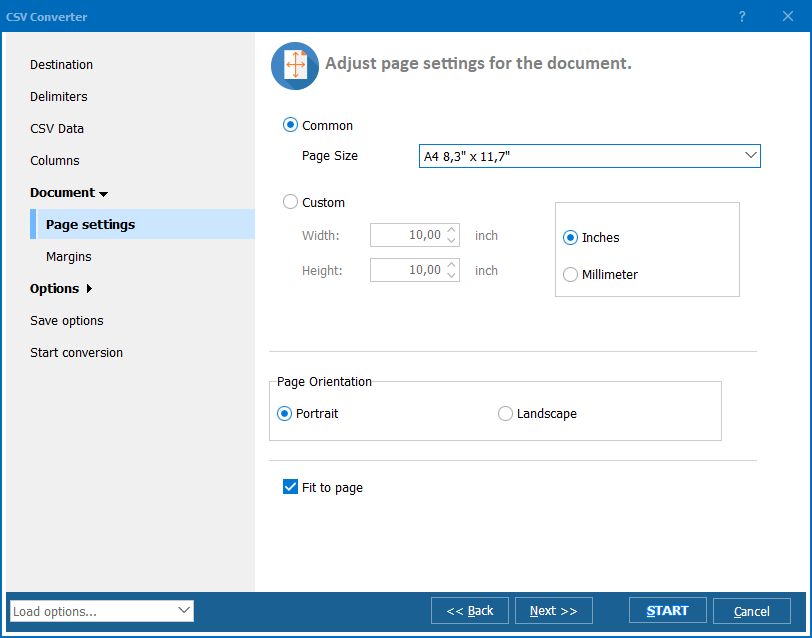
When you convert CSV to TXT with Total CSV Converter, you decide how the columns are laid out in the text, which fields to keep, and how the file is encoded — so the output is exactly the plain text your target tool expects, not a raw dump.

Total CSV Converter also integrates into the Windows right-click menu. Right-click a CSV file, choose Convert To, and pick TXT without launching the program first.
Total CSV Converter includes a command-line interface for converting CSV files without the GUI. Example:
CSVConverter.exe C:\Data\export.csv C:\Output\export.txt -c TXT -SepChar ;
Wrap this in a .bat file or a scheduled task to convert nightly CSV exports to plain text automatically — useful for feeding logs or legacy tools that read only TXT.
 Batch processing. Select 1,000 CSV files and convert them all to TXT in a single run — no opening and re-saving files one at a time.
Column selection. Keep only the columns you need and reorder them, so the text output contains exactly the fields that matter.
Encoding control. Choose UTF-8, ANSI, or Unicode so accented letters, CJK text, and symbols come through correctly instead of turning into garbled characters.
Right-click integration. Convert a CSV to TXT straight from Explorer without opening the program — handy for one-off files.
Saved settings. Your input and output options are remembered, so repeat jobs with the same layout take one click.
Many output formats. Besides TXT, convert CSV to Excel, PDF, JSON, XML, HTML, DBF, and DOC — all from the same program.
| Feature | Online Tools | Total CSV Converter |
|---|---|---|
| File size limit | 5–50 MB typical | No limit |
| Batch conversion | One file at a time | Unlimited |
| Privacy | Files uploaded to cloud | 100% offline |
| Encoding control | Default only | UTF-8, ANSI, Unicode |
| Column selection | No | Choose & reorder columns |
| Automation | Manual only | Command line + right-click |
| Pricing | Subscription or per-file | One-time $59.90 |

(includes 30 day FREE trial)
(only $59.90)
"A legacy billing tool here only ingests fixed plain-text files, not CSV. Total CSV Converter lets me pick the columns and encoding and drops out exactly the TXT layout it needs. The command line runs it on a schedule, so nobody touches it anymore."
 Paul Ostrowski Systems Administrator
"We export tickets as CSV but our knowledge tool imports plain text. Batch-converting a whole folder to TXT with the right encoding takes seconds, and the accented names finally come through correctly."
Grace Whitfield Support Team Lead
"The right-click Convert To option is the feature I use most for one-off files. Being able to skip header rows and keep only two columns saved me from cleaning the text by hand."
 Sam Delacroix Freelance Data Wrangler
Download free trial and convert your files in minutes.
No credit card or email required.

Related Topics
Convert CSV to HTML — Batch CSV to HTML Table Converter

