Need help? Reach us at 

 +1 (855) 418-2323
Need help? Reach us at
+1 (855) 418-2323

 File Converters TIFF and PDF apps Forensic Freeware
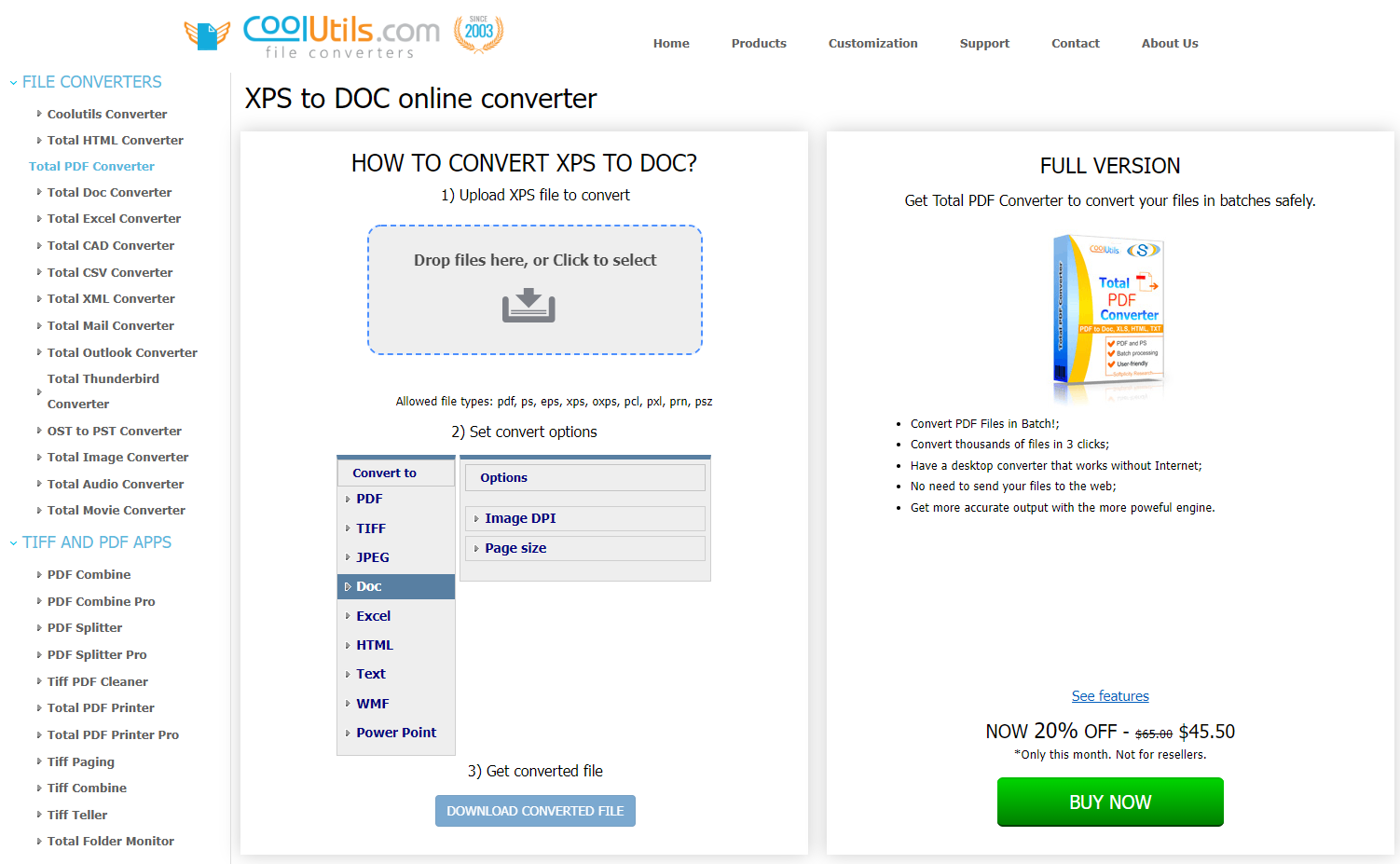
Yes, that's how easy it can be! No registration, no verification, no captcha Ц all you need to do is take these 4 simple steps. The online method works fine until you require professional software for bulk data conversion. In such a case, we recommend you consider installing the full desktop version.
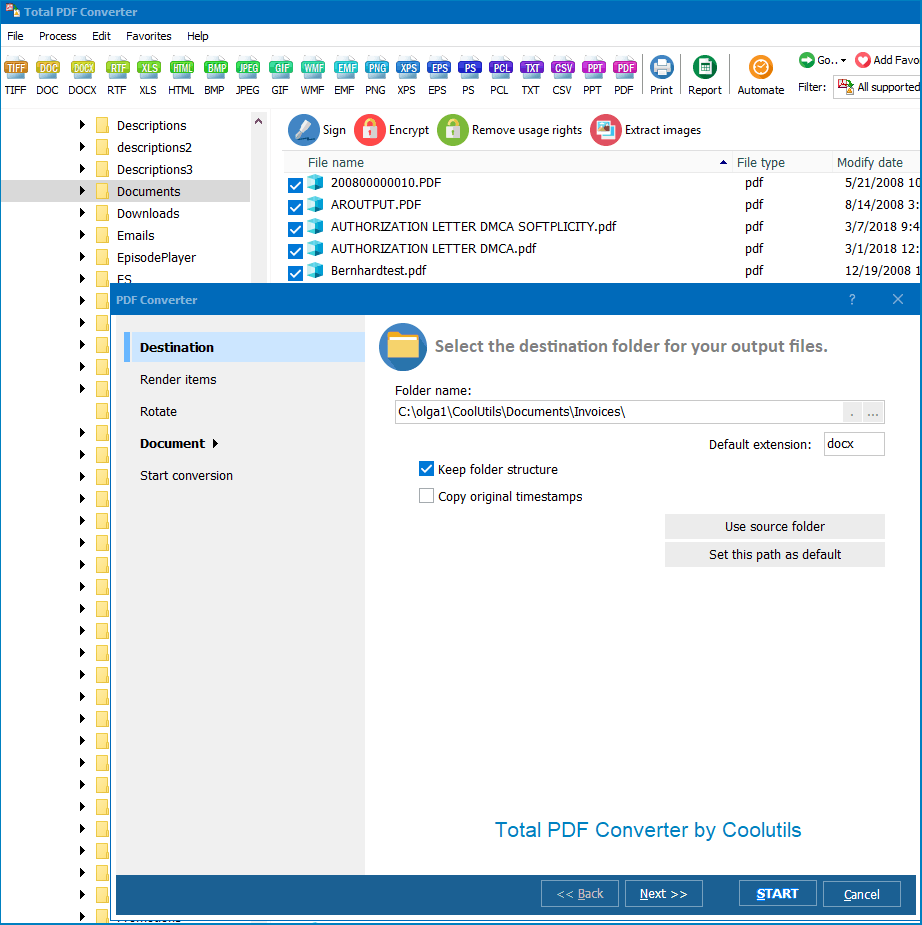
You are not required to purchase the license immediately after installing the program. There is a 30-day free trial period that you can use to familiarize yourself with the software and decide if it meets your expectations. Take your time and enjoy hassle-free file conversion.
"We have thousands of MHT web archives from years of saved web pages. Total HTML Converter batch-converts them to DOC for our document management system. Images and formatting are preserved accurately."
 Karen O'Brien Records Manager, Dublin City Council
"Regulatory web pages saved as MHT need to be converted to DOC for audit records. Total HTML Converter handles Chinese character encoding correctly and preserves the original layout."
Michael Zhang Compliance Officer, China Merchants Bank
"Web archive preservation project — converting MHT files from legacy systems to editable documents. Total HTML Converter processes them in batch with reliable results. The CSS rendering is accurate."
 Anna Lindqvist Archivist, Riksarkivet Sweden
Download free trial and convert your files in minutes.
No credit card or email required.