Need help? Reach us at 

 +1 (855) 418-2323
Need help? Reach us at
+1 (855) 418-2323

 File Converters TIFF and PDF apps Forensic Freeware
HTML pages are designed for browsers, not for sharing or archiving. When you need to distribute a set of HTML documents as a single file, converting and merging them into PDF is the most practical solution. PDF preserves the layout, fonts, and images regardless of the recipient's operating system or software.
PDF Combine Pro by CoolUtils lets you combine multiple HTML files into one PDF with full control over the output. Create a clickable table of contents, add bookmarks from file names, insert page numbers, apply Bates stamping, encrypt the result, or attach supplementary files. There are no limits on the number of HTML files for batch processing.
Download the tool from the CoolUtils website. Click the "Download Now!" button to get the installer. Run it and follow the wizard. The application is lightweight and installs in under a minute. You can use the free trial version for 30 days with no limitations.
(includes 30 day FREE trial)
(only $129.90)
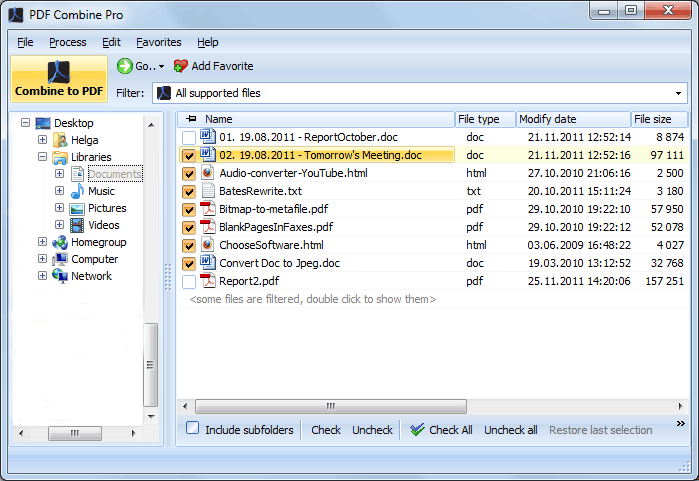
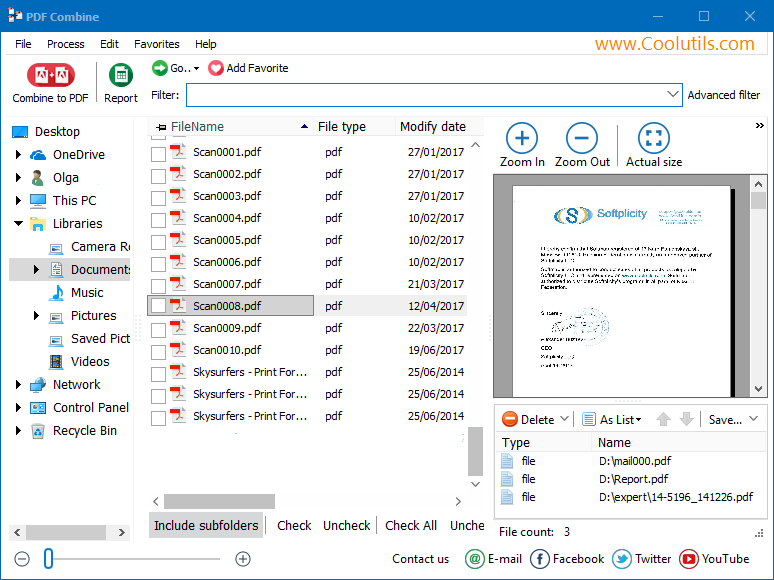
Open PDF Combine Pro. The folder tree on the left panel displays all directories on your PC. Navigate to the folder containing your HTML files and check the ones you need. You can select an entire folder to include all HTML files at once, or hand-pick individual files. Drag and drop items in the file list to set the desired page order in the output PDF.
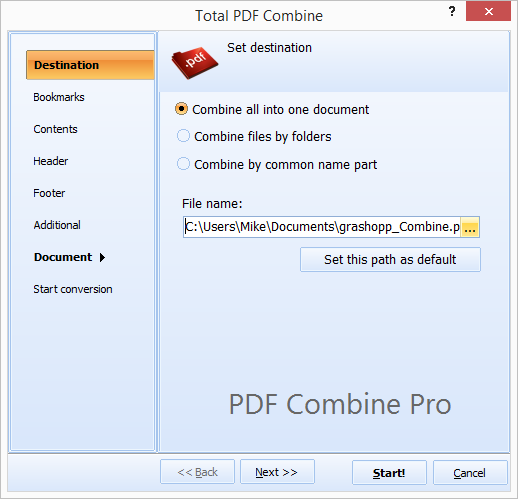
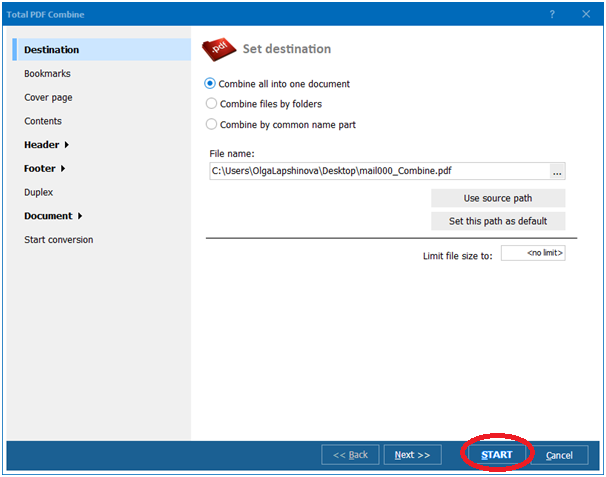
Click the "Combine to PDF" button to open the settings wizard. Set the destination file path and adjust parameters:
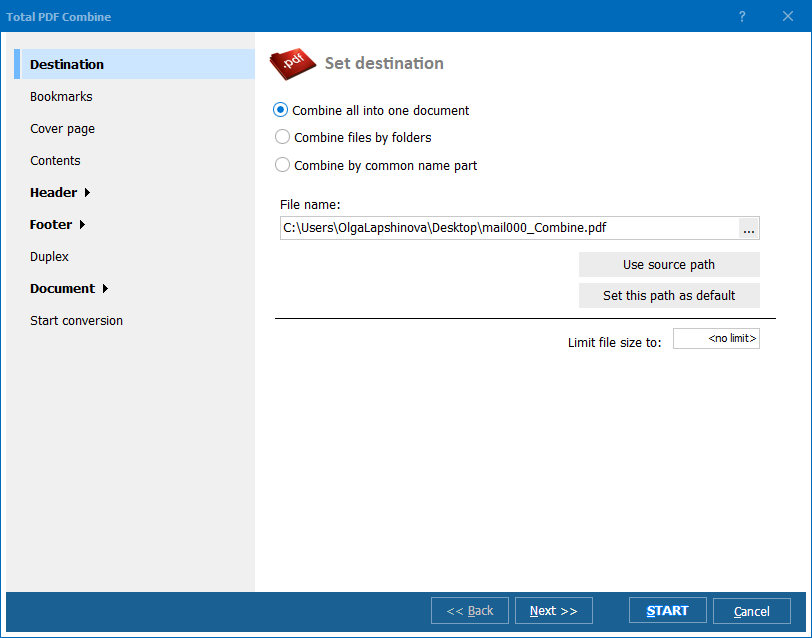
Click the "Start!" button at the bottom of the wizard. PDF Combine Pro converts each HTML file and joins them into a single PDF. The process handles hundreds of files in minutes. When finished, the output appears in the destination folder, ready to share, print, or archive.
Free online tools can merge a few HTML files, but they come with significant drawbacks: file size limits, upload queues, privacy concerns, and no control over bookmarks or page numbering. PDF Combine Pro runs entirely on your PC, keeps your data private, and handles thousands of files in one batch. It also supports mixed-format merging: combine HTML with DOC, DOCX, XLS, TIFF, JPEG, and other formats into a single PDF.
"Our documentation system exports chapters as separate HTML files. PDF Combine Pro merges them all into a single PDF with bookmarks and a table of contents. The output looks professional and the page order is always correct."
 Nathan Price Technical Writer
"We save email campaigns and landing pages as HTML. At the end of each quarter I combine them into one PDF report for the archive. PDF Combine Pro handles images, CSS styling, and links perfectly. One click — one clean PDF."
Sophie Laurent Marketing Manager
"Good tool for merging multiple HTML pages into a single PDF. I use it to create offline documentation packages for clients. The command line version integrates into our build scripts. Handles relative image paths correctly, which many tools get wrong."
 Victor Andersen Web Developer
Download free trial and convert your files in minutes.
No credit card or email required.