Need help? Reach us at 

 +1 (855) 418-2323
Need help? Reach us at
+1 (855) 418-2323

 File Converters TIFF and PDF apps Forensic Freeware
PDF Combine Pro lets you create impressive documents with effortless navigation. After installing the software, you can start your first merger. Even the trial version is fully featured! Here is how to combine TXT files to PDF.
Quick answer: To combine multiple TXT files into one PDF, install PDF Combine Pro, select the text files in the folder tree on the left, click the Combine to PDF button, set the destination and layout options such as headers, footers, bookmarks or a cover page, then click Start. The whole batch merges into a single PDF in seconds, fully offline with no upload.
Run the program and define the source files. On the left side of the screen, you will see a tree structure. Click on the necessary folder to view its contents, and check the boxes next to the items you want to merge.
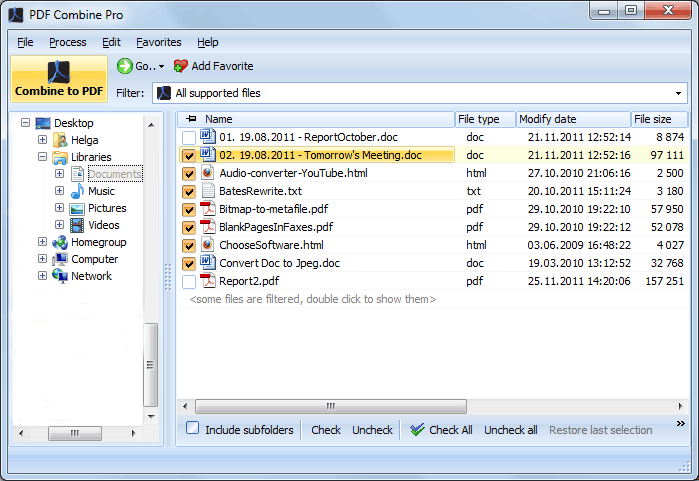
Click on the "Combine to PDF" button on the ribbon at the top. The wizard will pop up so you can adjust the settings to your liking.
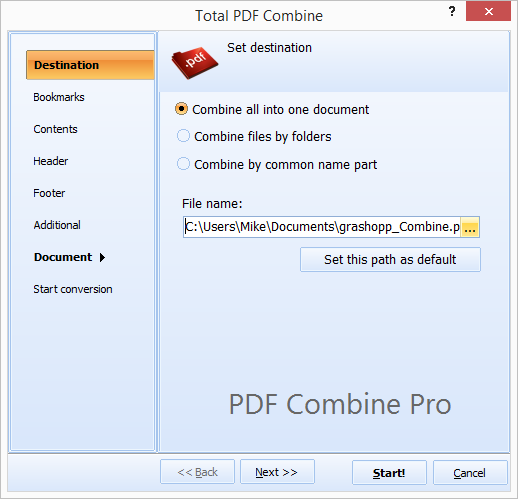
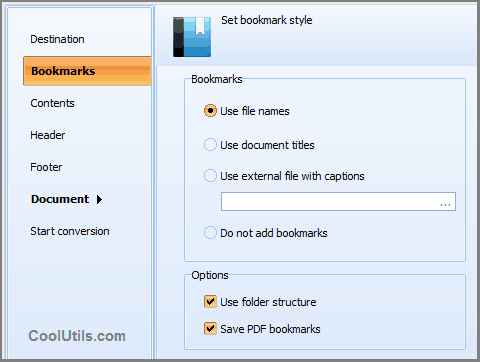
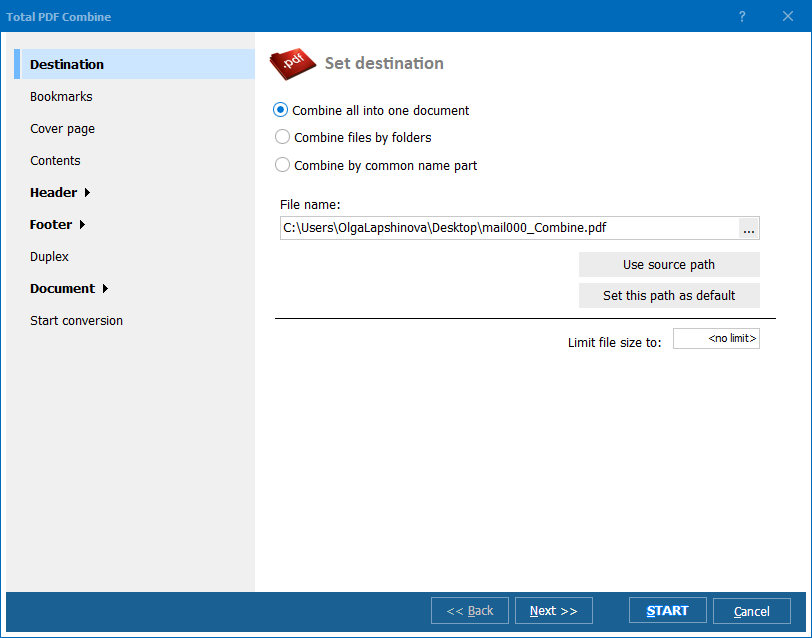
Set the destination path and make changes to the layout if necessary. You may add headers or footers, generate bookmarks, add a cover page, and more.
To merge text files into a single PDF, click on the button in the bottom right-hand corner. Your document will be ready in seconds!
"We had a folder of over 400 plain-text log exports that needed to become a single searchable document for the board. PDF Combine Pro merged them in one run, and adding a cover page plus bookmarks made navigation painless for people who had never opened the source files. The whole batch finished in under a minute."
 Marcus Ondieki Archivist, Nairobi County Records Office
"I keep release notes as separate TXT files per version and needed them combined into one PDF for a client handoff. Selecting them all in the folder tree on the left and clicking Combine to PDF took care of it, headers and all. Being able to try this in the trial version before buying convinced me immediately."
Sabine Krueger Technical Writer, Krueger Software Documentation
"Merging TXT server logs into a single PDF report used to mean copy-pasting into Word by hand. PDF Combine Pro does the same job offline with no upload, which matters for logs with client data in them. The layout options for footers took a bit of trial and error to get exactly right."
 Julio Restrepo Systems Administrator, Restrepo Logistics
Download free trial and convert your files in minutes.
No credit card or email required.