Need help? Reach us at 

 +1 (855) 418-2323
Need help? Reach us at
+1 (855) 418-2323

 File Converters TIFF and PDF apps Forensic Freeware
When you need to convert PDF to DOC (Word) your primary goal is preserving the layout. The output file should be equal to the source PDF document. As PDF format is a complicated one (fonts, images, background color, etc.) not all PDF converters can transfer all the elements to a Word file correctly.
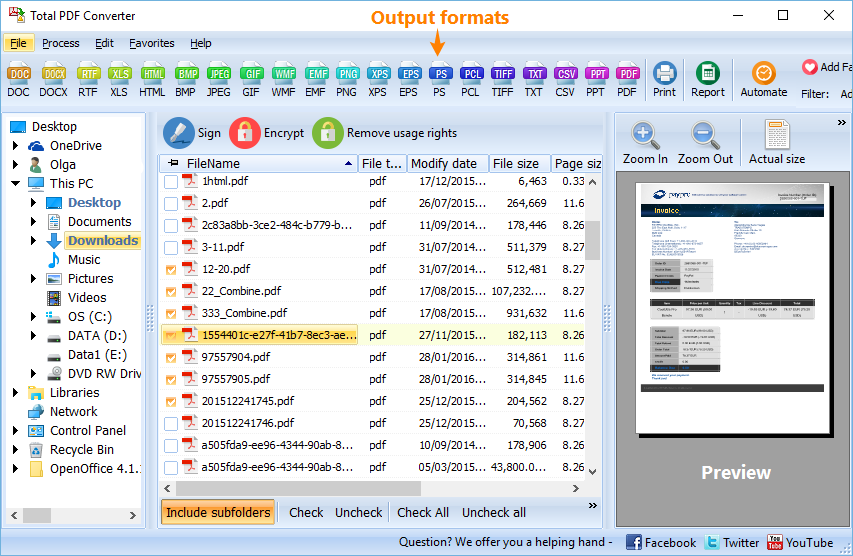
Total PDF Converter can do the task in the proper way. It converts any number of PDF files to Doc (Word) in 3 steps and preserves original document layout. It's a very reliable tool that supports all types of PDF documents. The benefits of Total PDF Converter include:
Note that Total PDF Converter converts both PDF, PS, EPS, XPS and PCL files. The target formats are DOC, HTML, XLS, TXT, TIFF, JPEG. It's not only a PDF DOC converter, it's the all-in-one solution.
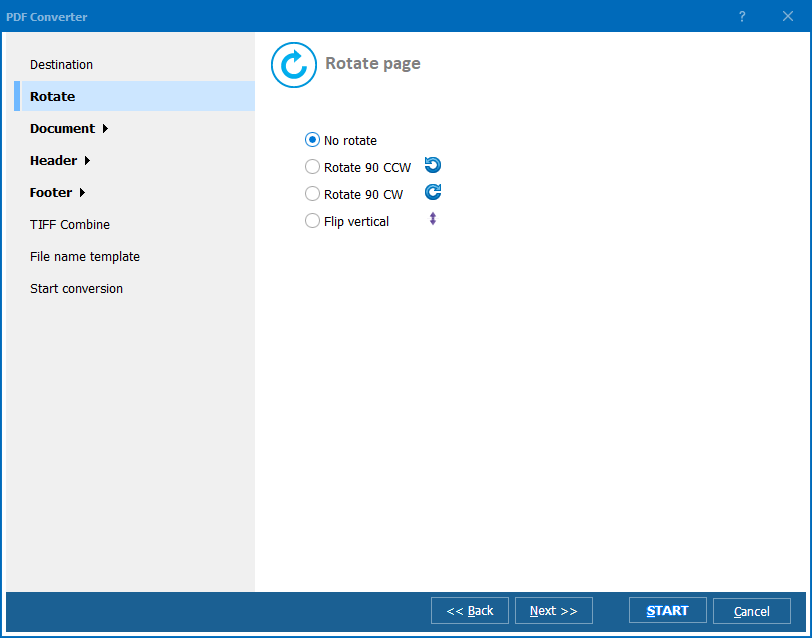
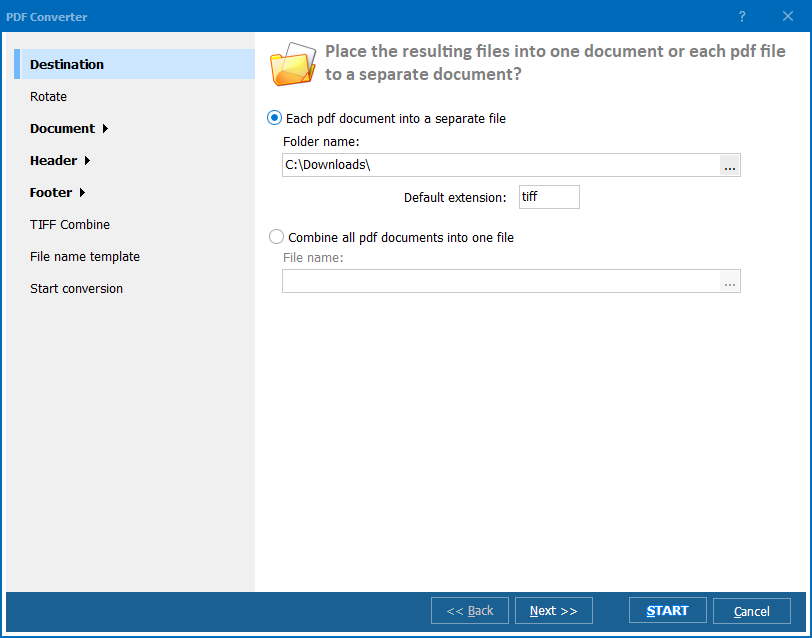
Total PDF Converter is the right choice to convert PDF to DOC. It is good for both computer-savvy people and beginners. The built-in wizard helps to make al the settings. Total PDF Converter always keeps the original files safe so that you could reconvert them with other parameters. We did everything so that you could achieve perfect results. Try Total PDF Converter now for free. Hit the Download button and convert you first PDF file to DOC in few minutes.
Download free trial and convert your files in minutes.
No credit card or email required.

Related Topics
