Logo
Home Products Support Contact About Us
arrow1 File Converters
arrow1 TIFF and PDF apps
arrow1 Forensic
arrow1 Freeware

Total Audio Converter Video & Key Features


Why Should You Try Total Audio Converter


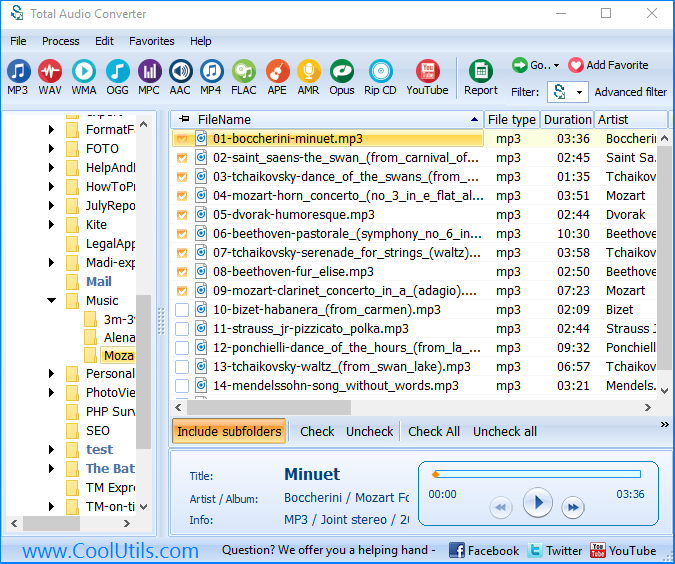
  • Converts MP3, WAV, WMA, WV, MPC, MP4, FLAC, OGG, OFR, TTA, AMR files
  • Output formats include WAV, MP3, OGG, WMA, APE, FLAC, MP4, AAC, MPC.
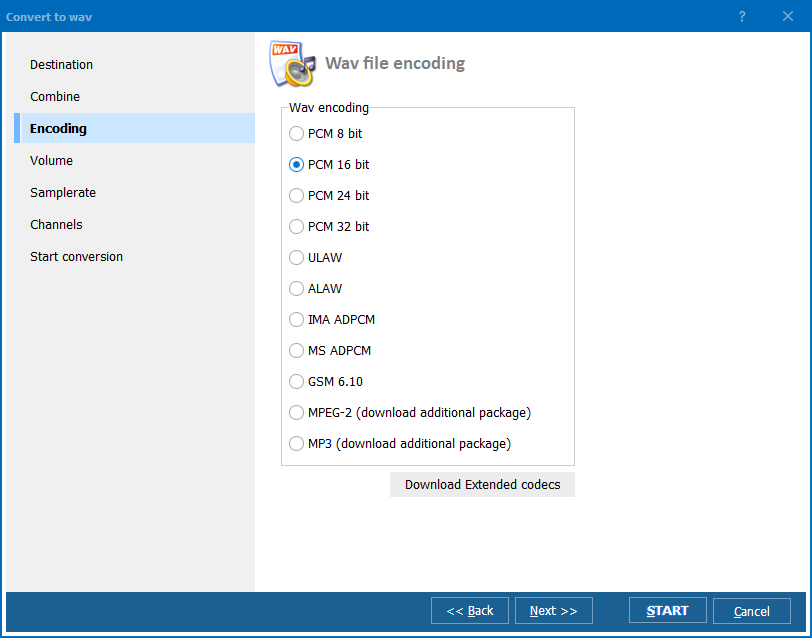
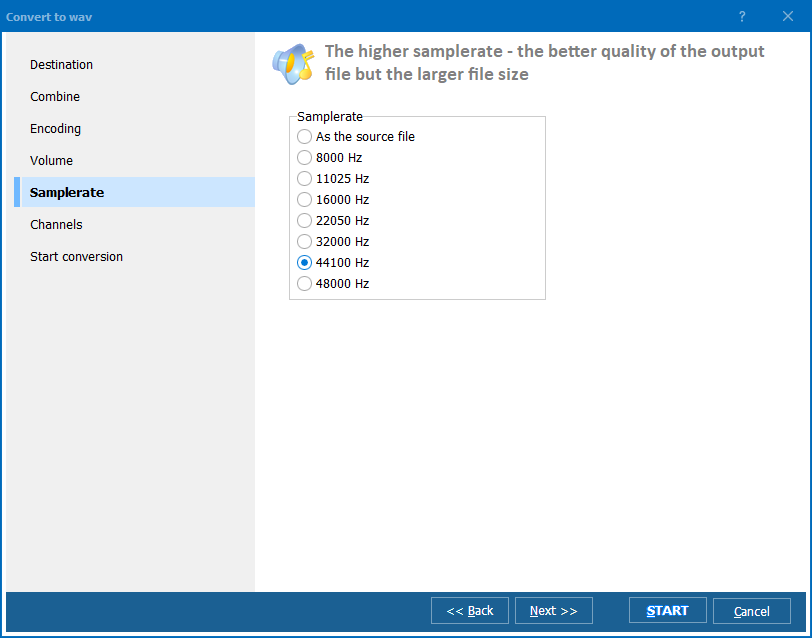
  • Changes bit rate and sample rate to reduce size
  • Does not create intermediate file
  • Can combine several tracks into one file
  • Preserves audio tags
  • Can get music from YouTube videos
  • Great graphical interface + command line support
  • Free to try


quote

Total Audio Converter Customer Reviews 2026

Rate It
Rated 4.8/5 based on customer reviews
5 Star

"We convert client stems between FLAC, WAV, and MP3 daily. Total Audio Converter handles batch jobs of 500+ files with correct metadata preservation. The CUE splitting feature is a lifesaver for vinyl rips."

5 Star James Henderson Music Producer, Henderson Records

"We digitize radio broadcasts from tape to WAV and need MP3 copies for online access. Total Audio Converter batch-processes entire collections with consistent quality settings. Very reliable."

5 Star Anna Lindqvist Librarian, Swedish National Radio Archive

"Students submit audio assignments in random formats. Total Audio Converter standardizes everything to MP3 for our LMS. The command-line mode runs automatically after each submission deadline."

4.5 Star Carlos Mendes IT Support, Universidade de Sao Paulo

FAQ: Total Audio Converter Tutorial ▼

Over 30 formats including MP3, WAV, FLAC, OGG, AAC, WMA, APE, MPC, OPUS, AMR, VOX, AC3, CDA, and more.
Select an entire folder, check all files, choose the output format, and press Start. All files are converted in one run.
Yes. Insert a CD and the program reads CDA tracks. Convert them to MP3, FLAC, WAV, or any other format directly.
Yes. ID3 tags, Vorbis comments, APE tags, and album art are preserved during conversion. You can also edit tags.
Yes. Load a CUE sheet and Total Audio Converter splits the large FLAC or APE file into individual tracks.
Yes. All options are available via command line for automation and scripting.
Yes. 30-day trial with full functionality, no registration required.


Start working now!

Download free trial and convert your files in minutes.
No credit card or email required.

⬇ Download Free Trial Windows 7/8/10/11 • 78 MB

Support
Audio Converter Preview1
Audio Converter Preview2
Audio Converter Preview3

Latest News

Newsletter Subscribe

No worries, we don't spam.


© 2026. All rights reserved. CoolUtils File Converters

Cards