Need help? Reach us at 

 +1 (855) 418-2323
Need help? Reach us at
+1 (855) 418-2323

 File Converters TIFF and PDF apps Forensic Freeware
Try our converter now and experience a seamless XLS/XLSX to PDF converter!
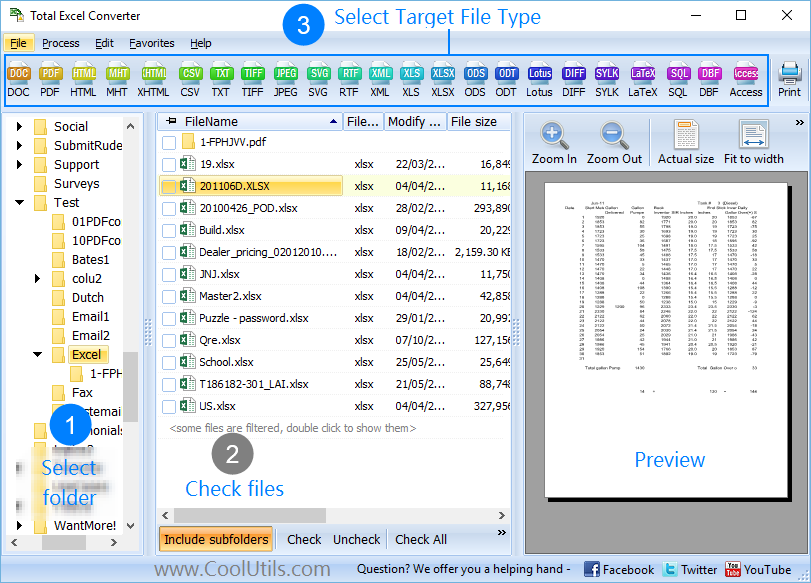
Quick answer: To convert Excel to PDF, install Total Excel Converter, browse to your XLS or XLSX files in the folder tree, select them, click PDF in the format toolbar, set page layout, orientation, and optional password or signature, then press Start. The whole batch converts at once, offline, with original formatting preserved and no file-size limit.
(includes 30 day FREE trial)
(only $49.90)
Launch the XLS to PDF converter and follow these simple steps:
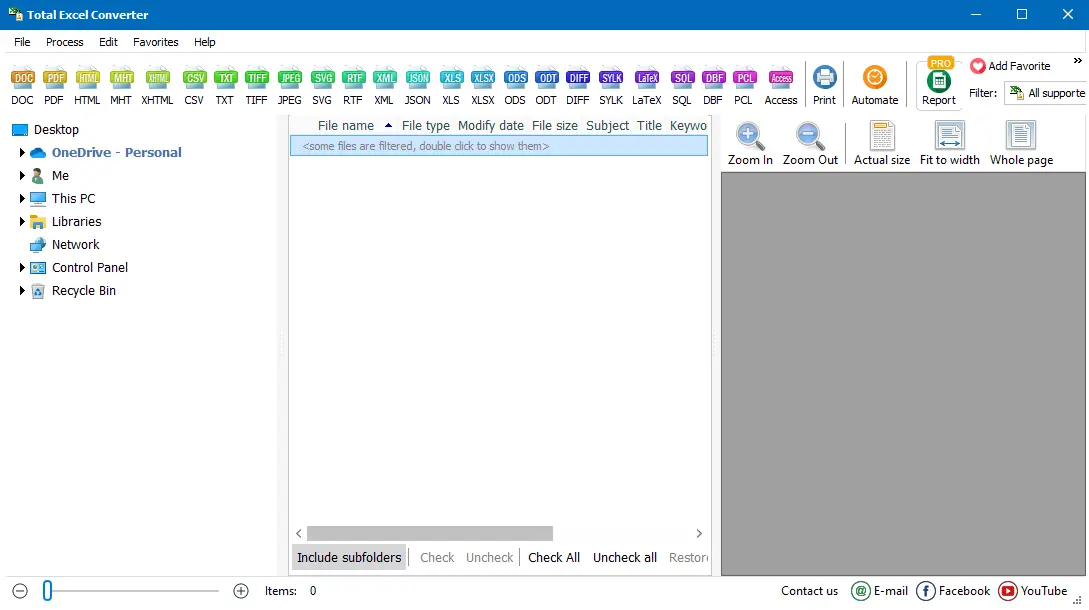
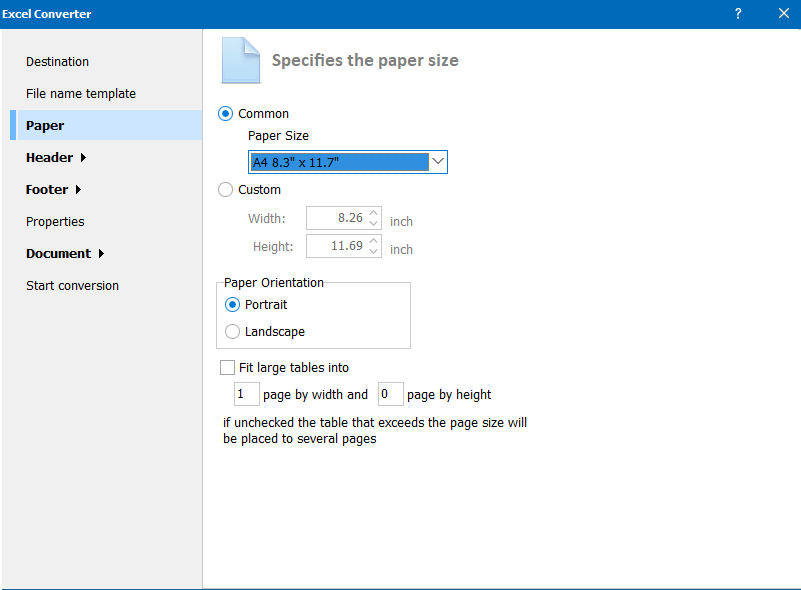
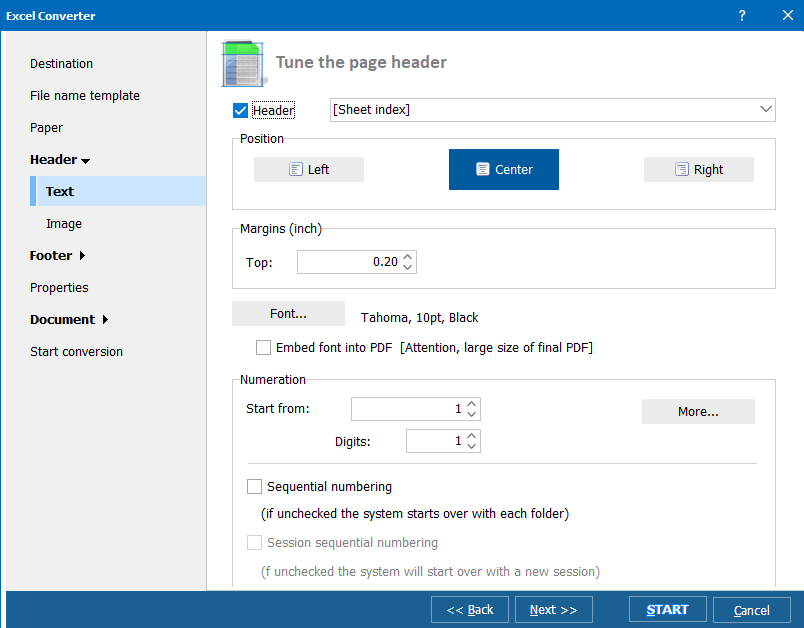
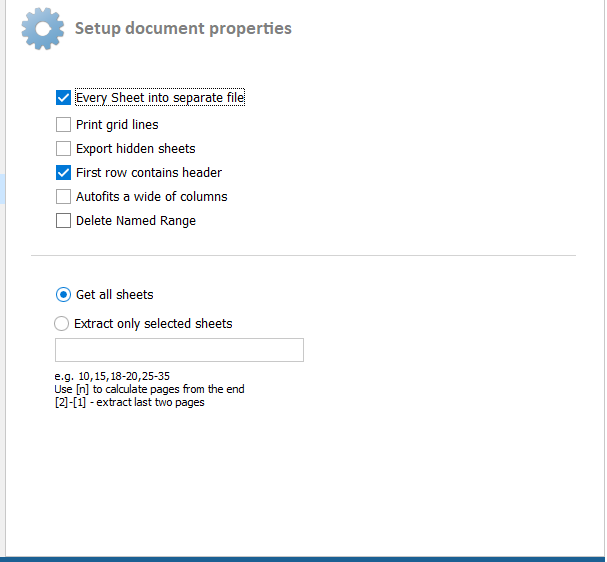
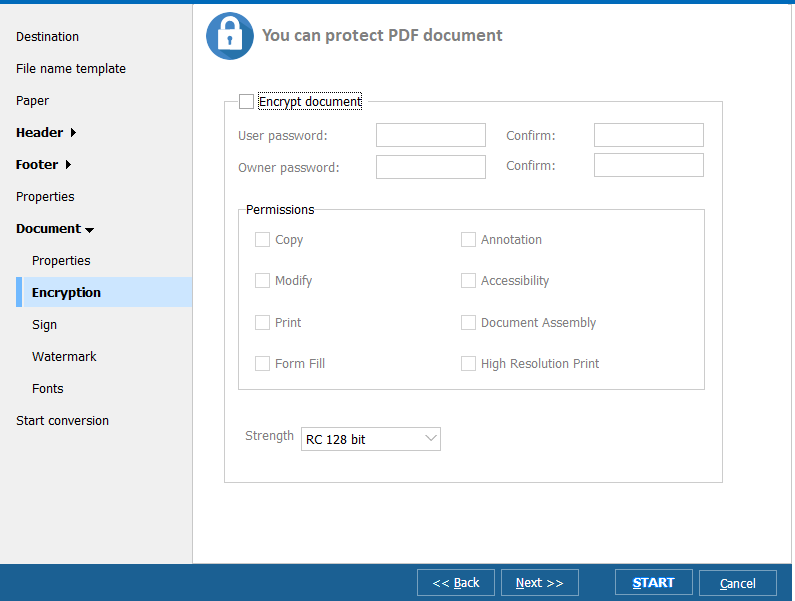
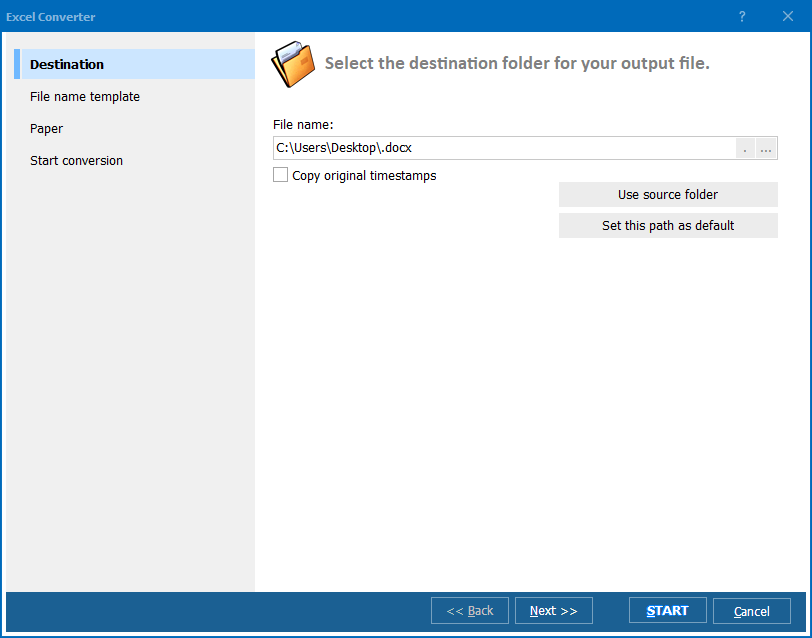
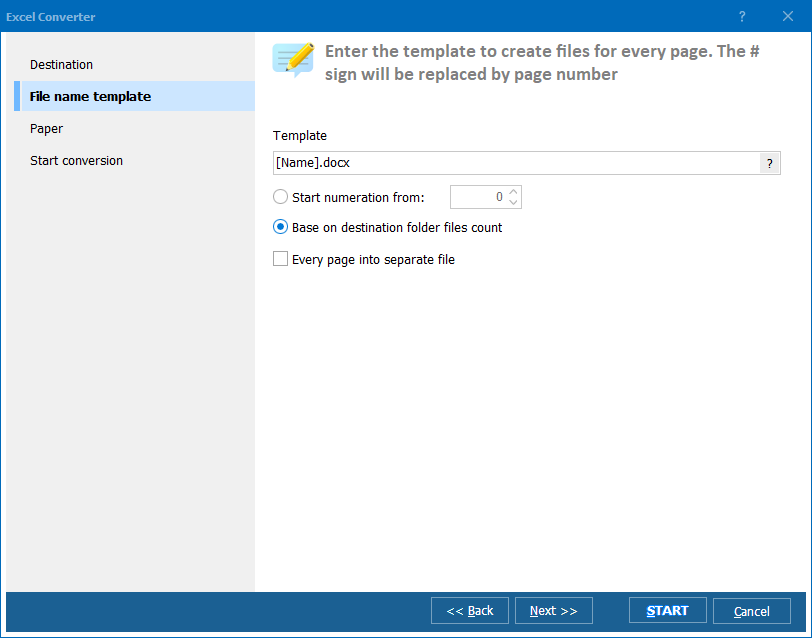
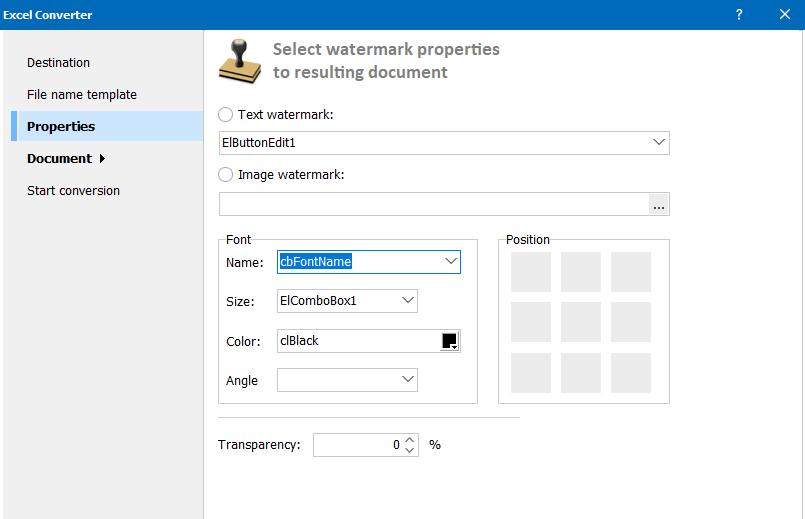 The settings wizard will guide you through these options to seamlessly change XLSX to PDF.
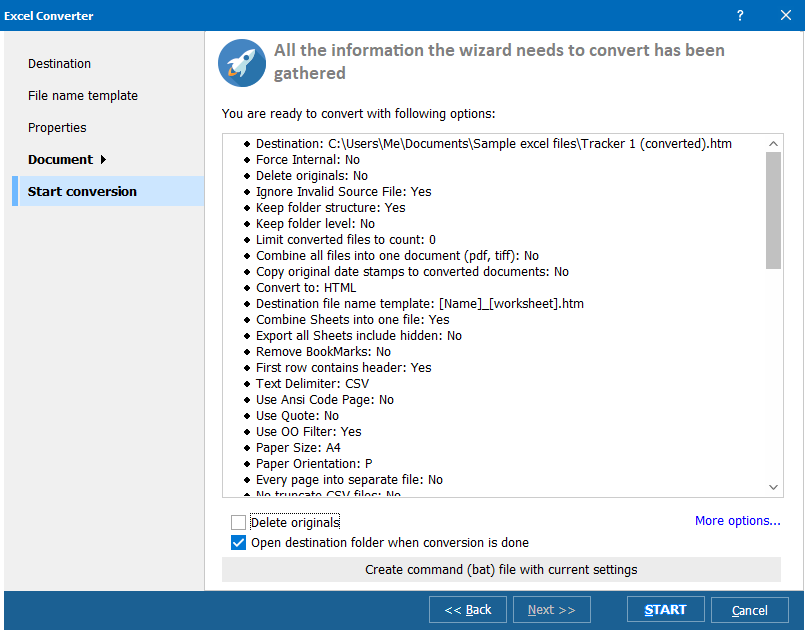 Total Excel Converter will quickly transform your files while preserving the original formatting and layout.
Once you transform XLS to portable document format, access the document from the specified output folder. By default, it's the same folder that contains the original document.
You can easily find and open your newly created PDF document.
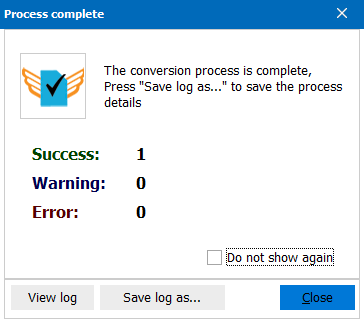 Now, you know how to save XLSX as PDF. Get started by downloading the free trial version.
Make your conversion process painless and stress-free by having all your formatting restored. Our .XLS to PDF solution guarantees that your document looks exactly like your Excel file.
What are you waiting for? Get your XLSX to PDF download!
(includes 30 day FREE trial)
(only $49.90)
Do you need to quickly convert XLS to PDF Online? We offer a free online tool that you can use for single files.
| Feature | Total Excel Converter | Adobe Acrobat DC | Nitro PDF Pro | Smallpdf | iLovePDF |
| Support for Charts | ✓ | ✓ | ✓ | ✓ | ✓ |
| Command line version | ✓ | — | — | — | — |
| Pricing (one-time purchase) | $49.90 | Subscription | Subscription | Subscription | Subscription |
| Batch processing & automation | ✓ | ✓ | ✓ | Limited | Limited |
Total Excel Converter stands out with its command-line version and extensive format support. It offers a one-time purchase option, unlike our subscription-based competitors.
Experience the power and simplicity of our Excel to PDF free download solution. Our tool offers unmatched speed, security, and flexibility for all your Excel to PDF conversion needs. Whether you're a business professional, student, or casual user, our XLS converter to PDF will save you time and ensure your Excel information looks perfect in PDF format.
Don't settle for online PDF converters or limited solutions. Try Total Excel Converter now and enjoy a full-featured 30-day trial! Our Excel to PDF converter free download is available for you to test all features.
(includes 30 day FREE trial)
(only $49.90)
"We generate monthly financial reports in Excel and distribute them as PDF to the board. Total Excel Converter processes 40+ workbooks in one batch — each becomes a formatted PDF with headers, footers, and page numbers. The command-line mode runs on our report server every night. We stopped using print-to-PDF years ago because it could not handle batch mode."
 Martin Albrecht Financial Controller, Meridian Industries
"Our inspection checklists are Excel spreadsheets that need to go to suppliers as read-only PDFs. Total Excel Converter keeps the cell borders, colors, and column widths exactly as they appear in Excel. We convert 200+ checklists per quarter. The fit-to-page option ensures every sheet prints correctly regardless of the original column count."
Yoko Tanaka Quality Assurance Manager, Apex Manufacturing
"During tax season we convert client Excel workbooks to PDF for filing. Total Excel Converter handles multi-sheet workbooks well — each sheet becomes a separate page in the PDF. Password protection on the output PDF is a useful bonus for sensitive financial data. Only wish: an option to add a cover page with client name and date automatically."
 Derek Lawson Tax Consultant, Lawson & Partners
Download free trial and convert your files in minutes.
No credit card or email required.

Related Topics
Convert XLSX to XML — Export Excel Spreadsheets to Structured XML Data
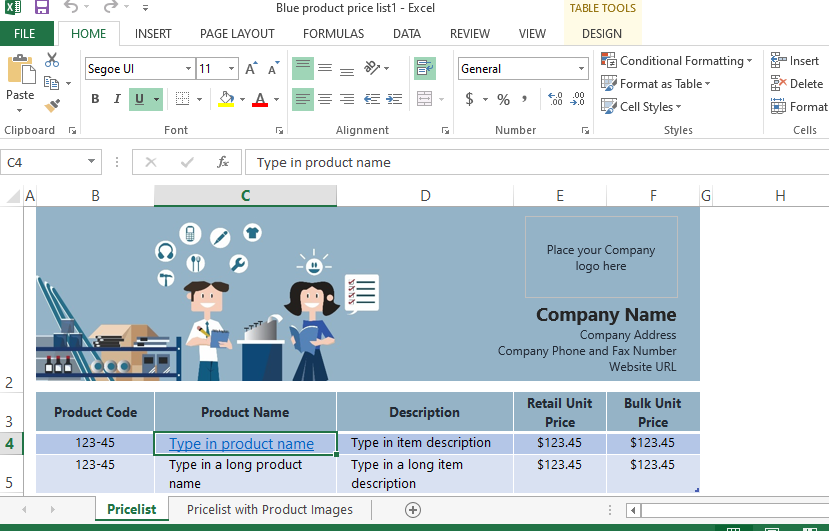 You can add multiple files for batch conversion, including XLS, XLSX, XLSM, XLT, XLTM, and even OpenOffice formats like ODS. The tool also displays a preview when converting Excel documents.
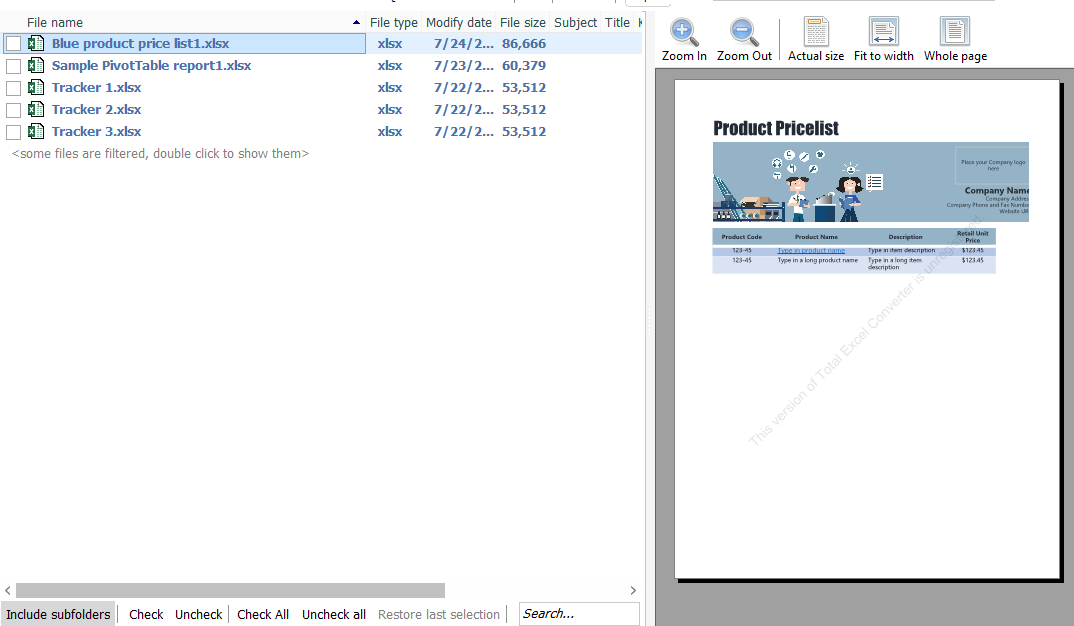 Preview tab on our comprehensive converter
 Total Excel Converter supports many formats, but for this process, we'll focus on portable document formats.


