Need help? Reach us at 

 +1 (855) 418-2323
Need help? Reach us at
+1 (855) 418-2323

 File Converters TIFF and PDF apps Forensic Freeware
SVG files are vector XML, not pictures. Most image viewers, email clients and chat apps cannot preview them, so a drawing you want to share or drop into a report stays stuck in a format nobody can open. The fix is a flat JPEG copy. With Total CAD Converter you can convert SVG to JPEG in batch and turn a whole folder of vector drawings into shareable raster images at once.
Quick answer: To convert SVG to JPEG, install Total CAD Converter, open the folder with your SVG files, check the drawings you need, press the JPEG button on the format bar, set the quality and smoothing in the options window, then start the batch. The whole folder becomes JPEG images offline, with no upload and no file-size limit.
JPEG is the most widely supported image format. It compresses well, opens in every browser, viewer and editor, and attaches to email without a plugin. Turning an SVG into JPEG gives you a fixed preview that looks the same everywhere, which is exactly what you want when you send a drawing to a client or paste it into a document. If you need a print-ready vector copy instead, use the SVG to PDF mode; to move a drawing back into an editable CAD format, use SVG to DXF.
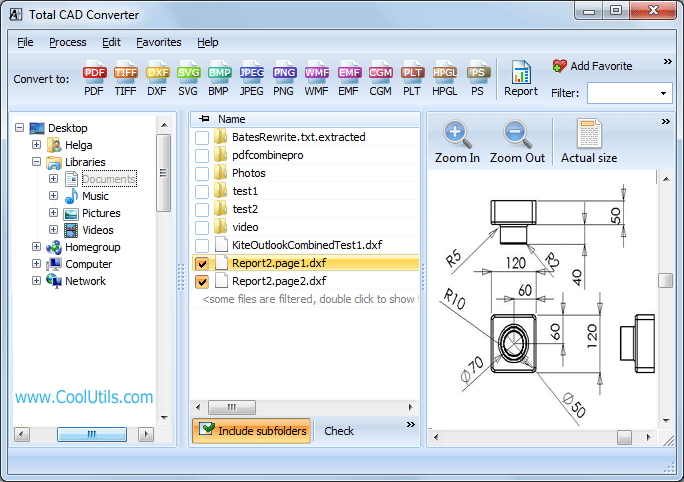
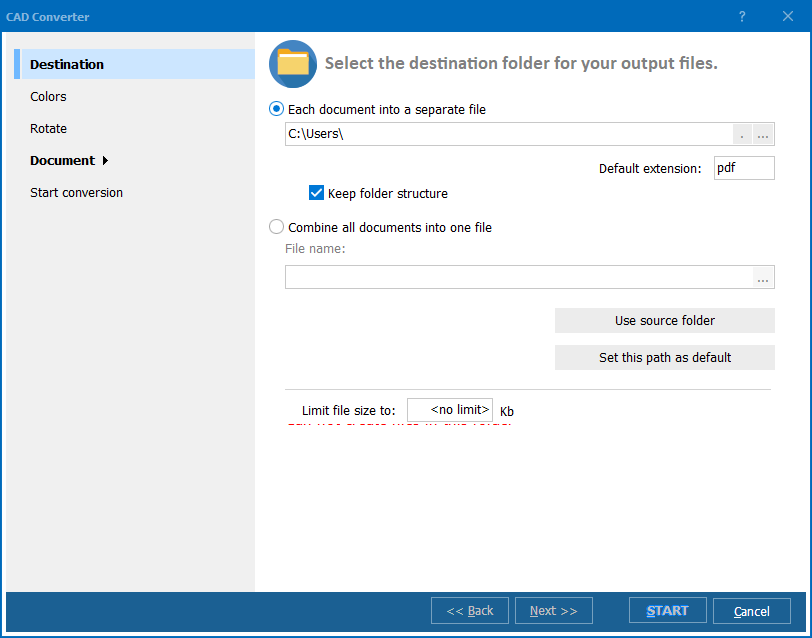
Group your SVG files in one folder and open it in Total CAD Converter. Check the drawings you want, or check the whole list, and press the JPEG button on the format bar. The options window pops up so you can set every parameter once. Those settings apply to every SVG in the batch, so a job that would take hours file-by-file finishes in minutes.
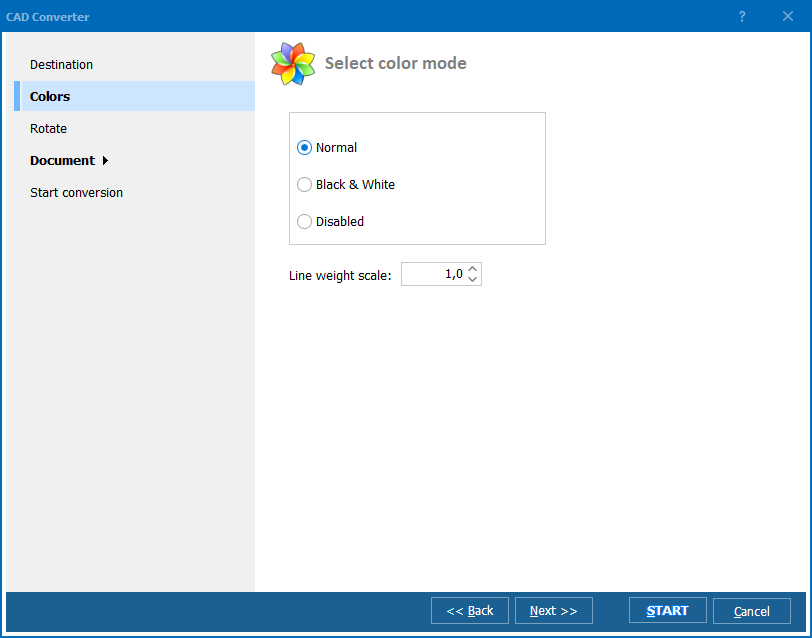
The JPEG Quality tab holds two sliders. Set Quality to 100 and Smoothing to 0 for the sharpest, largest copies. Lower the Quality value to shrink the files when you need to email them or post them online. You decide the size-to-quality trade-off before the batch runs.
If you would rather not touch anything, keep the defaults: Total CAD Converter simply writes one JPEG per SVG at full quality. For unattended jobs, the command-line version runs the same conversion from a .bat file or a scheduled task.
The 30-day trial is fully functional and needs no email or credit card. Download Total CAD Converter and convert your first SVG folder to JPEG in a couple of minutes.
Download free trial and convert your files in minutes.
No credit card or email required.