Need help? Reach us at 

 +1 (855) 418-2323
Need help? Reach us at
+1 (855) 418-2323

 File Converters
Thunderbird has no built-in export. When you need your mail out as PST for Outlook, or as PDF and DOC for an archive, you reach for a tool. Two names come up: the free ImportExportTools NG add-on and Total Thunderbird Converter by CoolUtils. One lives inside Thunderbird and costs nothing; the other is a standalone converter you pay for. They solve overlapping problems from opposite ends.
Quick answer: ImportExportTools NG is the right pick for free EML, HTML, or PDF exports made from inside Thunderbird. Total Thunderbird Converter earns its $49.90 when you need PST for Outlook, DOC or TIFF output, attachment conversion, folder-batch jobs with a command line, or converting a Thunderbird profile without opening Thunderbird at all.
ImportExportTools NG is the official open-source Thunderbird add-on; Total Thunderbird Converter is a paid desktop app. The differences show up in output formats, attachment handling, and automation. Add-on facts below are taken from its Thunderbird add-on listing and GitHub project as of July 2026.
| Total Thunderbird Converter | ImportExportTools NG | |
|---|---|---|
| Price | $49.90 one-time, $99.90 Pro | Free, open source |
| Runs without Thunderbird | Yes — reads the profile or loose MBOX/MSF files directly | No — runs as an add-on inside Thunderbird |
| Export to PST for Outlook | Yes — builds a valid PST, no Outlook needed | No |
| Output formats | PDF, DOC, HTML, TXT, TIFF, EML, PST, Markdown | EML, HTML, PDF, CSV, plain text |
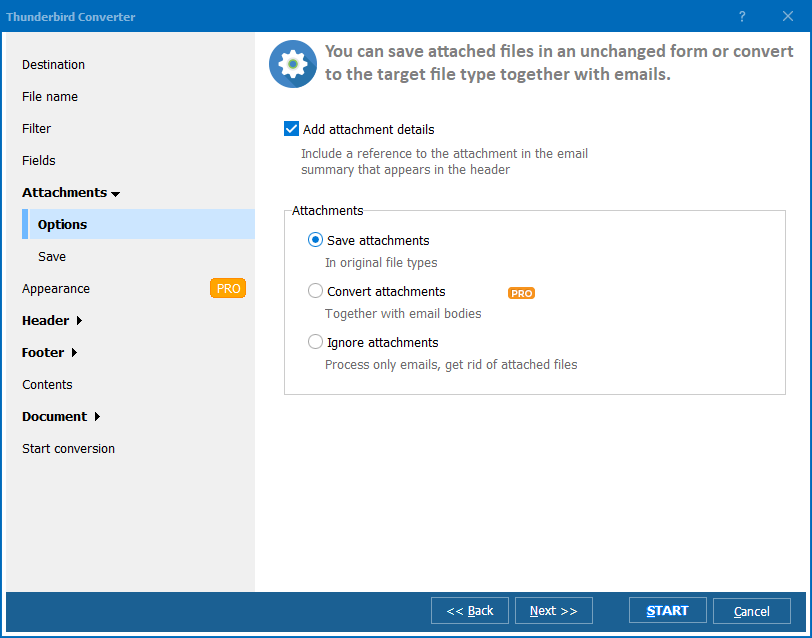
| Attachments | Save or unpack; Pro converts DOC, XLS and PDF attachments into the output file | Saved alongside the exported messages |
| Batch folders | Yes — thousands of emails, folder structure preserved | Yes — a folder and its subfolders |
| Command line | Yes — ThunderbirdConverter.exe, .bat friendly | No |
| Support | Commercial support from CoolUtils | Community, open-source issue tracker |
ImportExportTools NG is free, open source, and maintained under the Thunderbird project itself. It installs as an add-on and works from the right-click menu on any folder — no second application to open, no license to buy. For a one-off job — pull a folder to EML, save a thread as HTML, or drop a single message to PDF — it is the fastest path, and it exports message fields to CSV when you need addresses or a spreadsheet of metadata.
Because it reads Thunderbird's own store, the selection you export is exactly what you see in the client, and mbox export of a folder tree is a genuinely useful backup. For occasional, free, in-client exports it is the right tool, and this comparison does not pretend otherwise.
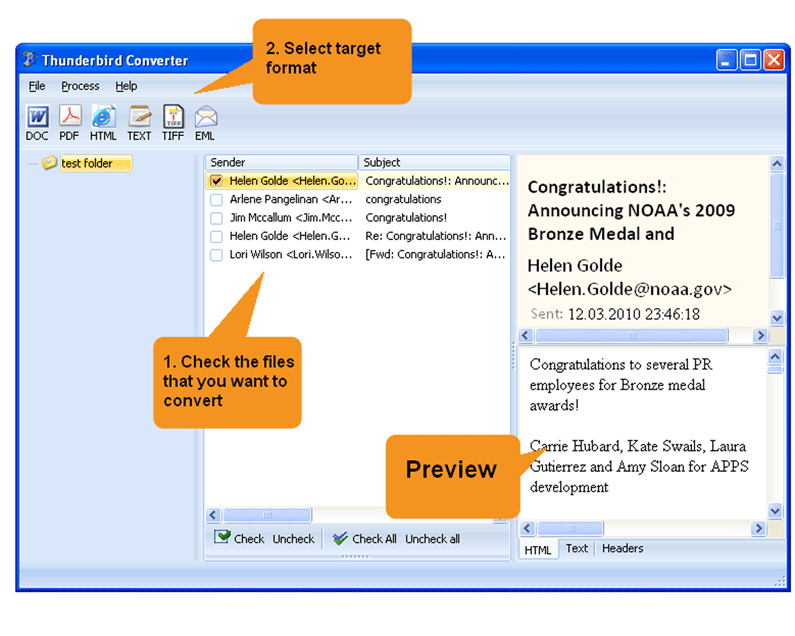
This is the clearest reason to choose the paid tool: ImportExportTools NG cannot write PST at all. In Total Thunderbird Converter, let it detect your profile, tick the folders to migrate, click the PST button, choose a destination, set field and merge options, then press Start. It creates a valid PST with the folder structure preserved and no Outlook needed on the conversion machine. The step-by-step convert MBOX to PST guide has the full walkthrough.
Yes. ImportExportTools NG exports messages to PDF, either one PDF per message or a whole folder merged into a single file, so for a straightforward PDF archive the free add-on is enough. The limits appear beyond PDF: it offers no DOC or TIFF output, and attachments are saved as separate files rather than converted and embedded. When you need editable DOC, imaging-grade TIFF, or attachments merged into the document, Total Thunderbird Converter — Pro for attachment conversion — is the tool that does it.
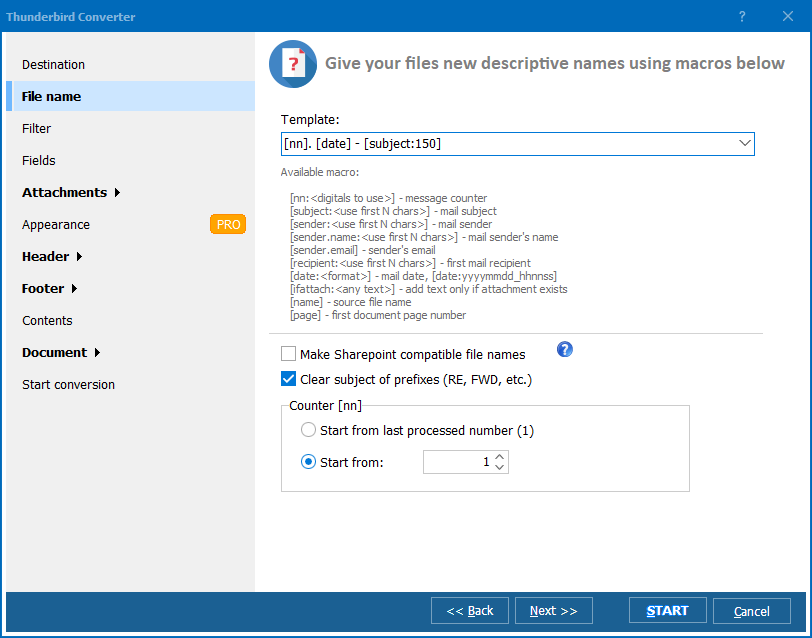
Both handle whole folders. ImportExportTools NG exports a folder and its subfolders from the menu; Total Thunderbird Converter adds unattended automation. Set the options once, then reuse the command in a .bat file or Task Scheduler:
ThunderbirdConverter.exe -sPST "C:\Users\John\AppData\Roaming\Thunderbird\Profiles\abc123.default\Mail\Local Folders\Inbox" C:\Output\Inbox.pst
Here -sPST sets the target format — swap it for -sPDF, -sDOC, or -sTIFF — the second argument is the source MBOX or profile folder, and the last is the destination. Chain several lines to process multiple profiles overnight. ImportExportTools NG has no command line, so scripted, scheduled runs are where the two tools part ways.
ImportExportTools NG is free and genuinely good at in-client exports; if that is the whole job, use it. When the job is PST migration, DOC or TIFF output, attachment conversion, or unattended batch runs, Total Thunderbird Converter costs $49.90 ($99.90 Pro). The 30-day trial is fully functional and needs no email or credit card — run it on your own mailbox and compare the output before you decide.
Download free trial and convert your files in minutes.
No credit card or email required.

Related Topics
How to migrate from Thunderbird to Outlook?
