Total Thunderbird Converter Video Guide
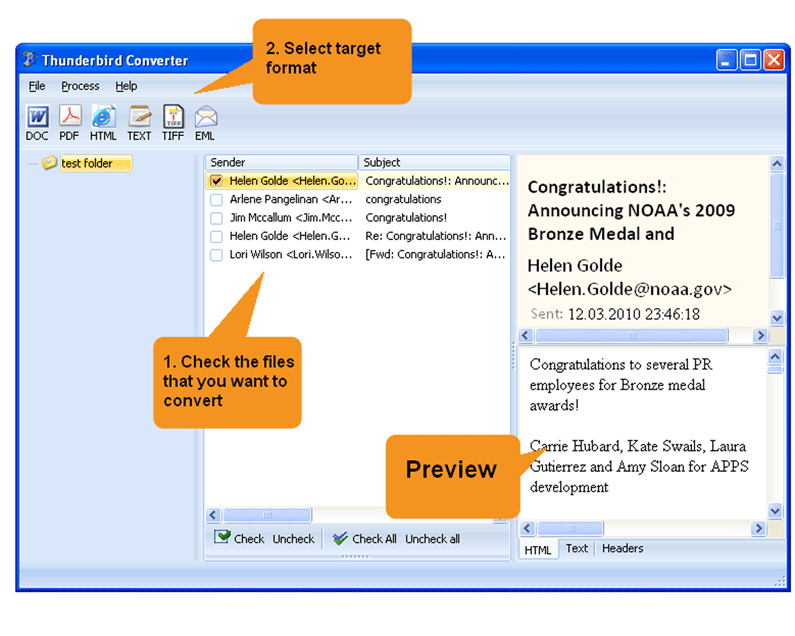
Quick answer: To convert Thunderbird emails with Total Thunderbird Converter, launch the program so it detects your Thunderbird profile, check the mail folders you want, click the target format button (PDF, DOC, HTML, PST, TXT, EML), set the output options, then press Start. The whole mailbox converts in one batch offline, with a free 30-day trial.
Why Should You Try Total Thunderbird Converter
- Converts Thunderbird emails to PDF, DOC, HTML, JPEG, TIFF, TXT, RTF;
- Help s to migrate to Outlook, converts emails to PST;
- Can convert each email into a new file or combine several emails into one file;
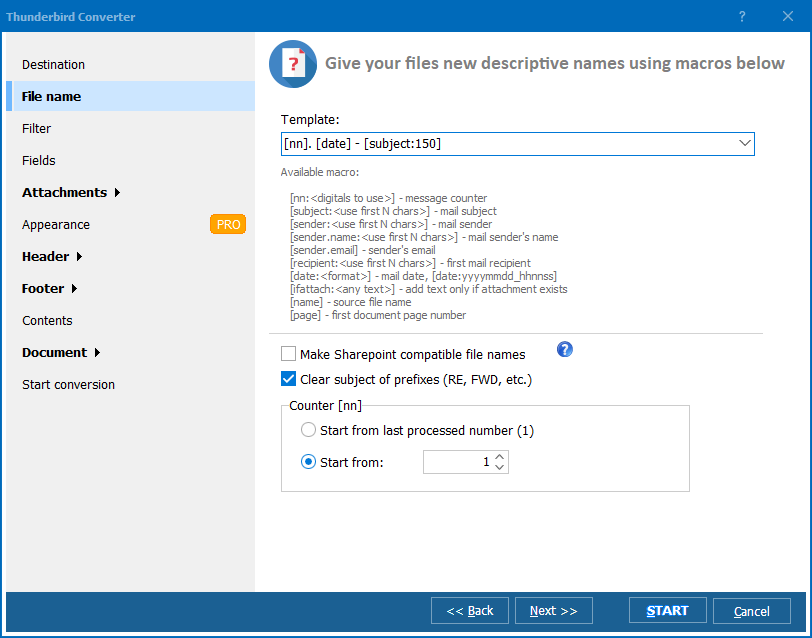
- Gives new descriptive names to saved emails and attachments;
- Adds page counters or your company's name to the output documents;
- Stamps bates;
- Helps you with archiving and migration;
- Easy-to-use interface and command line support;
- Free 30-day evaluation copy.
FAQ: Total Thunderbird Converter Tutorial
What formats can Total Thunderbird Converter export to?
▼
PDF, DOC (Word), HTML, TXT, TIFF, EML, and PST (for Outlook migration). The Pro version also converts email attachments alongside messages.
How does the converter connect to Thunderbird?
▼
It automatically detects your Thunderbird profile and lists all email folders. You can also import MBOX or MSF files manually from any location.
Can I convert thousands of emails at once?
▼
Yes. Select entire folders and subfolders for batch conversion. The converter processes all emails in one run, preserving the original folder structure.
Is there a command-line interface?
▼
Yes. All options available in the GUI can also be used via command line. This allows automation through .BAT scripts or Windows Task Scheduler.
What is the difference between Standard and Pro?
▼
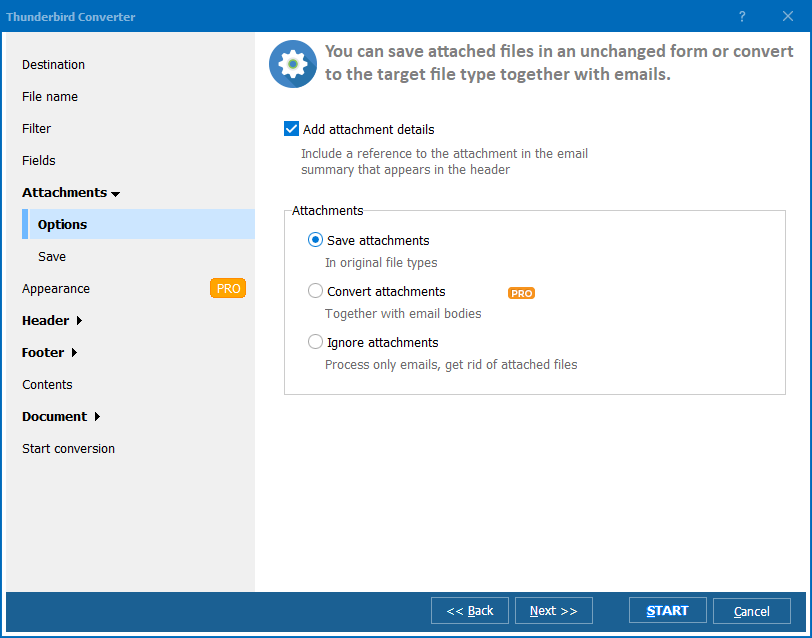
The Pro version adds attachment conversion, PDF encryption, digital signatures, Bates stamping, custom fonts/styles, and email merging. The Standard version converts email text and saves attachments separately.
Is there a free trial?
▼
Yes. The 30-day trial has full functionality with no limitations. No credit card or email registration required.


 +1 (855) 418-2323

 File Converters