Need help? Reach us at 

 +1 (855) 418-2323
Need help? Reach us at
+1 (855) 418-2323

 File Converters TIFF and PDF apps Forensic Freeware
Are you tired of dealing with DWG files and wish there was a way to easily process and print them? Well, there is. All you have to do is convert DWG to HPGL if you have a Hewlett Packard printer and enjoy trouble-free days. HPGL stands for Hewlett Packard Graphics Language. It represents an open language vector graphics file format that stores instructions (codes) for a plotter printer. As you might guess, HPGL files are easily read by all Hewlett Packard printers, which makes them so convenient for professional and amateur users.
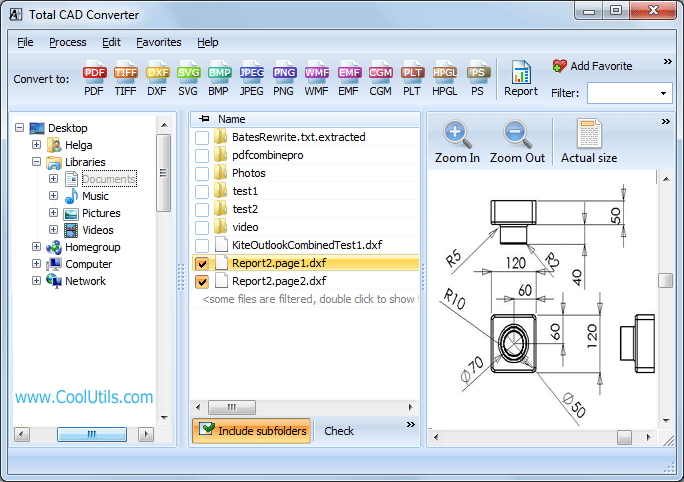
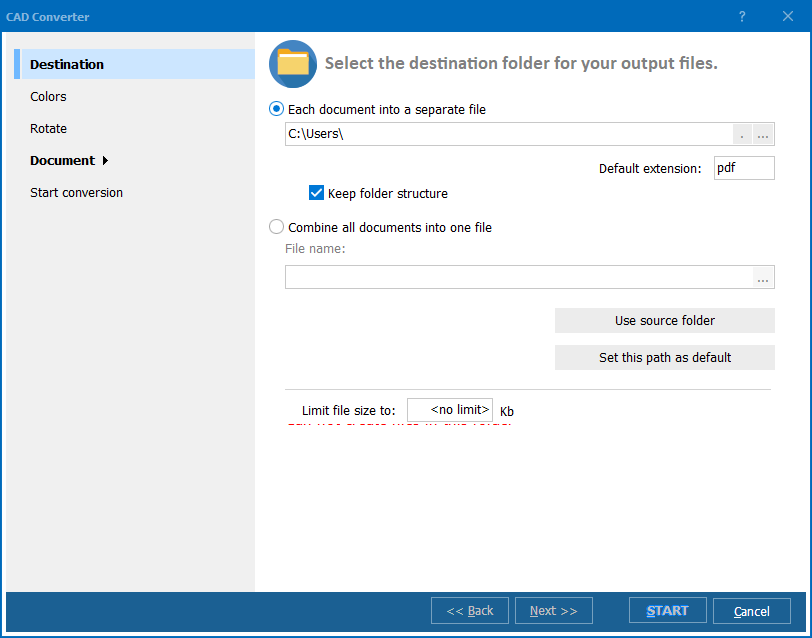
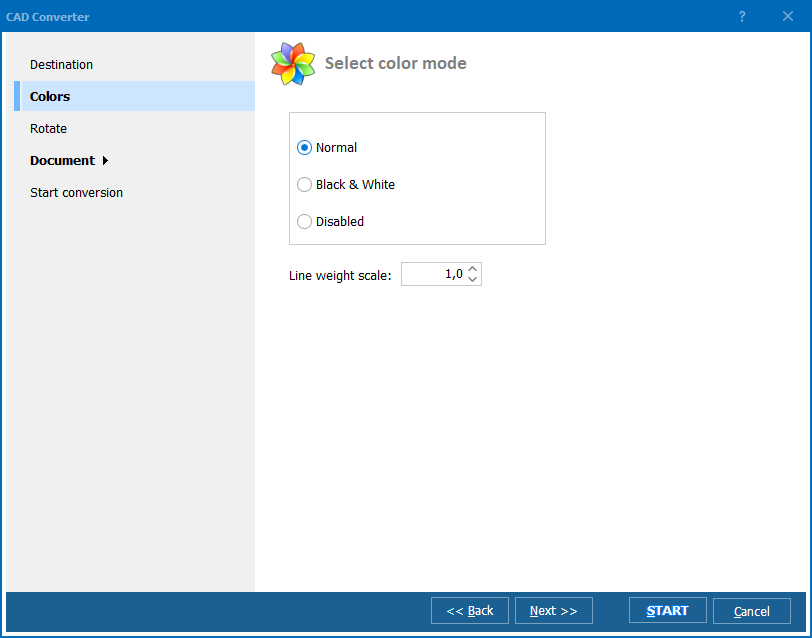
Quick answer: To convert DWG to HPGL, download and install Total CAD Converter, launch it, select the DWG files or folders you want, click HPGL to choose it as the target format, then click the Start! button. The whole batch converts to plotter-ready HPGL in seconds, offline on your own PC, with no AutoCAD required and a free 30-day trial.
You might say: "Wait, do you really think that it is easy to convert DWG files into HPGL ones?", and we will answer that, of course, it is! Converting files is one of the simplest things in the world if you own a converter by CoolUtils. This well-known software development company with over than 10-year experience in design of conversion applications has a DWG HPGL converter you need. It is called Total CAD Converter and, actually, can do much more than process DWG into HPGL.
Unlike many other DWG converters, Total CAD Converter by CoolUtils is compatible with a large number of input and output formats: input DXF, DWF, PLT, HG, HGL, HPG, PLO, HP, HPL, SPL, PRN, and SVG documents and output PDF, TIFF, JPEG, BMP, WMF, PNG, DXF, BMP, CGM, and SVG files.
If you want to experience great quality and efficiency of Total CAD Converter, simply:
These steps are easy as ABC and yet they guarantee that you will get high-quality HPGL files instead of DWG ones in just a few seconds.
To try Total CAD Converter before paying for it, download the free trial version and use it for 30 days at no charge!
Windows Vista/7/8/10/11
Download free trial and convert your files in minutes.
No credit card or email required.