Need help? Reach us at 

 +1 (855) 418-2323
Need help? Reach us at
+1 (855) 418-2323

 File Converters TIFF and PDF apps Forensic Freeware
Windows 7/8/10/11

Converting emails to PDF format can be a challenge when you need the right software for the task. Most programs convert messages one by one, so processing tens or hundreds of emails takes a lot of time. Total Thunderbird Converter Pro solves this problem by offering true batch conversion with full attachment support.
Here is what sets this Thunderbird email converter apart:
 Batch conversion — export hundreds of Thunderbird emails to PDF in one go Attachment processing — convert, embed or extract attached files PDF security — password protection, encryption and digital signatures Bates stamping — add sequential page identifiers for legal use Adjustable PDF appearance — control page size, margins and layout Integrated email viewer — preview messages before conversion
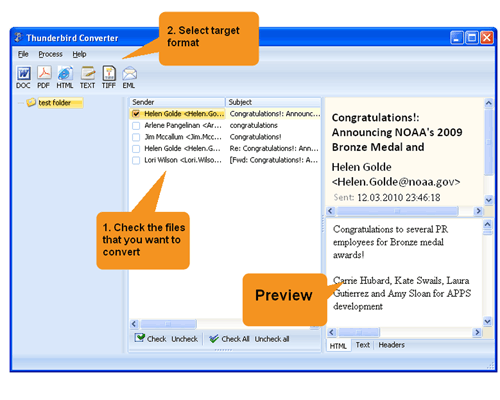
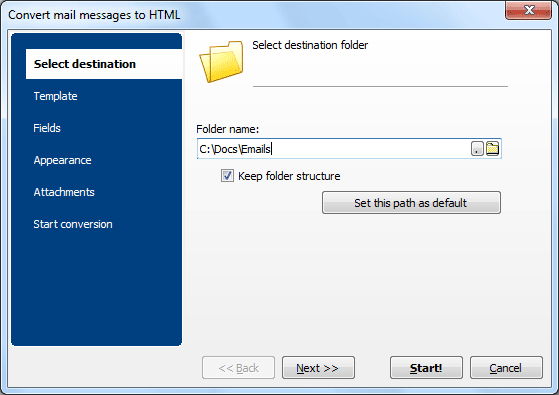
Quick answer: To export Thunderbird emails to PDF with attachments, install Total Thunderbird Converter Pro, let it load your Thunderbird profile, select the messages, click the PDF icon in the format toolbar, set page size and attachment handling, then press Start. The whole folder converts in one batch with attachments rendered inside each PDF — offline, no upload.
No other mail converter handles email attachments the way Total Thunderbird Converter Pro does. Most programs simply extract attached files from the mail storage and dump them into a folder. This converter offers a smarter approach:
This approach preserves full data integrity when archiving emails. You get one self-contained PDF per message — or merge multiple emails into a single document.

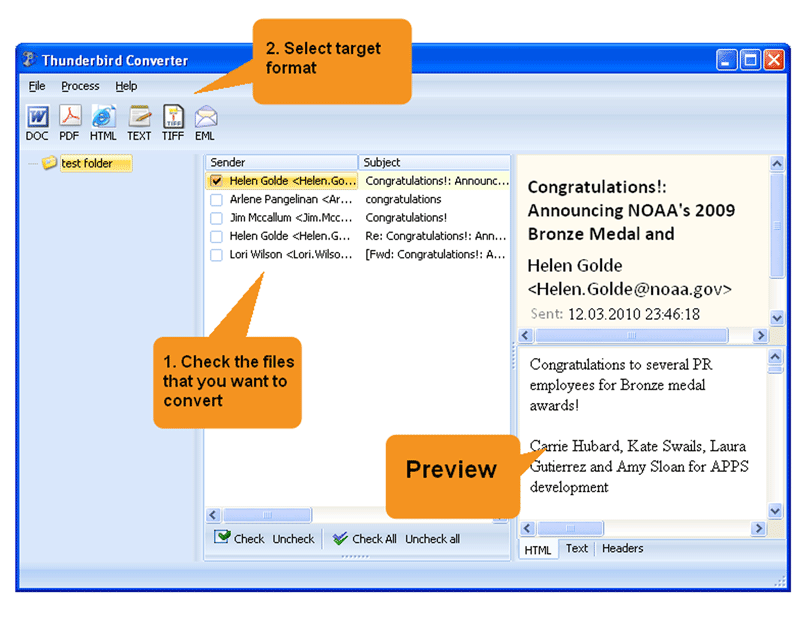
The entire conversion process takes about a minute, regardless of how many messages you need to process:
When archiving sensitive correspondence, security matters. Total Thunderbird Converter Pro lets you encrypt output PDFs with a password and restrict printing, copying or editing. You can also sign documents with a digital signature for authenticity.
For legal and compliance use, the built-in Bates stamping feature adds sequential identifiers to every page. You can customize the stamp with page counters, dates, company names and confidential notices — placed in headers or footers.
Download the free trial to create PDF copies of important emails, and keep your correspondence protected from data loss or corruption.
Download free trial and convert your files in minutes.
No credit card or email required.

Related Topics
Export Thunderbird Emails With Attachments to TXT