Need help? Reach us at 

 +1 (855) 418-2323
Need help? Reach us at
+1 (855) 418-2323

 File Converters TIFF and PDF apps Forensic Freeware
A CSV file is just plain text with commas — fine for moving data, painful for reading it. Open it in OpenOffice Calc and you get real columns, formatting, and formulas instead of a wall of separators. The clean way to get there is to convert the CSV into the OpenOffice spreadsheet format, ODS. Total CSV Converter turns one CSV or a whole folder of them into ODS spreadsheets while keeping the data structure intact.
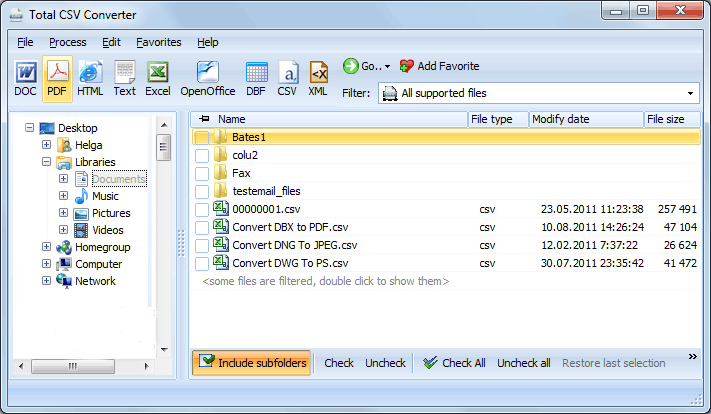
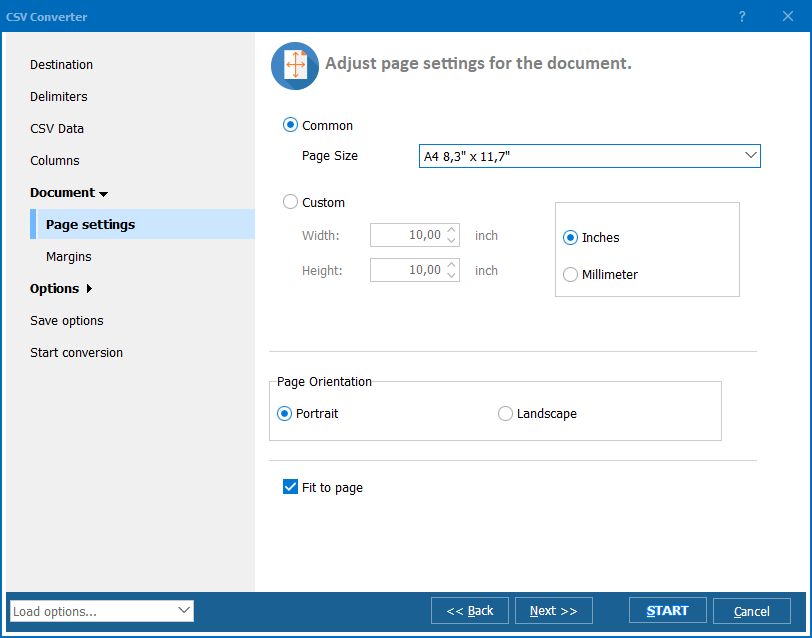
Quick answer: To convert CSV to OpenOffice, open Total CSV Converter, check the CSV files, click the OpenOffice icon in the format bar, and set the delimiter, the rows to skip, and column formatting in the wizard. Preview the table, then press Start. Each CSV becomes a separate ODS file in one offline batch, with the same settings applied to every source at once.
The target formats sit in a bar across the top of the window — DOC, TXT, Excel, OpenOffice, PDF, HTML, DBF, XML, CSV. Picking OpenOffice tells the program to write ODS.
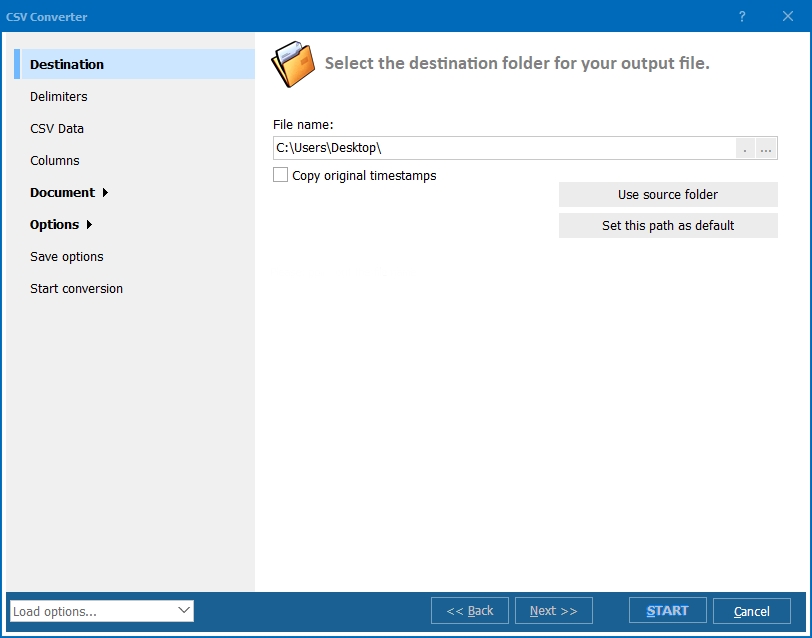
Each source CSV is written to its own ODS document. For a single file you can set the target name; in a batch the ODS files keep the original names.
CSV has no fixed rules, so one file uses commas and the next uses semicolons or tabs. Telling Total CSV Converter the exact delimiter means the columns land where they should in Calc. Setting the data format per column — text, number, date — stops OpenOffice from mangling a ZIP code or an order number into something else. Skipping the top rows drops report headers you do not want in the sheet.
Need a different office format? The same program writes Excel — see convert CSV to XLS — or a print-ready CSV to PDF report.
Tip: set your parameters once and they apply to every file in the batch, so a folder of daily exports converts with a single click each time.
Tip: use the preview to catch a wrong delimiter before conversion — it is far quicker than opening a broken ODS in Calc and starting over.
The 30-day trial is fully functional — no email or credit card. A personal license starts at $59.90 and runs on Windows Vista, 7, 8, 10 and 11. A command-line build handles CSV to ODS on servers and in scheduled scripts.
Download free trial and convert your files in minutes.
No credit card or email required.