Need help? Reach us at 

 +1 (855) 418-2323
Need help? Reach us at
+1 (855) 418-2323

 File Converters TIFF and PDF apps Forensic Freeware
Download Total Doc Converter and start converting Word files to PDF today.
(includes 30 day FREE trial)
(only $49.90)
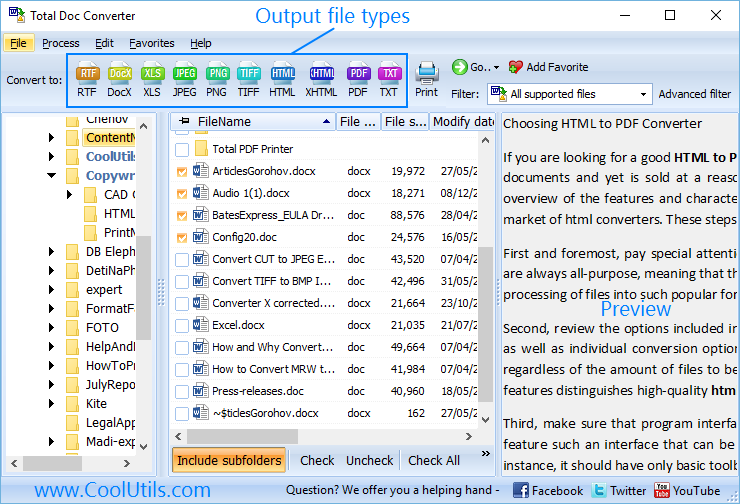
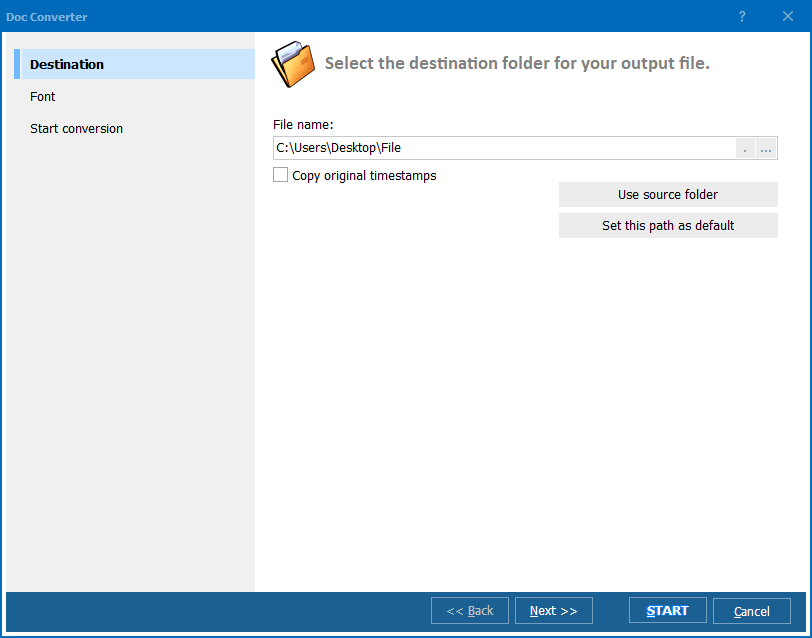
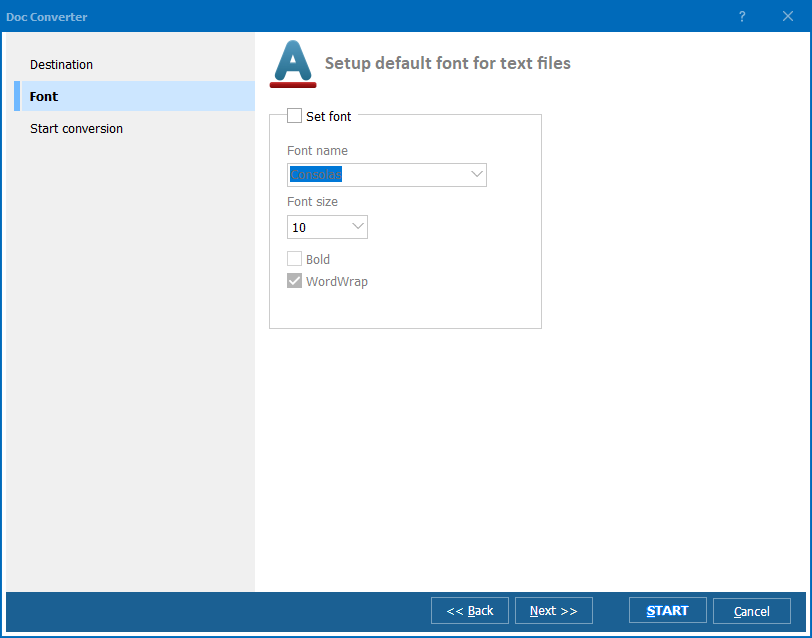
Quick answer: To convert Word to PDF, launch Total Doc Converter, browse to the folder with your DOC or DOCX files, check the ones you want, click the PDF button, set page size, margins, headers, and any encryption in the wizard, then press Start. The whole folder converts in one batch — offline, with no upload and no file-size limit, and no Microsoft Word required.
DOC and DOCX are Microsoft Word's native formats. They are designed for editing: you can change text, move images, adjust styles, and reflow content. This flexibility is great while you're working on a document, but it also means the file can look different on another computer — different fonts, different margins, different page breaks. Word files also require Microsoft Office or a compatible editor to open.
PDF (Portable Document Format) is a fixed-layout format created by Adobe. A PDF looks identical on every screen, every printer, and every operating system. It is the standard for sharing final documents — contracts, reports, invoices, manuals — because the recipient sees exactly what you intended. PDFs can also carry encryption, digital signatures, and access restrictions that Word files cannot.
When you convert Word to PDF, the document's visual layout is frozen: fonts are embedded, images are locked in place, and page breaks become permanent. The result is a file that cannot be easily modified — exactly what you want when distributing finished documents.
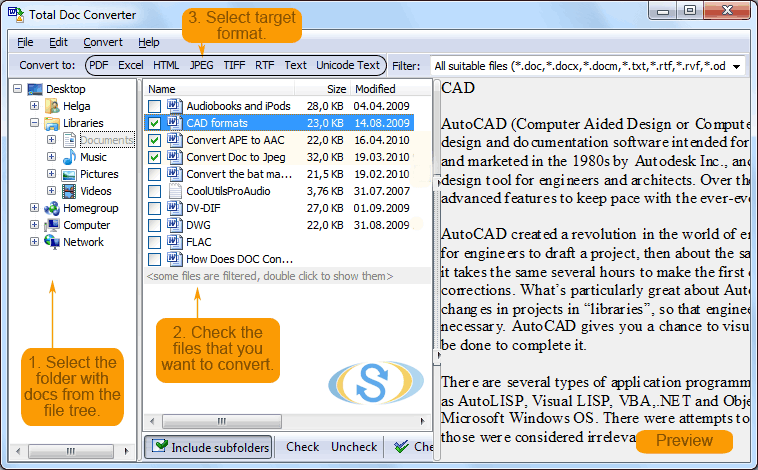
Each Word file becomes a separate PDF. Original DOC/DOCX files remain untouched. You can also merge multiple Word files into a single PDF — useful for combining chapters, appendices, or report sections into one document.
Total Doc Converter includes a command-line interface for converting Word files without the GUI. Example:
DocConverter.exe C:\Data\report.docx C:\Output\report.pdf -c PDF -EncType 1 -OwnerPassword secret
You can wrap this command in a .bat file or a scheduled task to automate recurring conversions. This is useful for server-side document processing — for example, automatically converting uploaded Word files to PDF in a document management system or intranet portal.
 PDF security features. Set owner and user passwords, restrict printing, copying, and editing. Add digital signatures with certificates. These options are available for every file in the batch — no need to set them one by one in Acrobat.
Batch processing. Select 1,000 Word files and convert them all to PDF in a single run. Each document becomes a separate PDF, or you can merge them into one. No need to open files one by one in Word and "Save as PDF".
Headers, footers, and watermarks. Add page numbers, dates, company name, "Confidential" stamps, or any custom text to every page of the output PDF. Control font, size, and position (left/center/right).
No Microsoft Word required. Total Doc Converter is a standalone application. It reads DOC and DOCX files using its own parser — no Office installation needed on the machine. This makes it ideal for servers and workstations without Word.
Layout fidelity. Fonts, images, tables, and page formatting are preserved in the output PDF. The converter handles complex documents with embedded objects, multi-column layouts, and mixed orientations.
20+ output formats. Besides PDF, convert Word files to HTML, RTF, XHTML, TXT, ODT, JPEG, TIFF, and more — all from the same program. Total Doc Converter also reads RTF, ODT, TXT, and other input formats.
| Feature | Online Tools | Total Doc Converter |
|---|---|---|
| File size limit | 5–50 MB typical | No limit |
| Batch conversion | One file at a time | Unlimited |
| Privacy | Files uploaded to cloud | 100% offline |
| PDF encryption | Rarely available | Passwords, permissions, signatures |
| Headers/footers | No | Custom text, page numbers, dates |
| Automation | Manual only | Built-in command line |
| Pricing | Subscription or per-file | One-time $49.90 |

(includes 30 day FREE trial)
(only $49.90)
Download free trial and convert your files in minutes.
No credit card or email required.

Related Topics
Convert ODT to PDF — Batch OpenDocument to PDF Converter