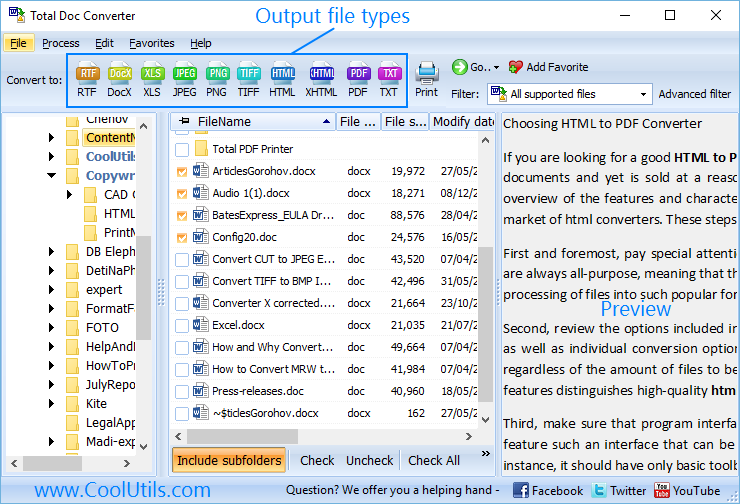
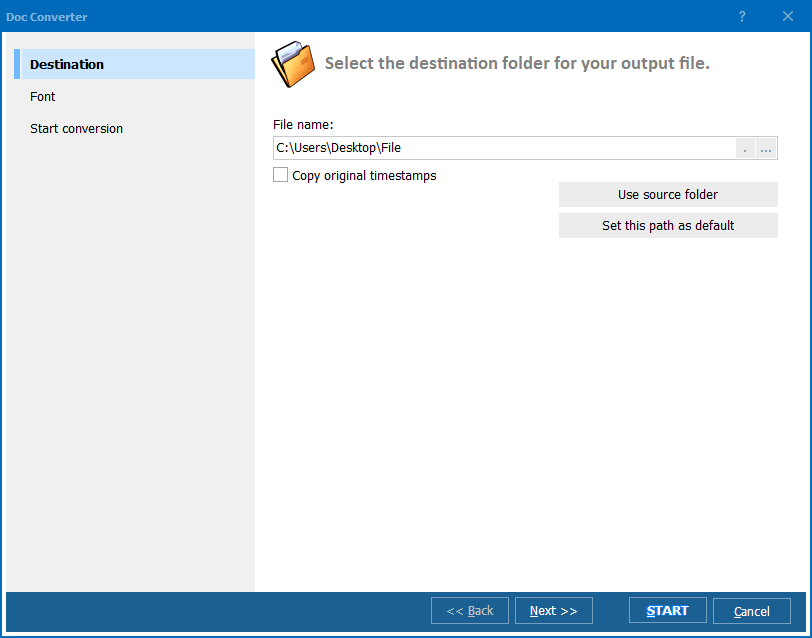
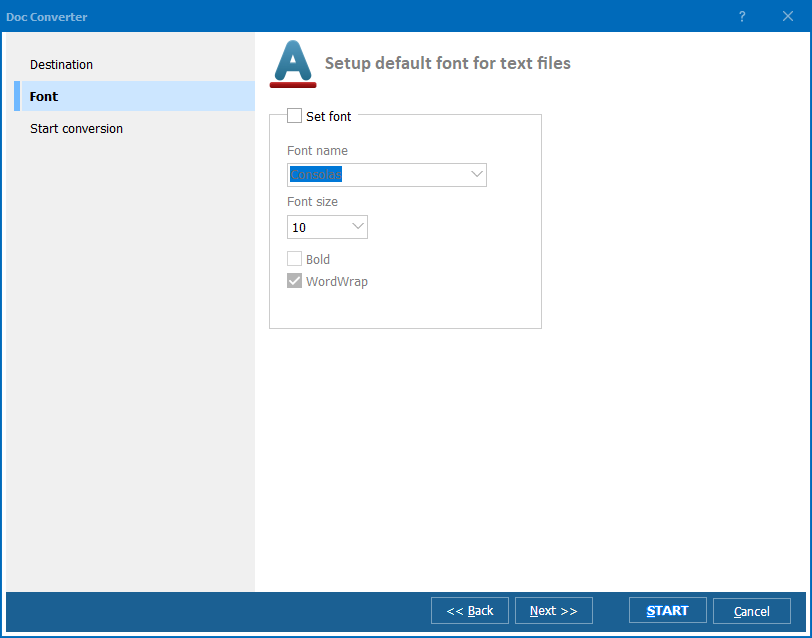
Quick answer: Total Doc Converter converts Doc, DocX, DocM, RTF, RVF, and TXT files to PDF, HTML, XLS, JPG, TIFF, and text. Launch it, browse to your documents, check the files, click the target format, set options in the wizard, and press Start. It runs in batch, preserves layout, can merge files or encrypt PDFs, and works from both the GUI and the command line.
"The video tutorial walked me through the whole wizard before I even installed the trial, so I knew exactly how to set the target format and batch options on the first try. Watching it saved me from guessing at the interface and got our DOC to PDF workflow running the same afternoon."
Howard Blackstone Office Manager, Regional Accounting Firm
"I show this tutorial to new hires who need to learn Total Doc Converter for converting DOC, DocX, and RTF files in batch. It covers the wizard steps, the target format selection, and the command-line option clearly enough that people pick it up without needing a second explanation from me."
Larissa Feld Training Coordinator, Corporate Onboarding
"The tutorial made the batch conversion steps for DocM and RTF files obvious, from browsing to the documents folder through pressing Start. I would have liked a slightly longer segment on the command-line usage, but the GUI walkthrough alone was enough to get me converting files correctly right away."
Nikolai Petrov Freelance Systems Consultant
Download free trial and convert your files in minutes.
No credit card or email required.