Need help? Reach us at 

 +1 (855) 418-2323
Need help? Reach us at
+1 (855) 418-2323

 File Converters TIFF and PDF apps Forensic Freeware
Do you need a TIFF copy of Doc file? You can get it for free using this Online Doc Converter offered by CoolUtils. It offers a web version of a popular Total Doc Converter with basic functionality for converting Word documents into images, texts, etc.
Quick answer: To convert DOC to TIFF for free, open the CoolUtils Online Doc Converter, press Select to pick one Word file (up to 50 MB), click the Convert to TIFF link, and save the resulting TIFF copy. For batch conversion, TIFF compression control, watermarks, and unlimited file size, the desktop Total Doc Converter does it offline on Windows.
No matter what format you choose, the procedure at the online service is the same. It is very simple for both newbies and experienced users. In order to convert Doc to TIFF free, you need to follow these steps:
 Select one Doc original document by pressing Select button;
Press Convert to TIFF link;
Save the opened TIFF copy to your memory.

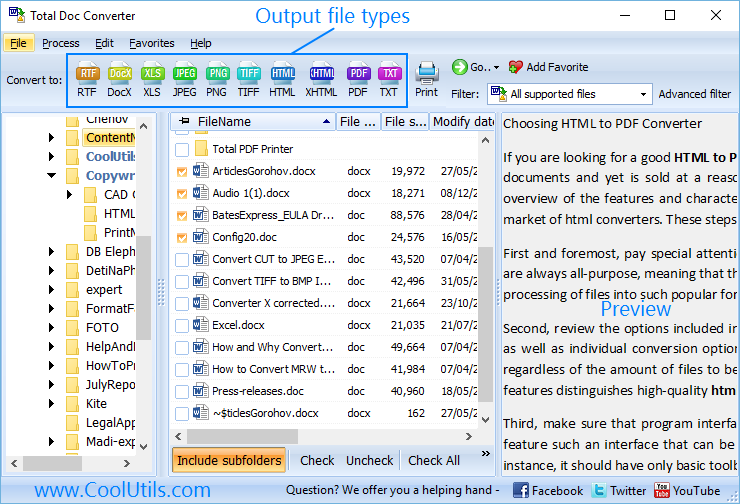
Note that this free Doc TIFF converter works in any operating system, and has no special requirements for your devices. You can run it from computer or mobile gadget, any device with Internet connection. Desktop solution runs only on Windows devices. However, desktop version supports more formats for conversion and has unlimited abilities to convert documents in batches. It is a time-saver in case of a lot of files. For converting one or a few Docs it is more convenient to convert Doc online.
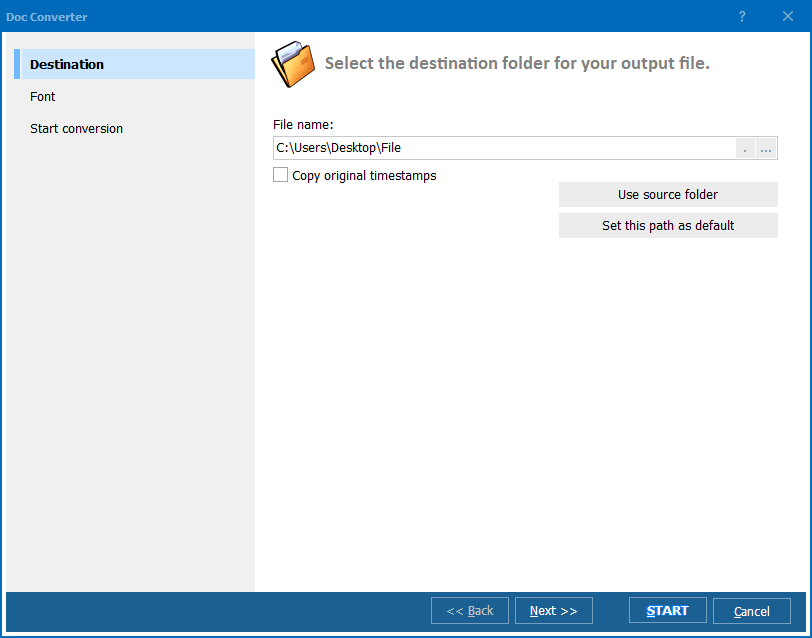
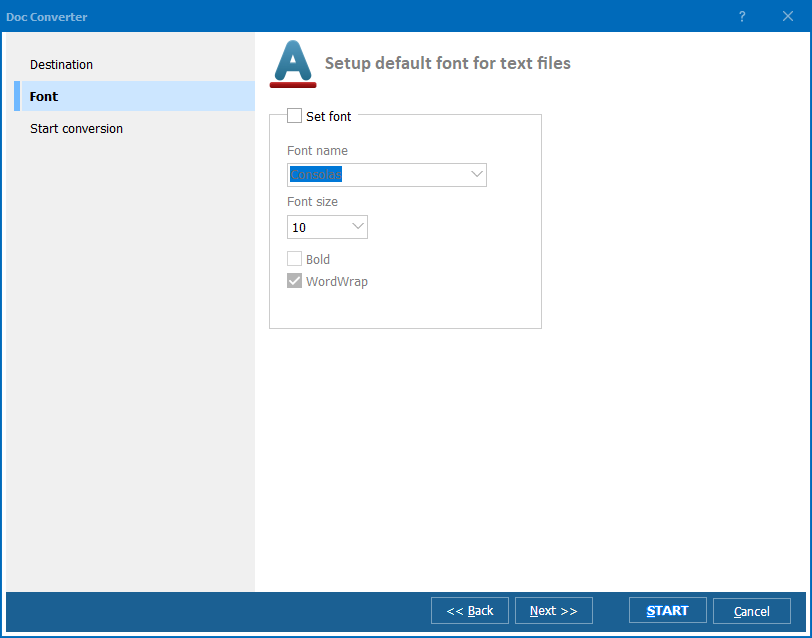
On the converter page you will find two parameters that should be set. First is source file location and the second is conversion format. It will not ask you to adjust graphic parameters or paper format - the service just creates the exact copy of the original, in the same size and quality. This free Doc converter has no other options than standard data export. In the desktop Total Doc Converter you will be able to set TIFF compression, combine a few documents into one TIFF file, setup page properties, add page numbers or any text watermarks, etc. It is not limited to any file size, while the free online converter supports files only up to 50 MB.
Download free trial and convert your files in minutes.
No credit card or email required.

Related Topics
Word Converter — Convert DOC and DOCX Files to Any Format in Batch