Need help? Reach us at 

 +1 (855) 418-2323
Need help? Reach us at
+1 (855) 418-2323

 File Converters TIFF and PDF apps Forensic Freeware
Total Mail Converter is a handy and versatile email converter, which can help you organize your daily work in an effortless and time-saving way. It saves you the necessity of deleting your messages randomly, some of which may be important for your business. Convert MSG to HTML and you will be able to archive your messages, store them outside your email client and keep your inbox uncluttered.
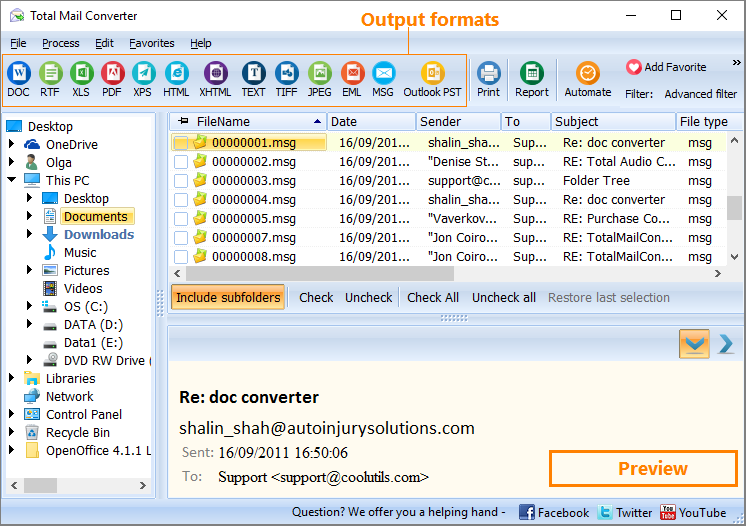
Total mail Converter has an easy-to-follow interface. It does not require any significant experience or training. It takes minutes for novice users to learn how to handle this mail converter. If you would like to make your emails viewable via IT browsers, you can convert emails to HTML.
Quick answer: To convert MSG to HTML, run Total Mail Converter, select the folder with your emails in the folder tree, check-mark the messages or click Check All, then select HTML. In the Wizard choose the fields to export and the destination folder, and start the conversion. The whole batch becomes browser-viewable HTML files offline, with no Outlook required.
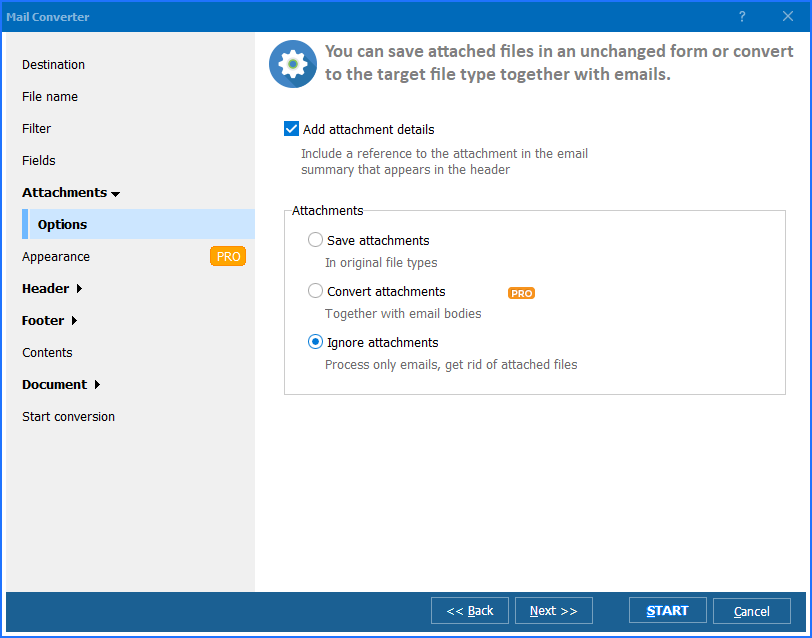
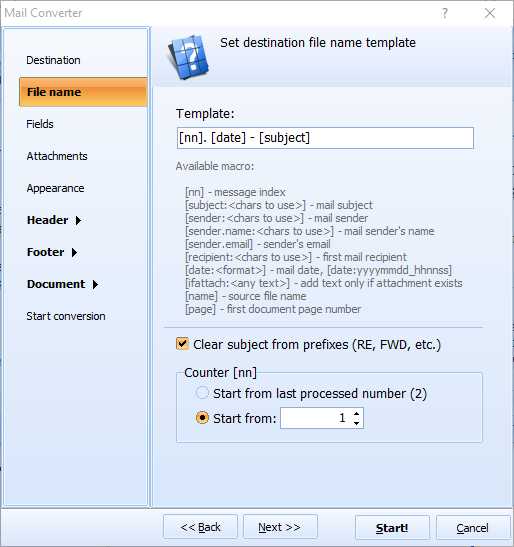
By aid of the Wizard, you can specify fields you want to export: Body, Date, Subject, Sender and Recipient. Also, you can select the destination folder, so that you can locate your converted messages any time you need to. The Wizard is really handy, and it actually keeps you to the right track.

Total Mail Converter is available online. You can place an order right now, and we shall send you the activation code. We offer the best price-quality proportion imaginable. If you wish to test our product, please, download the free trial version, which is valid for 30 days.
Download free trial and convert your files in minutes.
No credit card or email required.

Related Topics
Convert EML to HTML