Need help? Reach us at 

 +1 (855) 418-2323
Need help? Reach us at
+1 (855) 418-2323

 File Converters TIFF and PDF apps Forensic Freeware
Outlook has been an email workhorse worldwide now for decades and it's not hard to see the reasons why. Though the software has its critics, it's hard to beat in terms of features, support and reliability.
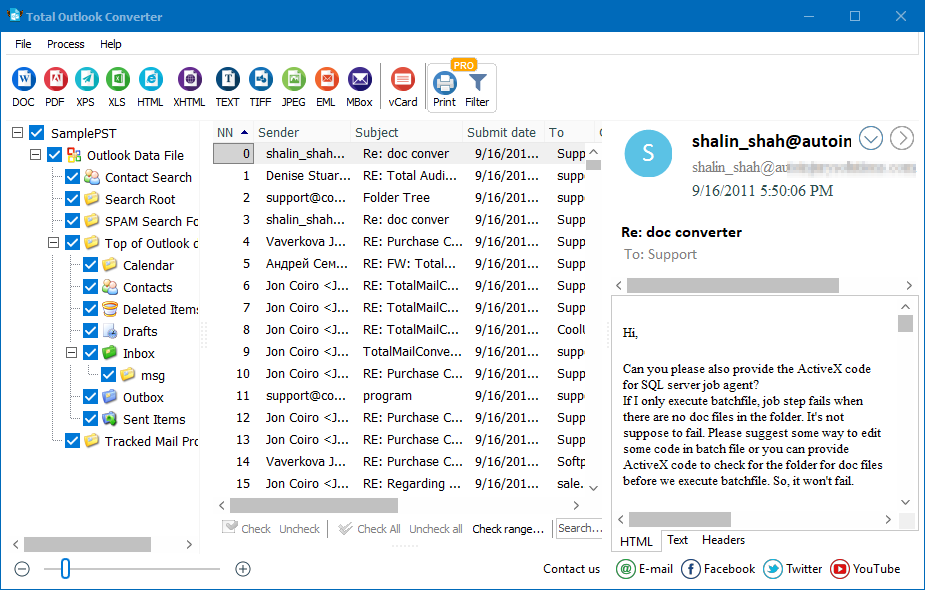
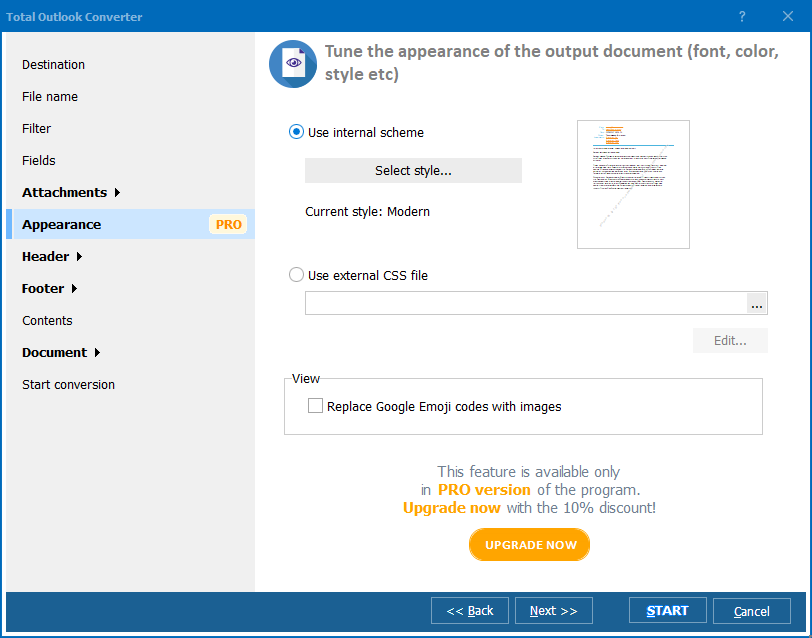
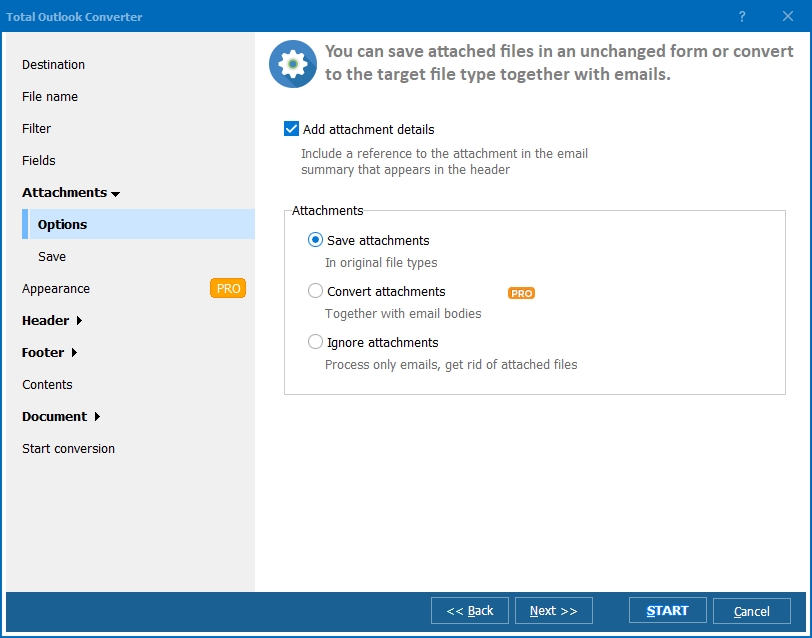
Quick answer: To convert OST to PDF, install Total Outlook Converter, open the OST file, select the emails or folders you need, click the PDF button, set the naming template and attachment handling in the wizard, then click Start. Every message becomes a separate PDF in one batch run — no Outlook installation required and your files stay local.
While Outlook is a superb solution for day-to-day email processing, it's not always the best place to actually keep all of your precious data. The native solutions Outlook offers for archiving and storing data (OST and PST files) are certainly useful as far as they go, but they are a long way from being user friendly. You'll often find yourself needing to convert OST files to other formats for the purposes of archiving, backups, or extracting particular information.
Our Total Outlook Converter software is the solution to turn to when you need to take control of data currently trapped inside Microsoft Outlook. It will help you blast through any number of files and turn your Outlook emails into more shareable and manageable pieces of data. A full range of conversion targets is supported so if you are looking to, for example, convert OST to PDF, you have come to the right place!
Let's look at just some of the major benefits Total Outlook Converter brings to the table:
Total Outlook Converter can handle any number of files without even needing to have Outlook installed on your system.
Whether you're looking to extract information from email archives for legal purposes, dig out old emails from former employees, or organize data with Bates stamping, our software stands to save you hours and possibly days of tedious manual work.
As with all our conversion software, you can run Total Outlook Converter either directly from the command line or via its intuitive desktop GUI. Whether it's one file or thousands, this powerful OST to PDF converter will blast through the job quickly and efficiently. An advanced ActiveX-enabled server version is also available if you are looking to build conversion functionality into your own software.
You can access the full range of Total Outlook Converter's power with our completely free, 30-day trial version of the software. Download it today and start whipping your email archives into shape!
Windows Vista/7/8/10/11
Download free trial and convert your files in minutes.
No credit card or email required.

Related Topics
Convert Outlook Emails to PDF