Need help? Reach us at 

 +1 (855) 418-2323
Need help? Reach us at
+1 (855) 418-2323

 File Converters TIFF and PDF apps Forensic Freeware
Download Total XML Converter and start turning XML data into Excel spreadsheets today.
(includes 30 day FREE trial)
(only $59.90)
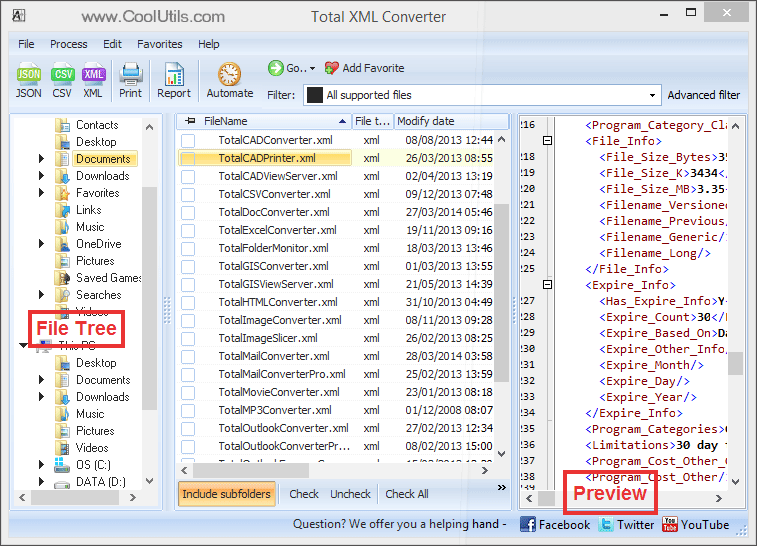
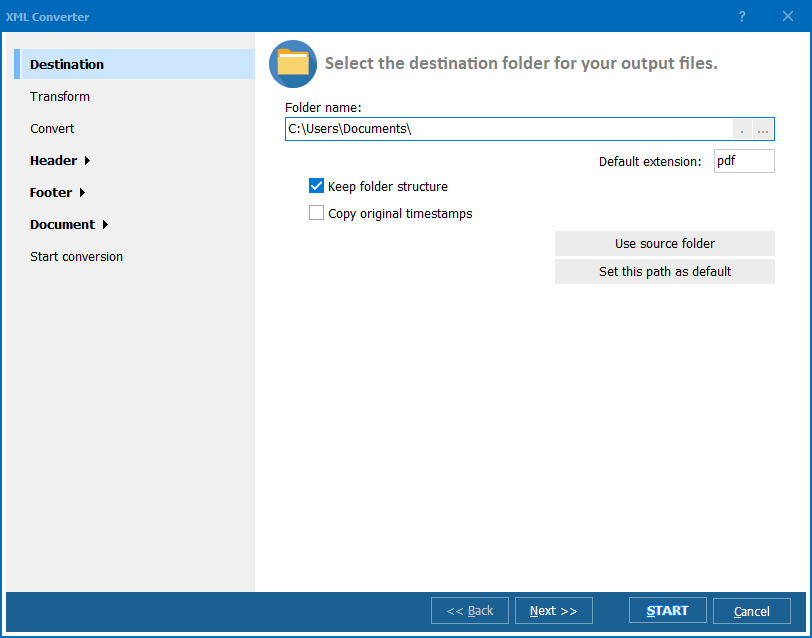
Quick answer: To convert XML to XLSX, install Total XML Converter, browse to the folder with your XML files, check the ones you want, click the XLSX button in the format toolbar, set the encoding and output folder, then press Start. Element names become column headers and records become rows, all in one batch run, offline, with no file-size limit.
Looking for the classic .xls format, or a general overview of converting XML to Excel? See our XML to Excel guide. This page focuses on the modern XLSX format specifically.
XML (eXtensible Markup Language) is a text-based format for storing and transporting structured data. It uses nested elements and attributes to describe hierarchical relationships. XML is widely used in web services (SOAP, REST responses), data feeds, enterprise integrations, and configuration files. However, XML is verbose, not meant for visual analysis, and cannot be opened directly in a spreadsheet application without losing its structure.
XLSX is the default spreadsheet format for Microsoft Excel since version 2007. It stores data in a familiar rows-and-columns layout with support for formulas, charts, conditional formatting, and pivot tables. Because XLSX is an open, XML-based format — unlike the older binary XLS — it supports over 1,000,000 rows per sheet and produces smaller, compressed files. XLSX is the standard format in corporate environments, finance, and any workflow that involves tabular data analysis.
When you convert XML to XLSX, the converter reads the XML tree, identifies repeating data elements (records), and maps them to spreadsheet rows. Child elements and attributes become column headers. The result is a structured Excel file ready for sorting, filtering, and charting — no manual data entry required.
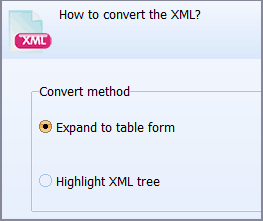
Each XML file becomes a separate XLSX spreadsheet. Element names become column headers, repeating elements become rows. Original XML files remain untouched.
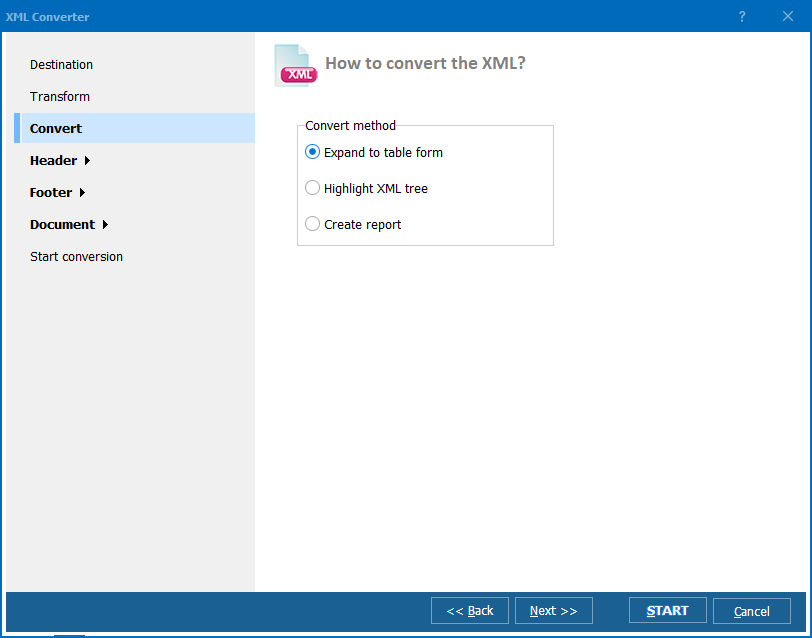
Working with repeated records? Check how XML elements should become spreadsheet rows before processing the full export.
Total XML Converter includes a command-line interface for converting XML files without the GUI. Example:
XMLConverter.exe C:\Data\orders.xml C:\Output\orders.xlsx -c XLSX
You can wrap this command in a .bat file or a Windows scheduled task to automate recurring conversions. This is ideal for nightly data exports from XML-based systems into Excel reports.
 Automatic XML-to-table mapping. Total XML Converter detects repeating elements in XML files and maps them to spreadsheet rows. Child elements become columns. You get a clean, analysis-ready XLSX without writing XSLT or custom parsers.
Batch processing. Select hundreds of XML files and convert them all to XLSX in a single run. Each file becomes a separate spreadsheet. No need to open and re-save files one by one.
Handles complex XML. Deeply nested elements, namespaces, CDATA sections, and mixed-content nodes are processed without errors. The converter handles real-world XML feeds, SOAP responses, and enterprise data exports of any size.
Full offline operation. All conversion happens locally on your PC. Your XML data is never uploaded to any server — critical for financial records, customer databases, and proprietary business data.
Encoding support. The converter reads XML files in UTF-8, UTF-16, and ANSI encodings and produces XLSX files that preserve international characters correctly — essential for multilingual data sets.
20+ output formats. Besides XLSX, convert XML files to CSV, PDF, JSON, HTML, TXT, XLS, and more — all from the same program.
| Feature | Online Tools | Total XML Converter |
|---|---|---|
| File size limit | 5–50 MB typical | No limit |
| Batch conversion | One file at a time | Unlimited |
| Privacy | Files uploaded to cloud | 100% offline |
| Nested XML handling | Often fails or produces garbage | Auto-flattened to columns |
| Encoding | Fixed (usually UTF-8) | UTF-8, UTF-16, ANSI |
| Automation | Manual only | Built-in command line |
| Other formats | Limited | CSV, PDF, JSON, HTML, TXT… |
| Pricing | Subscription or per-file | One-time $59.90 |

(includes 30 day FREE trial)
(only $59.90)
Download free trial and convert your files in minutes.
No credit card or email required.

Related Topics
Total XML Converter