Need help? Reach us at 

 +1 (855) 418-2323
Need help? Reach us at
+1 (855) 418-2323

 File Converters TIFF and PDF apps Forensic Freeware
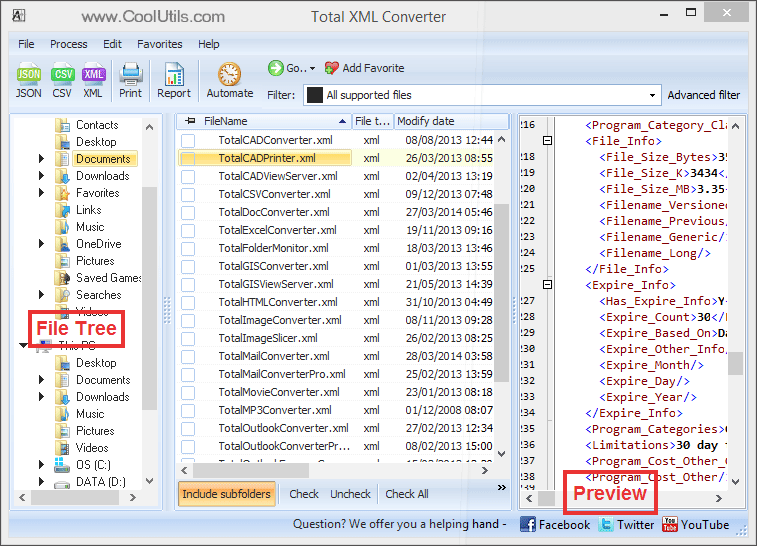
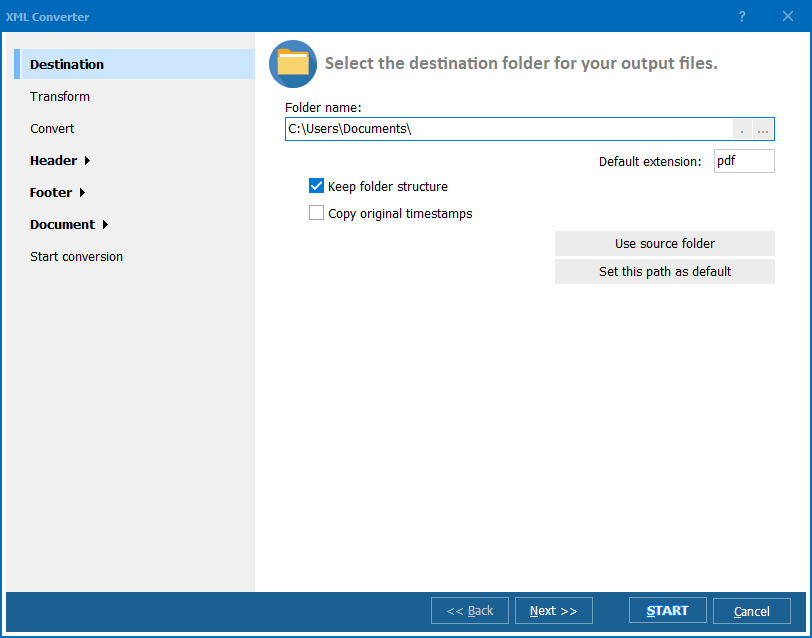
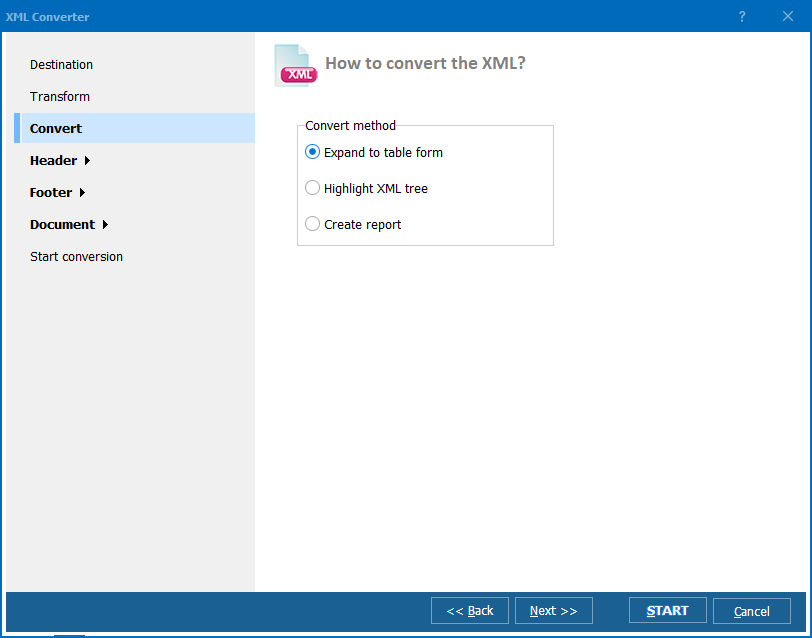
Quick answer: To convert XML with Total XML Converter, install it, open the folder with your XML files, check the ones you want, click the target format button (JSON, CSV, PDF, XLSX, and more) in the toolbar, set the output options including optional XSLT transformation, then press Start. It works in batch from a graphic interface or the command line, offline, with a free 30-day trial.
Download free trial and convert your files in minutes.
No credit card or email required.