Logo
Home Products Support Contact About Us
arrow1 File Converters
arrow1 TIFF and PDF apps
arrow1 Forensic
arrow1 Freeware

Convert Email to JPEG Free


In order to create image copies of your email file you can convert them to JPEG. It is not a standard functionality of any mail client, and usually people need additional program to do this. However, you can convert email to JPEG free online, using a converting service from CoolUtils. The developers of the famous Total Mail Converter also offers online free mail converter with basic formatting options.

Quick answer: To convert an email to JPEG for free, open the CoolUtils online mail converter, upload your email file, select JPEG as the output format, optionally add a header or footer, and press Download to save the image copy. The free service handles up to 5 files a day; for batch conversion use the desktop Total Mail Converter offline.
free online mail to jpeg converter

The process is simple. File that should be converted is uploaded to a server, then user selects format for conversion and makes format settings, and presses Download button. Then converted copy can be opened or saved to a folder. This free email JPEG converter makes it possible to add header and/or footer to a converted copy. In header and footer usually page number or date is output. However, this can also be a plain text. Just enter the info in according fields on converter's page.

Conversions are available for everyone without registration. The files on the server of this online mail converter are secured from third-parties, you can be sure in confidentiality of this service. Converted copies contain only the info of your original email, without any banners, watermarks and other unwanted stuff. That is why it is suitable for commercial emails too.

The service is free but limited to 5 files per day. The only thing is that you will need to turn emails to JPEG images one by one, as no batch conversion is available in online version. All steps are very easy to repeat, you will just need little more time to process all message files. Try this online converting tool for free, without any registrations and installations!

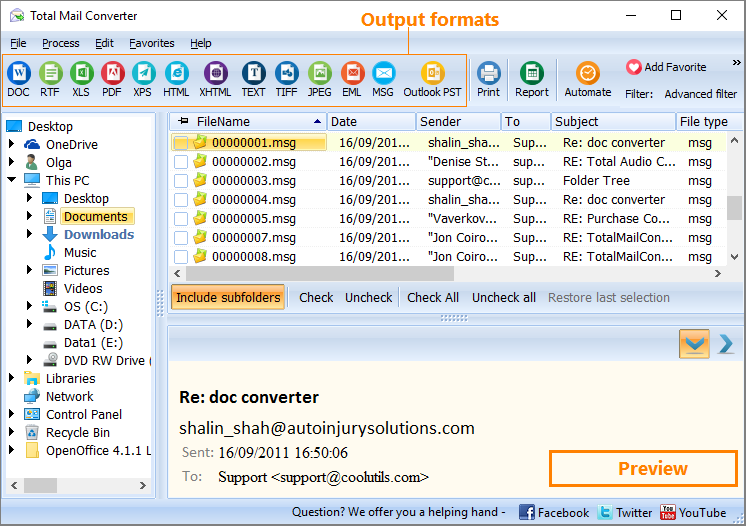
If you need a more powerful engine with flexible conversion settings, try the desktop Total Mail Converter. It work in a batch mode, offers many additional features for you to get the perfect output.


Windows Vista/7/8/10/11

Choose between these 2 options. The free online email converter if you have 1-2 files or the desktop Total Mail Converter to convert emails in batches with advanced settings.


quote

Total Mail Converter Customer Reviews 2026

Rate It
Rated 4.7/5 based on customer reviews
5 Star

"A client needed a single email turned into a JPEG image to paste into a presentation slide. The free CoolUtils online mail converter uploaded and converted it in under a minute, no installation needed. The optional header made the image look complete on its own."

5 Star Natalie Prescott Freelance Virtual Assistant

"I wanted an image copy of an important email to attach as visual proof in a support request. The free online mail converter from CoolUtils turned it into a clean JPEG in seconds, with no software to install and no account to create. Exactly what a one-off job like this needed."

5 Star Theodore Blackwood Small Business Owner

"Converting a handful of emails to JPEG for a report was quick with the free online mail converter, and the header option added useful context to each image. When I later had a much larger batch to process, I moved to the desktop Total Mail Converter, since the online tool is meant for smaller jobs."

4 Star Ana Beatriz Souza Administrative Assistant

Email to JPEG — FAQ ▼

How do I convert an email to JPEG for free?

Open the CoolUtils online mail converter, upload your email file, select JPEG as the output format, optionally add a header or footer, and press Download to save the image copy.

Is the email to JPEG converter free?

Yes, the online service is free. It is limited to 5 files per day and processes one email at a time. For unlimited batch conversion, use the desktop Total Mail Converter.

Can I convert emails to JPEG in batch?

The online tool converts one message at a time. To convert many emails to JPEG at once, use Total Mail Converter on your PC, which works in batch mode with flexible settings.

Do I need to register to convert email to JPEG?

No registration is required. Conversions are available to everyone, and files on the server are kept confidential from third parties.

Will the JPEG contain ads or watermarks?

No. The converted JPEG contains only the content of your original email, with no banners, watermarks, or other added elements, so it is suitable for commercial emails too.

Can I add a header or footer to the JPEG?

Yes. The free converter lets you add a header and footer with a page number, date, or plain text. Just enter the information in the fields on the converter page.


Start working now!

Download free trial and convert your files in minutes.
No credit card or email required.

⬇ Download Free Trial Windows 7/8/10/11 • 89 MB

Support
Total Mail Converter Preview1
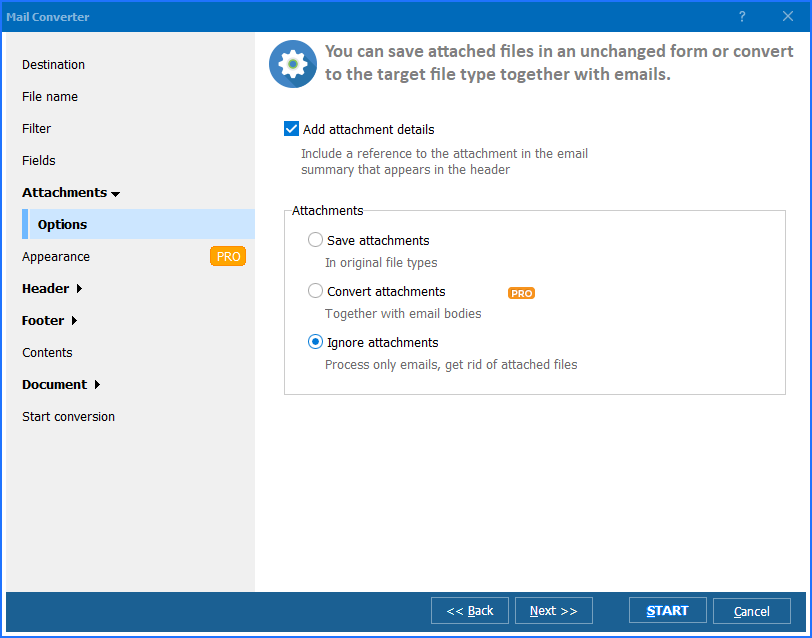
Total Mail Converter Preview2
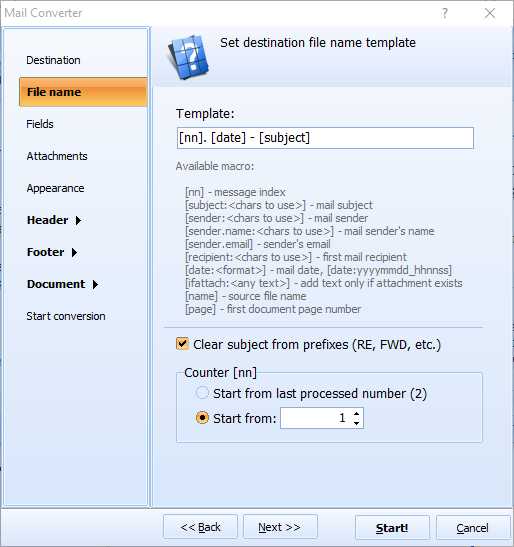
Total Mail Converter Preview3

Latest News

Newsletter Subscribe

No worries, we don't spam.


© 2026. All rights reserved. CoolUtils File Converters

Cards