Need help? Reach us at 

 +1 (855) 418-2323
Need help? Reach us at
+1 (855) 418-2323

 File Converters TIFF and PDF apps Forensic Freeware
DWFX files are great when you are preparing your work in Autodesk itself but when it comes to sharing them with clients or colleagues they are often far from the perfect solution. More often than not, at some stage you will find yourself needing to supply PDFs.
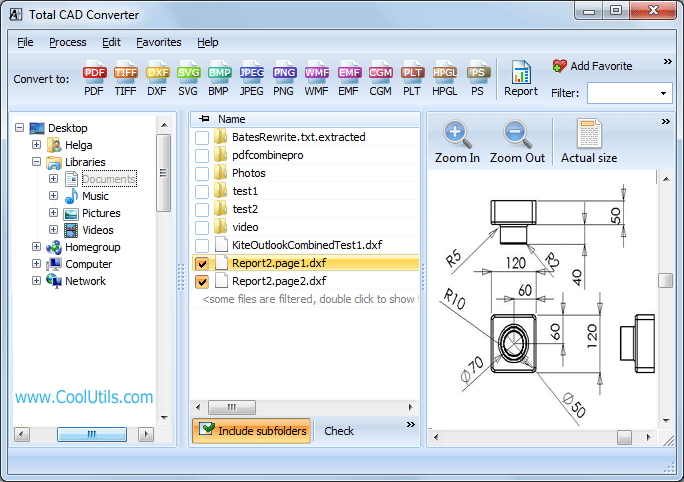
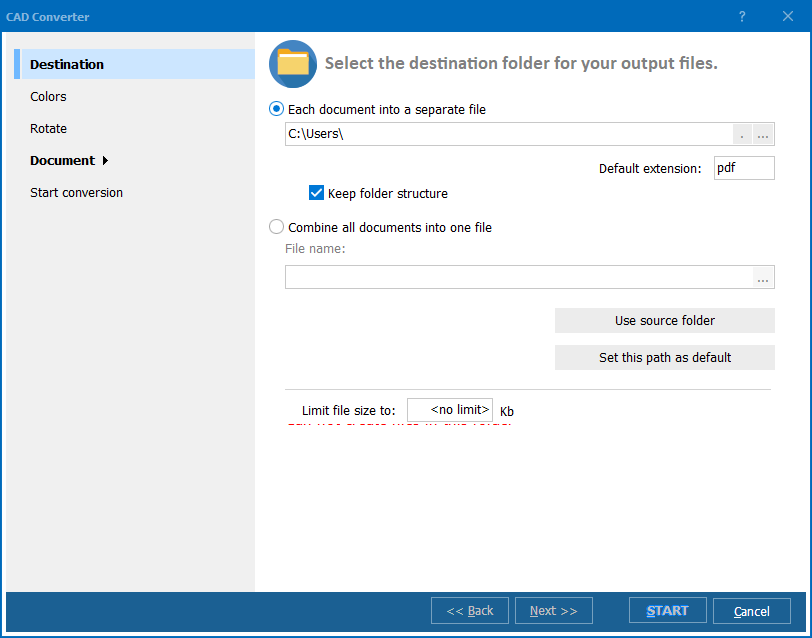
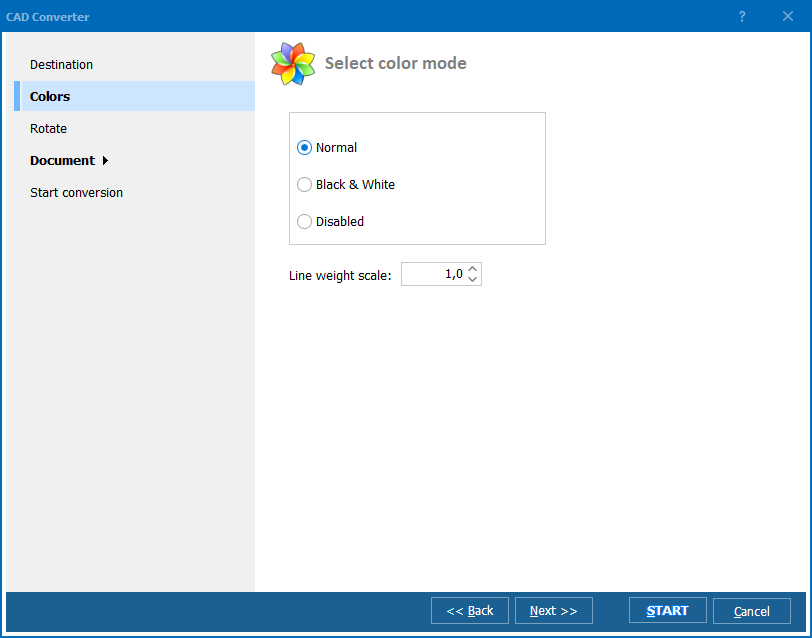
Quick answer: To convert DWFX to PDF, install Total CAD Converter, select your DWFX files or folders, choose PDF as the target format, set options such as merging files into one PDF, black-and-white output, or rotation, then click Start. The whole batch converts to PDF offline on your own PC, with no Autodesk software required and a free 30-day trial.

And, if you need to deal with this conversion requirement regularly or in bulk, you will be looking for a decent DWFX converter to make matters easier. When you are attempting to convert DWFX to PDF in batch, rather than firing up Autodesk to open DWFX files painstakingly by hand and then save DWFX as PDF, why not let a dedicated tool do the heavy lifting for you?
That is where Total CAD Converter comes to the rescue. It is the only CAD conversion program you will ever need and is packed full of powerful features to save you and your team a considerable amount of time:
Those are just some of the fantastic features available. You also have complete control over standard PDF settings such as encrypting files, compression and adding digital signatures and watermarks.
Total CAD Converter also supports a huge range of additional output formats such as TIFF, PNG, JPEG and many more along with a complete range of input CAD formats.
To get anywhere near this range of functionality, you would usually have to employ a number of programs - many of them expensive or unwieldy. Total CAD Converter gives you everything in one place at an unbeatable price.
As with all of our software, Total CAD Converter can be used either via its highly intuitive Graphical User Interface or called directly via the command line.
We have also built some flexibility into the licensing process. You can build the power of Total CAD Converter into your own applications by purchasing the ActiveX-enabled server license.
Download a completely free, 30-day trial version of the software today and discover its power and flexibility for yourself!
Windows Vista/7/8/10/11
Download free trial and convert your files in minutes.
No credit card or email required.