需要帮助?联系我们 

 +1 (855) 418-2323
需要帮助?联系我们
+1 (855) 418-2323

 File Converters TIFF and PDF apps Forensic Freeware
批量打印数百个 PDF 文件 — 排序、双面、带分隔页。图形界面和命令行。
Windows
2000/2003/Vista/7/8/10/11/Citrix
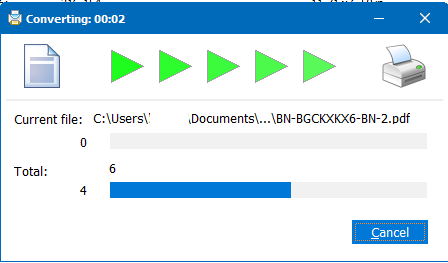
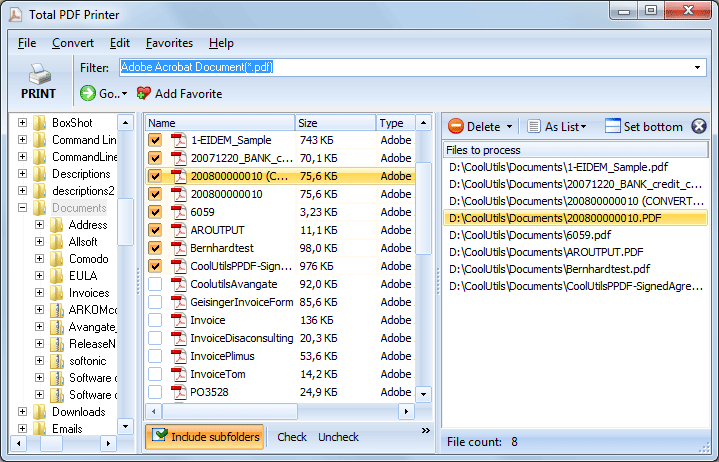
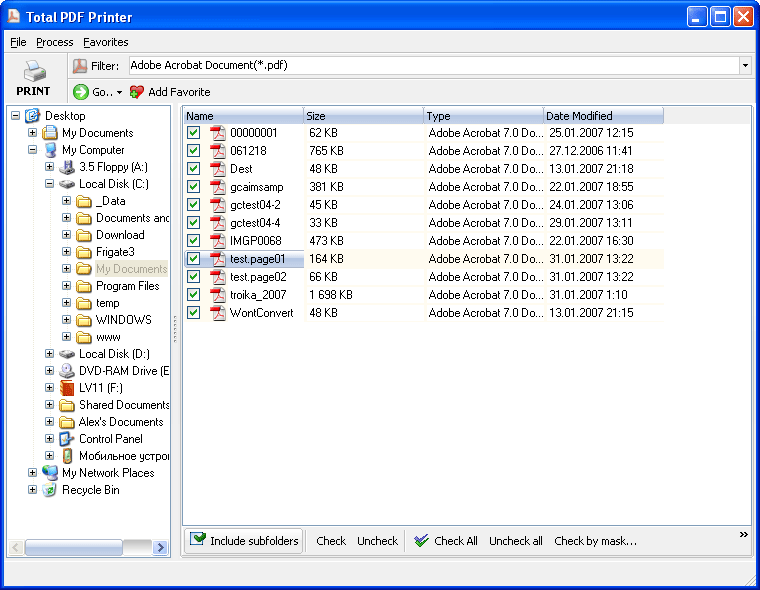
Total PDF Printer 可一次批量打印数百个 PDF 文件,无需逐个打开。选择文件夹,点击"打印",程序即可静默地将每个 PDF 发送到打印机。无需逐文件手动打印。
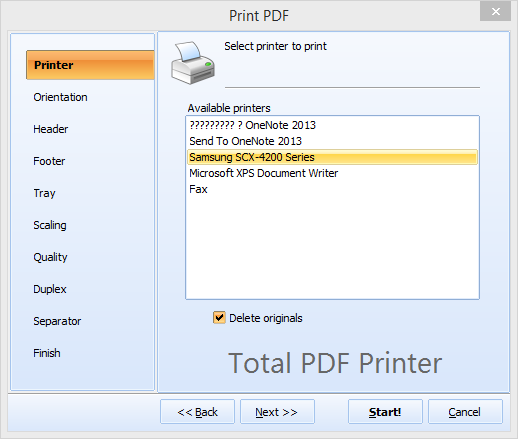
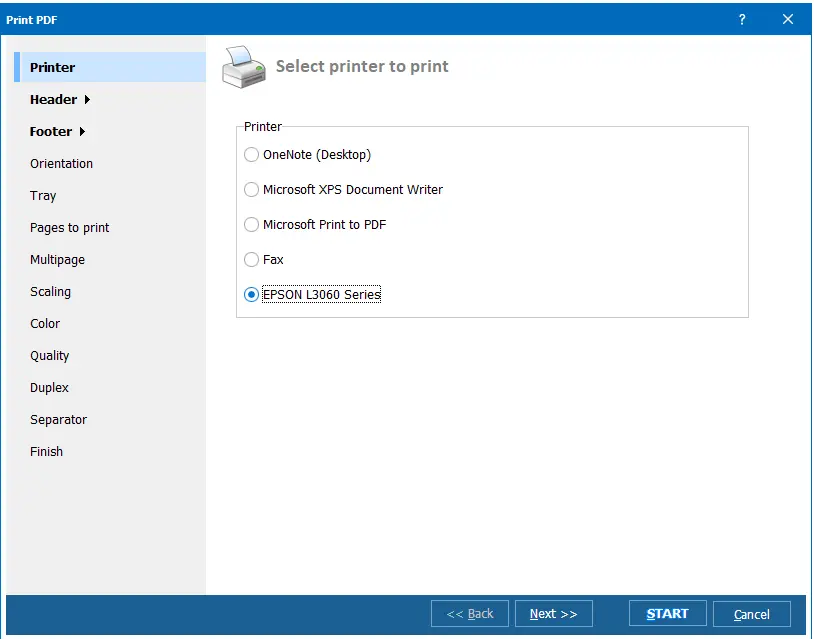
快速解答:要一次打印整个文件夹的 PDF,请安装 Total PDF Printer,添加文件夹,选择打印机,设置纸张大小、纸盘、双面、缩放和分隔页,然后点击"打印" — 数百个现有的 PDF 文件即可按日期或名称顺序无人值守地打印,无需 Adobe,也无需逐个打开文件。它还可以从命令行静默运行。(Total PDF Printer 将您现有的 PDF 发送到打印机 — 它是批量打印工具,而非 Print-to-PDF / PDF 创建工具。)
Total PDF Printer 可通过用户友好的 GUI 或命令行操作。服务器用途请使用 Total PDF PrinterX(提供 ActiveX)。支持 Windows 7/8/10/11。30 天免费试用,无需注册。终身许可证 $49.90。
| 功能 | Total PDF Printer | 手动(逐个打开 PDF) |
|---|---|---|
| 一次打印 500+ 个 PDF | 支持 — 一键完成 | 逐个打开文件,点击打印 |
| 静默打印(无弹窗) | 支持 | 不支持 — 每个文件都会打开 |
| 打印前按日期/名称排序 | 支持 | 手动排序 |
| 文件间分隔页 | 支持 | 不支持 |
| 双面打印控制 | 支持 | 取决于 PDF 查看器 |
| 按任务选择纸盘 | 支持 | 手动设置打印机 |
| 自动适合页面 | 支持 | 不一定支持 |
| 命令行自动化 | 支持 | 无法实现 |
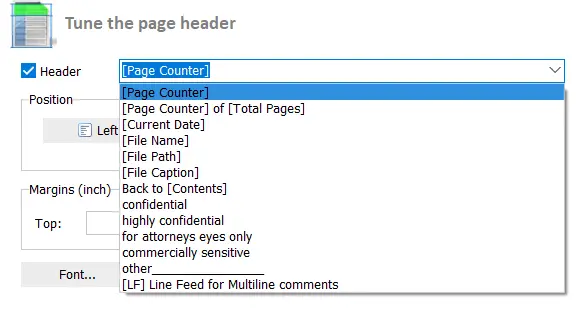
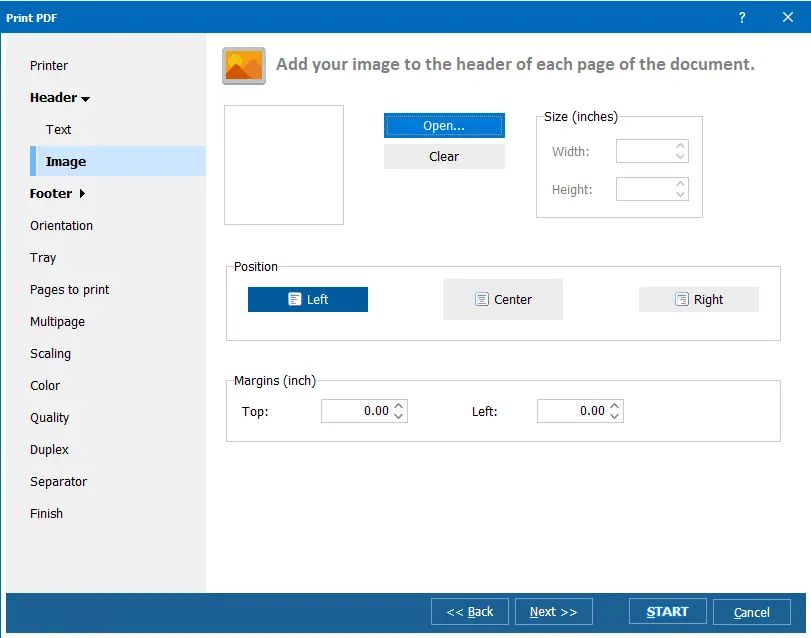
| 页眉/页脚/分页 | 支持 | 不支持 |
| 无需 Adobe Acrobat | 支持 | 通常需要 Acrobat |
无需逐个打开即可批量打印 PDF 文件的团队
一键打印整个文件夹中的 PDF 文件
办公人员无需逐个打开文件,直接从共享文件夹批量打印数百份 PDF 报告、备忘录和表单。选择文件夹,点击"打印",Total PDF Printer 静默完成剩余操作——并针对不同页面尺寸自动适配和调整方向。
按日期或时间顺序批量打印发票
财务团队按日期顺序批量打印每日 PDF 发票和财务报表。在文档之间添加页码和分隔页,使打印出的文件堆整齐有序,便于分发、归档或邮寄。
带分页和分隔页地打印案件文件
律所批量打印 PDF 摘要、合同和证据文件。分隔页将输出堆中的文件划分开来,分页添加页码便于快速查阅,双面模式节省大型案件文件的纸张。
批量打印研究论文、课程大纲和讲义
高校和研究部门批量打印 PDF 文章、课程材料和行政表格。按文件名或日期排序,为每个作业选择合适的纸盒,让 Total PDF Printer 无人值守地处理整个打印队列。
通过命令行安排无人值守打印
IT 部门通过脚本和计划任务调用 Total PDF Printer 来自动化定期打印任务。存入热文件夹的 PDF 报告自动打印——无需图形界面交互。如需 Web 服务器集成,请升级至带 ActiveX 的 Total PDF PrinterX。
| 完整软件名称 | Coolutils Total PDF Printer |
| 描述 | Total PDF Printer 是一个专业工具,用于批量打印 PDF 文件,具有高级的托盘选择、双面打印模式、缩放等控制功能。可以轻松地从文件夹或命令行全自动打印数百个 PDF 文件。非常适合于法律、物流和办公文档流程。 |
| 处理器 | 至少 2.4 GHz |
| 内存 | 4 GB |
| 最低硬盘空间 | 17.8 MB |
| 操作系统 | Windows 2000 / 2003 / 7 / 8 / 10 / 11 |
| 试用版 | 下载 Total PDF Printer 并免费试用 30 天。体验快速灵活的 PDF 文件打印,充分控制设置如打印机托盘、方向和缩放。 |
"每个学期,我们需要为学生打印数百份考试成绩单。在这其中,4-6张纸属于同一个人,需要装订在一起。在我们找到Total PDF Printer之前,我们花费了很多人力来帮助整理这些文件。随着学院的发展,这样花费的时间难以被合理化。
现在我们不再需要为此担心。Total PDF Printer以其用户友好性和功能丰富的PDF打印软件赢得了我们的心。"
 Kong LA
吉隆坡私立学院
"我创建需要发送给客户的发票和报告。对于每个发票,有一到多个报告。报告是双面打印的(在双面打印机上)。直到最近,我先为所有客户打印所有发票(进入一个队列),然后是所有报告(进入另一个队列)。 然后需要整理所有这些,以便每个客户的信封中,发票和报告在一起。我想要的是打印发票,然后是这些报告,然后是下一个发票和报告,以此类推。所以现在我将它们打印成PDF文件,然后用你的命令行工具发送到打印机。"
Baruch Skorohod
http://www.afik.co.il/
只需在高、中、草稿中选择打印质量。
但不要仅凭我们的说法。Total PDF Printer对许多需要应对复杂打印任务的客户都很有帮助。
例如,我们的一位客户,一个教育机构,曾经需要花费大量时间为学生打印和整理考试成绩单,因为每个学生都有4到6页自己的成绩单。Total PDF Printer通过按正确顺序打印成绩单解决了这个问题,使得装订和整理变得简单。
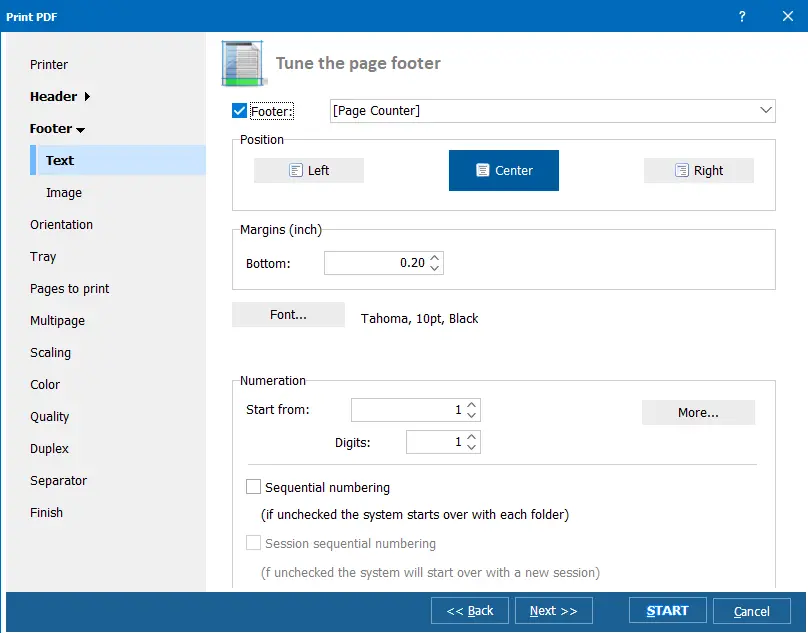
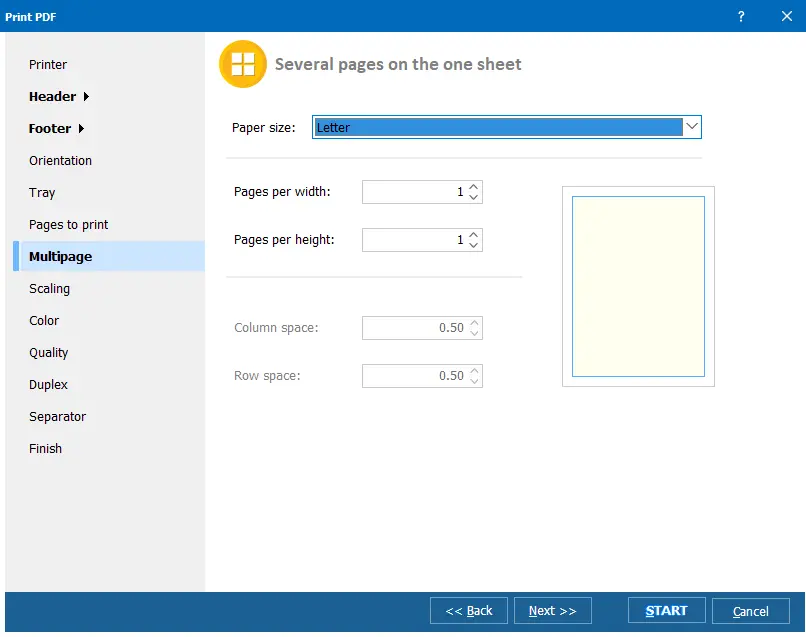
配置在一张纸上打印多页