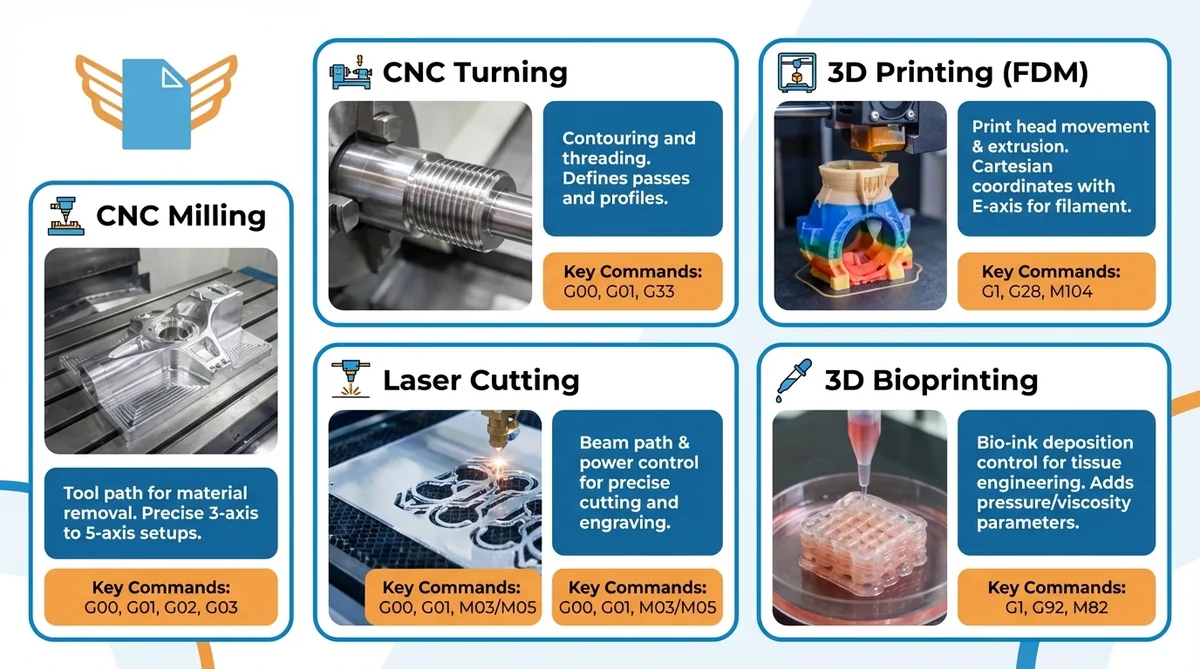
What is G-Code? The Essential Guide to Understanding CNC Machine Language
G-code is the standard programming language for CNC machines and 3D printers. Learn syntax, common commands (G00, G01, M03), safety, and CAD/CAM workflows.
Read more
Need help? Reach us at 

 +1 (855) 418-2323

 File Converters TIFF and PDF apps Forensic Freeware
G-code is the standard programming language for CNC machines and 3D printers. Learn syntax, common commands (G00, G01, M03), safety, and CAD/CAM workflows.
Read more
A Gerber file is a vector ASCII format that tells PCB manufacturers how to fabricate each layer of a printed circuit board. RS-274X is the...
Read more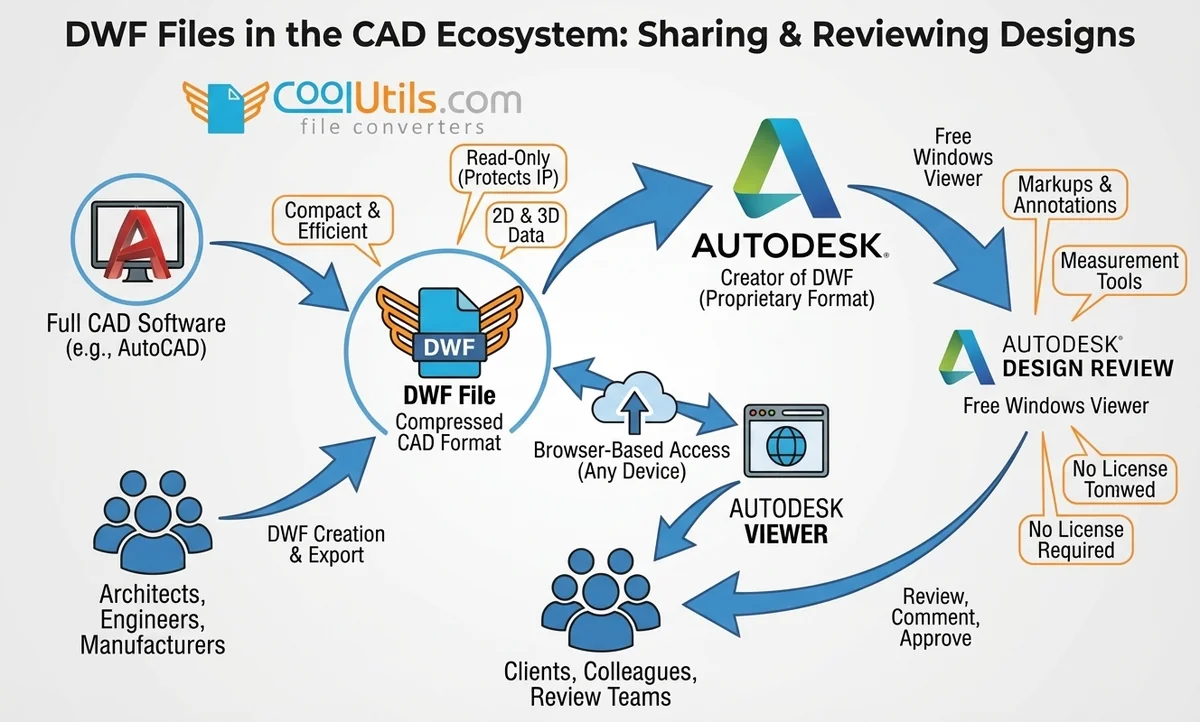
Open DWF (Design Web Format) files for free with Autodesk Design Review on Windows or Autodesk Viewer in any browser. Plus DWF-to-PDF and DWF-to-DWG conversion.
Read more
Compare the 5 best MP3 converters of 2026: 4K YouTube to MP3, Any Video Converter Free, CoolUtils Total Audio Converter, YTMP3.cc, Audacity + FFmpeg.
Read more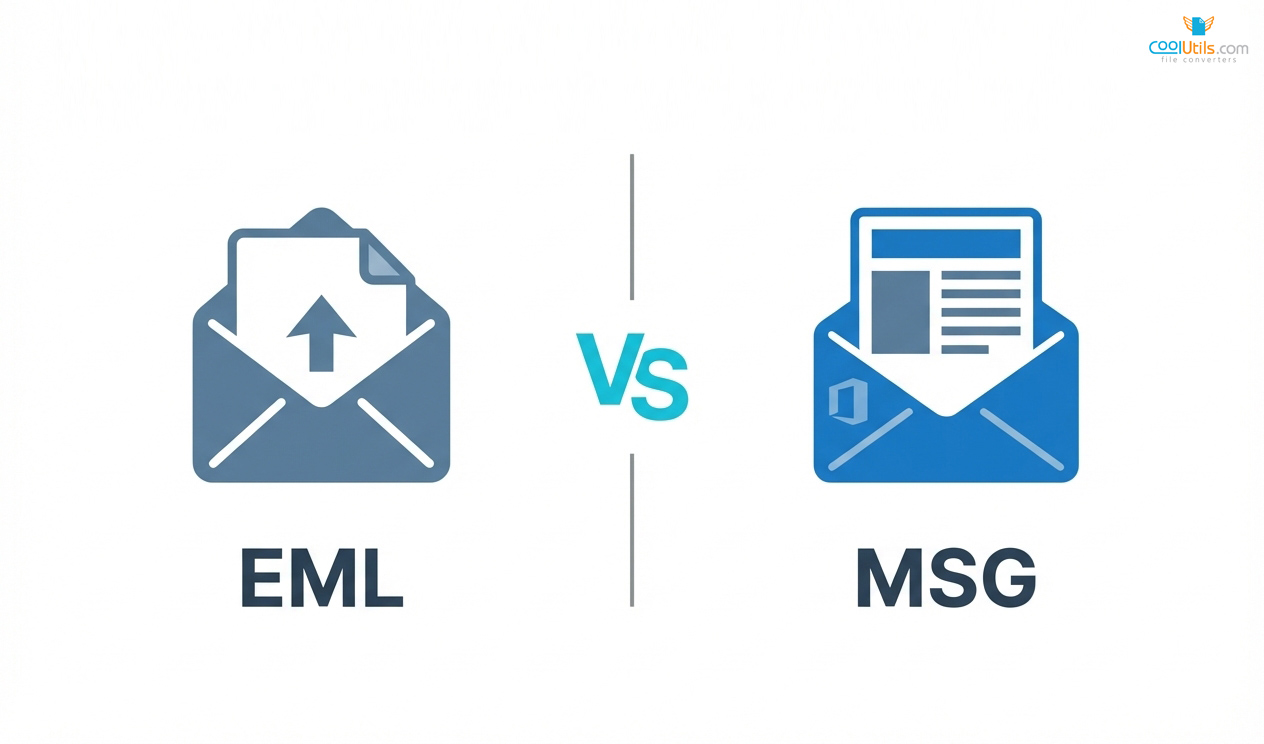
Understand the difference between EML and MSG files. Learn compatibility, metadata fidelity, security considerations, and practical conversion methods for Outlook and cross - platform email...
Read more
Compare top PST to PDF converters for secure email migration. CoolUtils leads professional conversion with data integrity preservation. Reviews & features.
Read more
Compare 20+ best OST to PST converter tools. Expert analysis of Stellar, Kernel, Advik & more. Find the perfect solution for your needs.
Read more
Compare CoolUtils EML to PST converter with top alternatives. Find the best free email conversion software for Outlook migration in 2026.
Read more
Compare CoolUtils email converter with top alternatives. Convert PST, EML, MBOX files safely with batch processing & format compatibility.
Read more
Discover the best MBOX to PST converter tools for 2026. Compare top software for Thunderbird, Apple Mail & Gmail migration to Outlook with expert reviews.
Read more© 2026. All rights reserved. CoolUtils File Converters
