Need help? Reach us at 

 +1 (855) 418-2323
Need help? Reach us at
+1 (855) 418-2323

 File Converters TIFF and PDF apps Forensic Freeware
Tables locked inside a PDF are hard to reuse. Total PDF Converter extracts the rows and columns from your PDF and saves them as a CSV file you can open in Excel, Google Sheets, or load into a database — in batch, on your own PC, with no upload.
Renaming a .pdf to .csv does nothing: the data has to be parsed out of the page layout. Total PDF Converter reads the text and table structure in each PDF and writes clean, comma-separated rows, so numbers, dates, and labels land in the right columns.
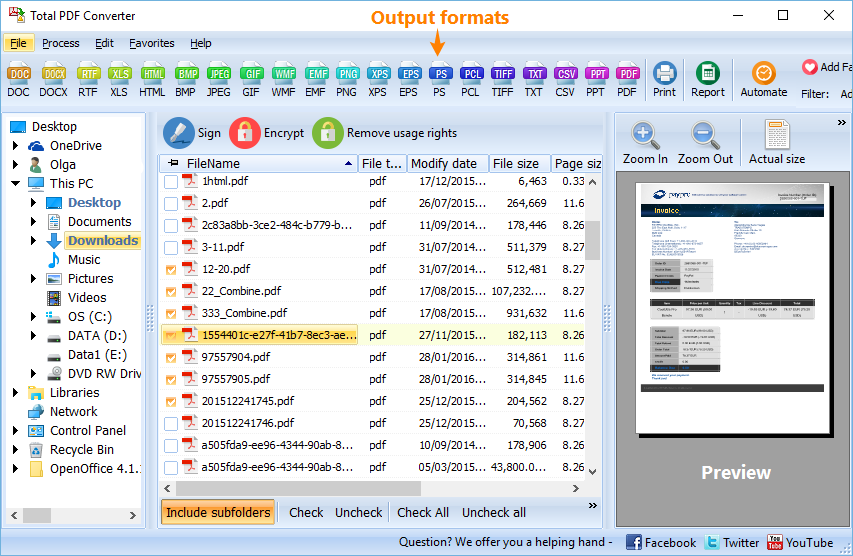
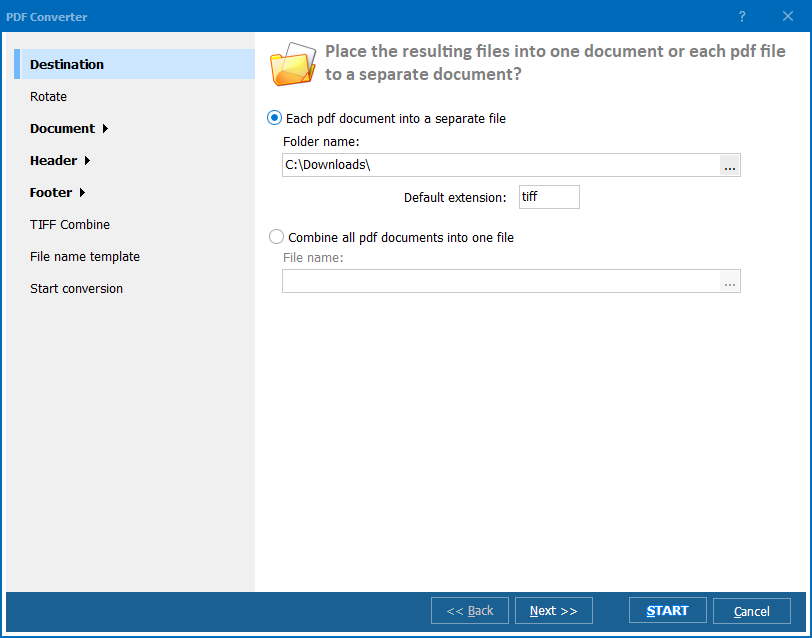
Quick answer: To convert PDF to CSV, install Total PDF Converter, add or drag-and-drop your PDF files, select CSV as the output format, choose a save location, then click Convert to get spreadsheet-ready data you can open in Excel. It runs offline on your PC, processes files in batches, and the 30-day free trial is fully functional.
CSV is the simplest spreadsheet format — every program that handles data can read it. Converting PDF reports, bank statements, invoices, or price lists to CSV lets you sort, filter, run formulas, or import the figures into accounting, CRM, or analytics tools instead of retyping them by hand.
Choose CSV when you need raw, lightweight data to import somewhere else — it holds values only, no formatting, and any tool can parse it. Choose XLS or XLSX when you want a ready-to-use workbook with multiple sheets, formatting, and formulas. Total PDF Converter outputs both.
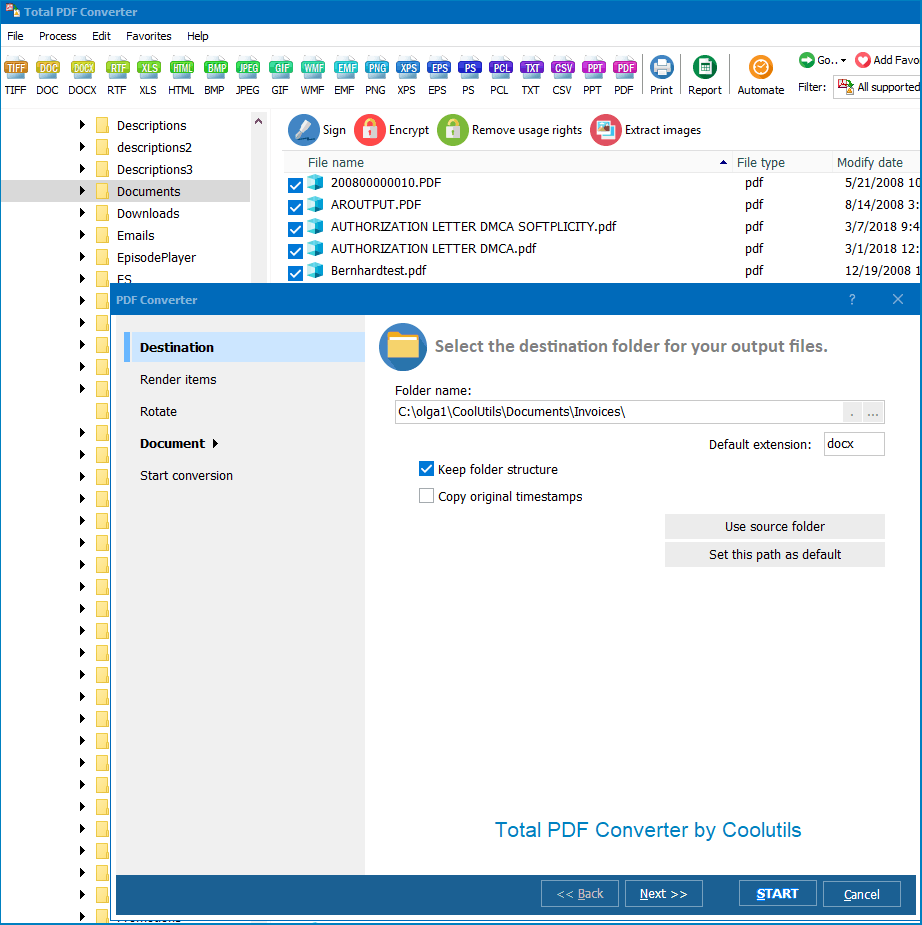

Yes. Point Total PDF Converter at a folder, select every PDF, and convert them all to CSV in one run with the folder structure preserved. The same job can run unattended from the command line or a .BAT script — useful for nightly exports or processing batches of statements and reports.
Total PDF Converter keeps your files on your own machine — nothing is uploaded to a third-party server, which matters for financial and confidential documents. Download the free 30-day trial and convert your first PDFs to CSV in a couple of clicks.
Download free trial and convert your files in minutes.
No credit card or email required.

Related Topics
