Logo
arrow1 File Converters
arrow1 TIFF and PDF apps
arrow1 Forensic
arrow1 Freeware

Convert PST to XLS (Excel)


If you are reading this article, then chances are you want to convert PST to XLS. But first let us define these formats.

PST format is used by Microsoft Outlook and Exchanger for storing personal information like e-mail folders, contacts, addresses, and other data. Despite all its advantages, this format has two downsides. First, PST files have limited storage space of only 2 GB, which causes Outlook to slow down when the file is close to the limit. Second, PST format has limited compatibility with software: it is not supported by Outlook Express and some other formats.

One of the options you have is converting PST files to XLS. XLS is spreadsheet format created by Microsoft Excel, the most widely-used spreadsheet program. It is widely used to store data in a table with rows and columns.

At CoolUtils, we know what it takes to convert PST to Excel and that is why we have created Total Outlook Converter. This is a unique solution for conversion of Outlook emails into different formats, from DOC, PDF, HTML, to TXT, TIFF and more.

Here is the simple how-to guide on PST-XLS conversion:

  • Download Total Outlook Converter.
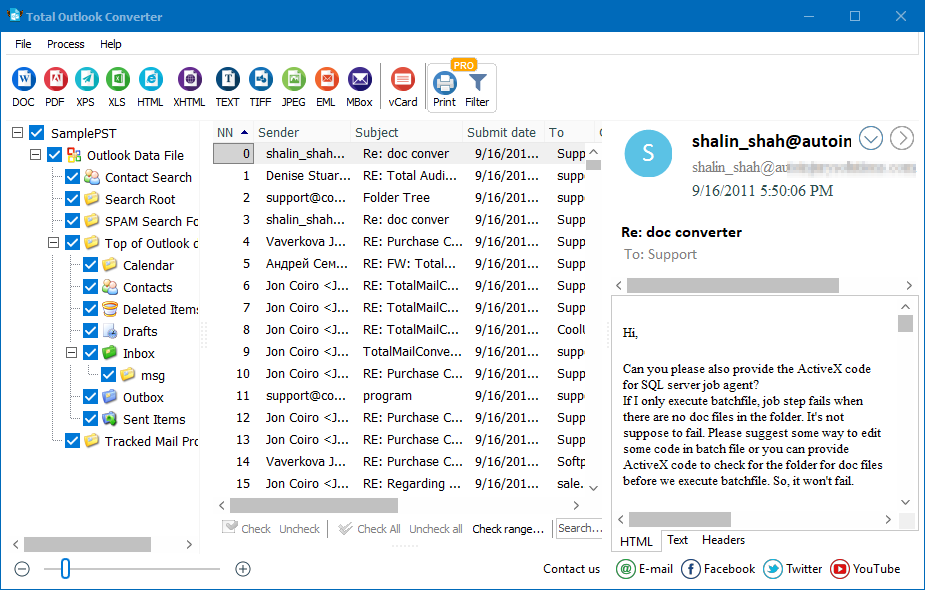
  • Open Total Outlook Converter. This program automatically integrates with Microsoft Outlook and creates a list of emails available.
  • To convert PST to XLS, select the required PST files.
  • Set the target format by clicking on the XLS button. Then, click "Start!" to begin conversion.

download Total Outlook Converter

CoolUtils offers you a free 30-day trial version and a fully functional paid license for personal or corporate use. Choose the one that meets your needs best! If you want to learn more about this product, contact CoolUtils customer support team. Or, download your free trial version of PST Converter now!

Windows Vista/7/8/10/11

FAQ ▼

Yes, you can easily convert PST files to Excel format using Total Outlook Converter by CoolUtils. This specialized tool transforms Outlook PST files containing emails, contacts, and other data into XLS spreadsheets with organized rows and columns. It's perfect for data analysis, archiving, or overcoming PST's 2GB storage limitation. Try the free 30-day trial to see how simple PST to Excel conversion can be.
Use Total Outlook Converter to seamlessly import PST data into Excel. The converter automatically extracts all information from your Outlook PST files and structures it into Excel spreadsheets. This eliminates manual data entry and ensures all your emails, contacts, and addresses are properly organized in XLS format. The process is straightforward and works with all Windows versions from Vista to Windows 11.
XLS is the spreadsheet format created by Microsoft Excel, the world's most widely-used spreadsheet program. It stores data in tables with rows and columns, making it ideal for organizing, analyzing, and sharing information. Converting your PST files to XLS format gives you greater flexibility and compatibility, as Excel files can be opened across different platforms and don't have the 2GB limitation of PST files.
While Office 365 has its own import methods, converting PST to Excel first using Total Outlook Converter offers unique advantages. You gain better data organization, easier analysis capabilities, and freedom from PST's storage limitations. The converter supports multiple output formats beyond XLS, including DOC, PDF, HTML, TXT, and TIFF, giving you maximum flexibility for your Office 365 workflow.
PST files cannot be opened directly in Excel, but Total Outlook Converter bridges this gap perfectly. It converts your PST files into native Excel format (XLS), allowing you to view, edit, and analyze all your Outlook data in spreadsheet form. Download the free 30-day trial to start converting immediately - no technical skills required, and it works seamlessly on Windows Vista through Windows 11.


Start working now!

Download free trial and convert your files in minutes.
No credit card or email required.

⬇ Download Free Trial Windows 7/8/10/11 • 87 MB

Support
Total Outlook Converter Preview1
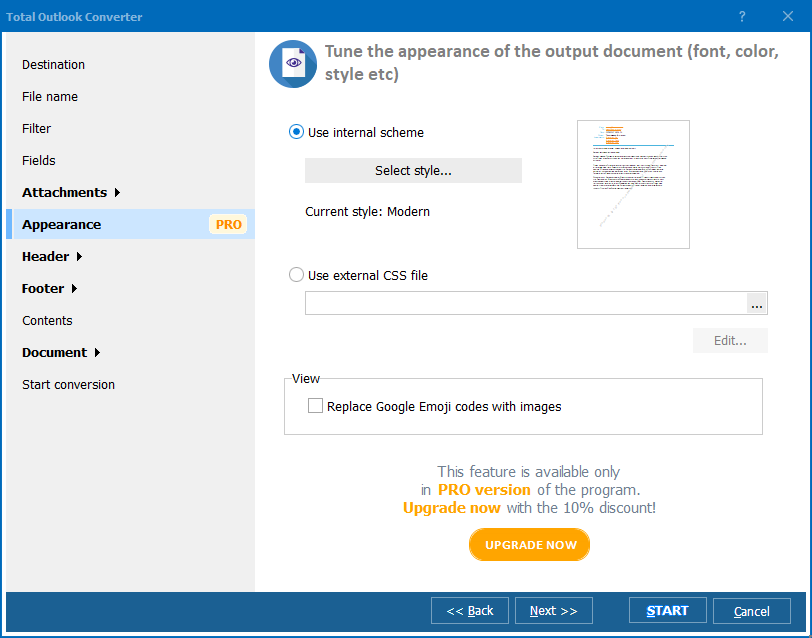
Total Outlook Converter Preview2
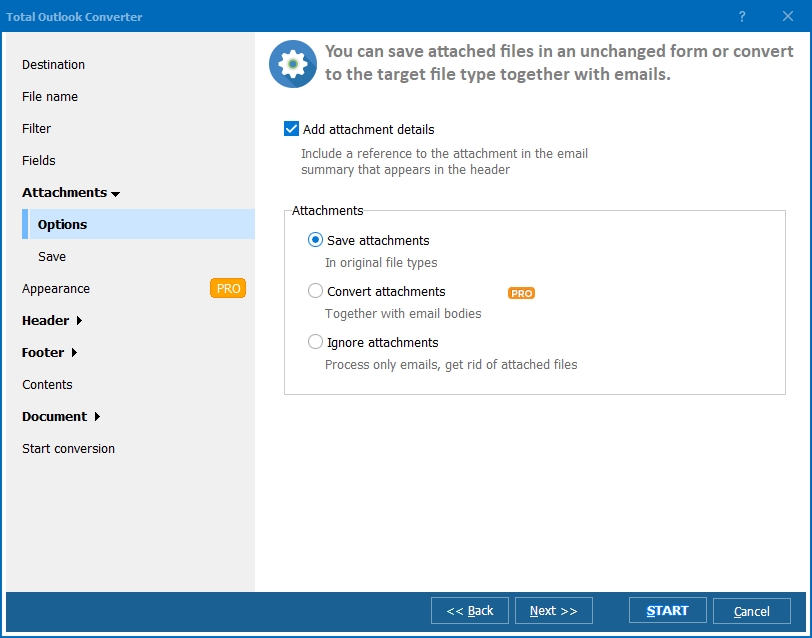
Total Outlook Converter Preview3

Latest News

Newsletter Subscribe

No worries, we don't spam.


© 2025. All rights reserved. CoolUtils File Converters

Cards