Need help? Reach us at 

 +1 (855) 418-2323
Need help? Reach us at
+1 (855) 418-2323

 File Converters TIFF and PDF apps Forensic Freeware
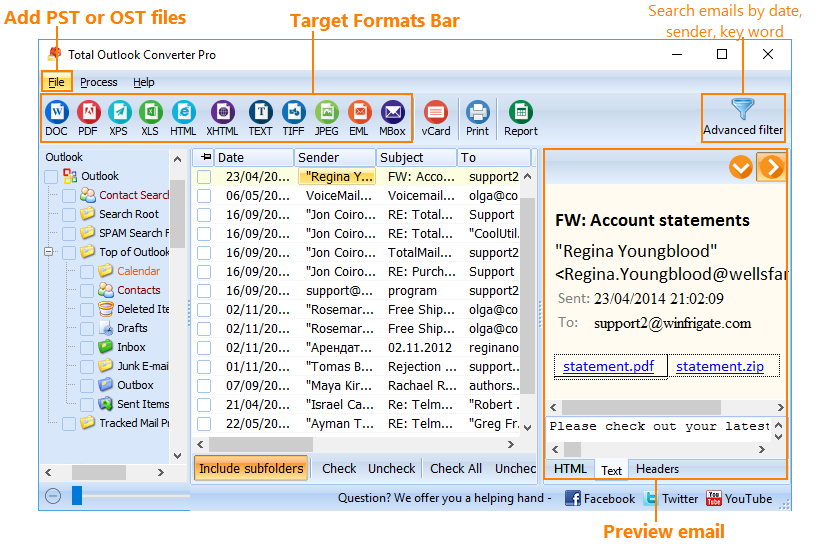
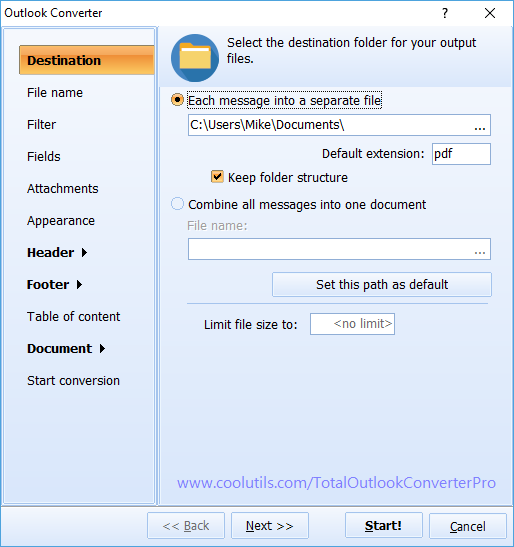
Quick answer: To convert Outlook emails with Total Outlook Converter Pro, install the program, load your emails or PST folders, select the messages, pick the output format (PDF, PDF/A, DOC, HTML, TIFF and more), add page counters, dates or Bates stamps if needed, then click Start. Whole mailboxes convert in one batch, offline, with a free trial.
Add any watermarks to the header and the footer of each page! Dates, page counters, bates numbers, legal notes - anything you may think of.
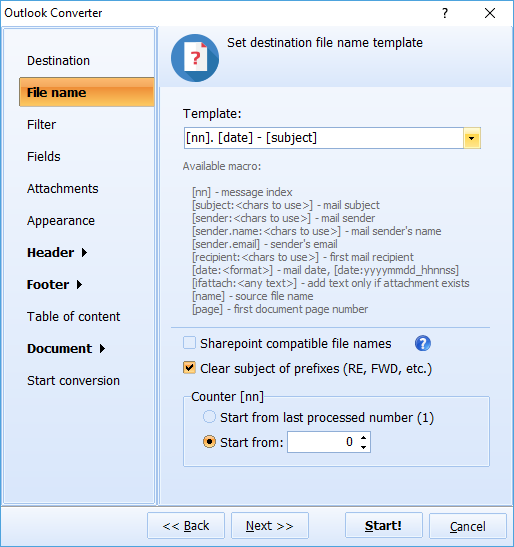
Give your output files new descriptive names or at least add a counter for easy sorting.
With any questions or concerns please contact us via support form.
Download free trial and convert your files in minutes.
No credit card or email required.