

 +1 (855) 418-2323

 File Converters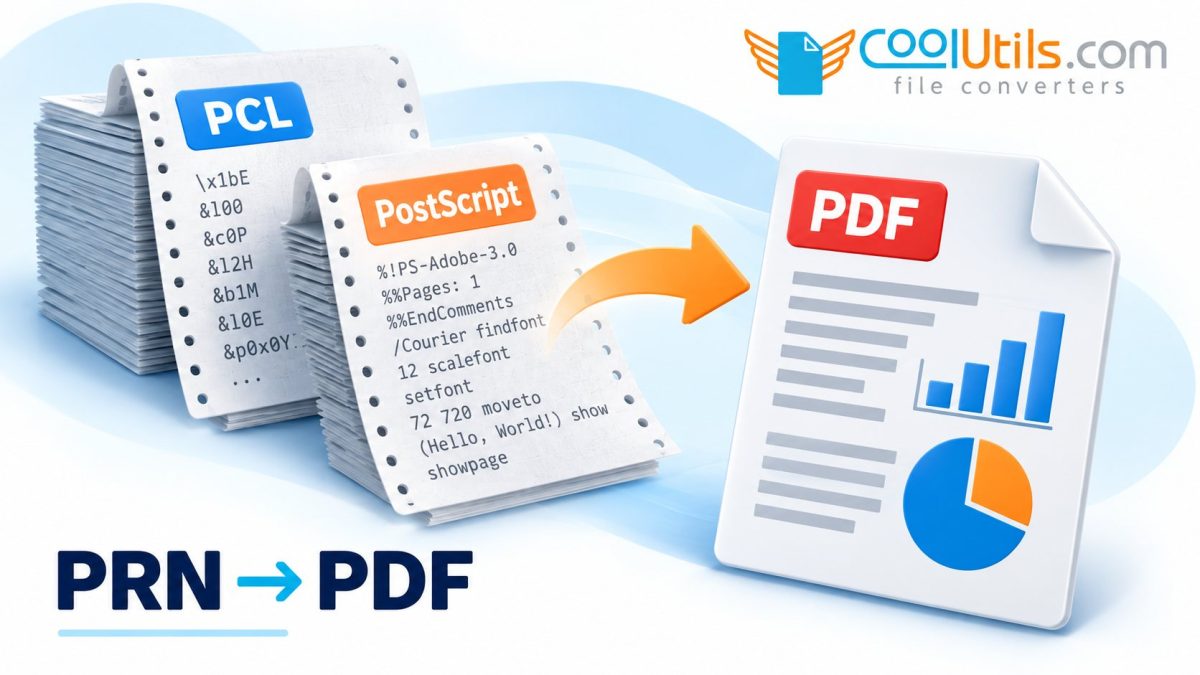
A folder of old PRN files may contain documents created by several printer drivers, which helps explain why the same conversion tool can handle one file and fail on the next. The extension identifies a saved print file, while the data inside may use PostScript, PCL or another printer language. Finding out how the files were created gives you a much better starting point for turning the archive into readable PDFs.
Find the printer driver behind the archive
Look for the original application, printer model and driver settings in the archive’s accompanying records. Even a rough grouping by source computer or printer can be useful when hundreds of files share the PRN extension. Keep that information with the files as you investigate, because it can explain groups of failures that would otherwise seem random.
PostScript data needs an interpreter that accepts PostScript, while PCL and PCL XL need support for the relevant language. Check those names in the converter’s supported-input information. If the source used an unusual or proprietary driver, ask the vendor about that stream before assuming the files will follow either of the common routes.
Use file clues carefully when the history is missing
Work on a copy and inspect the beginning of the file with a suitable viewer if you are comfortable doing so. A readable PostScript header can help identify a stream, and printer-job information may provide another clue about its origin. Some files begin with job-control data, so a missing familiar marker leaves the type unresolved.
PJL information can describe a print job without fully identifying every part of its payload. Preserve the file as it stands and avoid stripping headers while experimenting. When the language remains unclear, send the converter vendor the source details or an authorised sample and ask what input support that file requires.
Convert a sample in Total PDF Converter
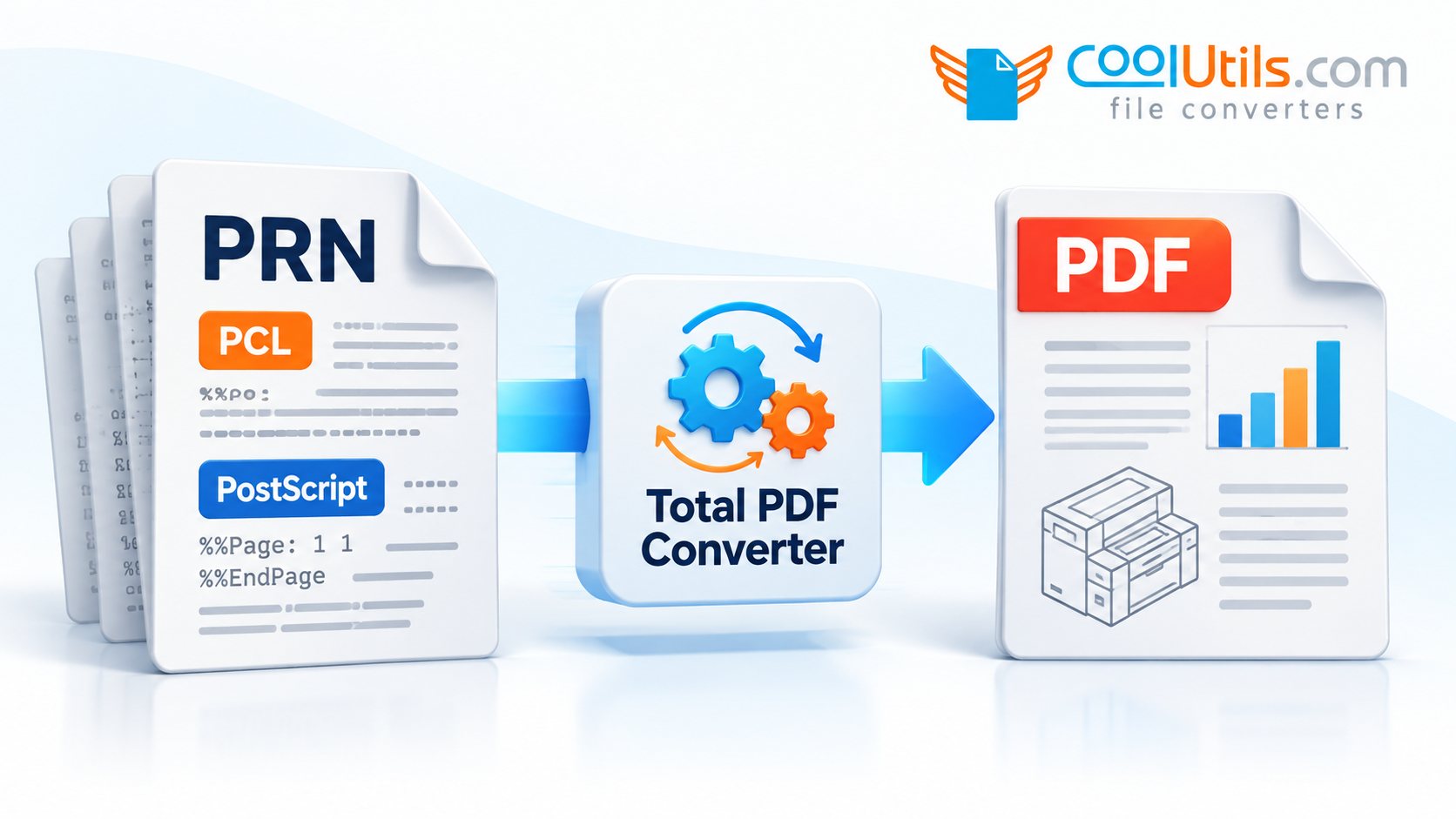
The Total PDF Converter feature list includes PRN and several print-document formats. Open the source folder, select a few representative files and choose PDF as the output. Save them to a separate destination and include a file from each known printer group in the first run.
Record which samples produced usable documents and keep the failed files together for investigation. If one driver group succeeds while another reports errors, compare their print languages and source history. That distinction is often more useful than repeatedly changing the settings for the entire archive.
Read the PDF as a document
Compare the PDF with an original printout or another trusted copy where one is available. Follow the text across page breaks and look at tables, graphics, special characters and page orientation. A blank page, missing diagram or substituted character gives you a specific issue to investigate before the file is accepted.
If the PDF needs to support search or copying, search for a distinctive phrase and copy a paragraph into a text editor. Check the copied text against the visible page, especially around unusual fonts or characters. This extra check makes the difference between a useful reading copy and a document that also works for text-based tasks.
Process the remaining files in groups you can trace
Use the approved samples to decide which files can share the same conversion settings. Group the remaining inputs by source or observed behaviour and keep their PDFs traceable to the original filenames. Where folders contain identical names, use separate destinations so one converted file cannot accidentally replace another.
Compare the input list with the successful outputs after each group, review the exceptions and inspect a few completed documents with complex content. Retaining the PRN originals and the source information lets you revisit unresolved files without confusing them with the PDFs already checked and accepted.
Frequently asked questions
Will changing .prn to .pdf make the file readable?
A compatible interpreter needs to read the print stream and create the PDF structure. Keep the PRN source intact during conversion.
Can conversion work without the original printer?
Software can interpret supported print languages without printing a physical copy. Unusual streams may still require details about the original driver.
Try a representative group in Total PDF Converter, using the source printer information to guide compatibility checks and review the resulting documents.

