

 +1 (855) 418-2323

 File Converters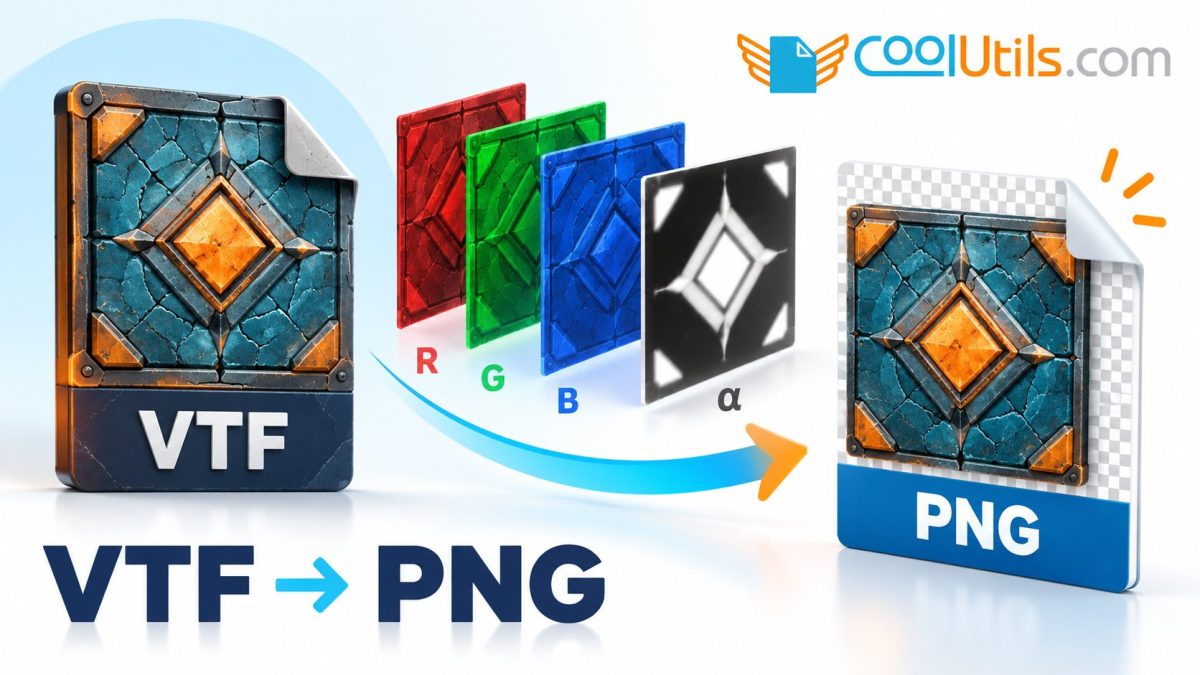
A VTF texture can look surprisingly different after you export it as PNG: parts of the surface may appear transparent, edges may change against a new background, or a detail you expected to see may disappear. Looking at the colour channels and alpha separately usually makes the next step much clearer, because a game material and an ordinary image viewer can use the same texture information in different ways.
Export a texture you can compare with the original
For a single file, open the CoolUtils VTF-to-PNG converter, select the VTF texture and save the converted PNG. The converter writes the largest mipmap of the first frame (and the first face of a cubemap) as one PNG. Keep the original VTF and choose a texture whose appearance you know, so the first export gives you a useful comparison.
Open the PNG in an image editor that lets you inspect channels. If the texture comes from a material with unusual rendering settings, keep that material information nearby as well. A texture-aware viewer such as VTFEdit Reloaded can help you inspect the source when the exported image leaves questions about what the file contains.
Look at colour and alpha as separate pieces of information
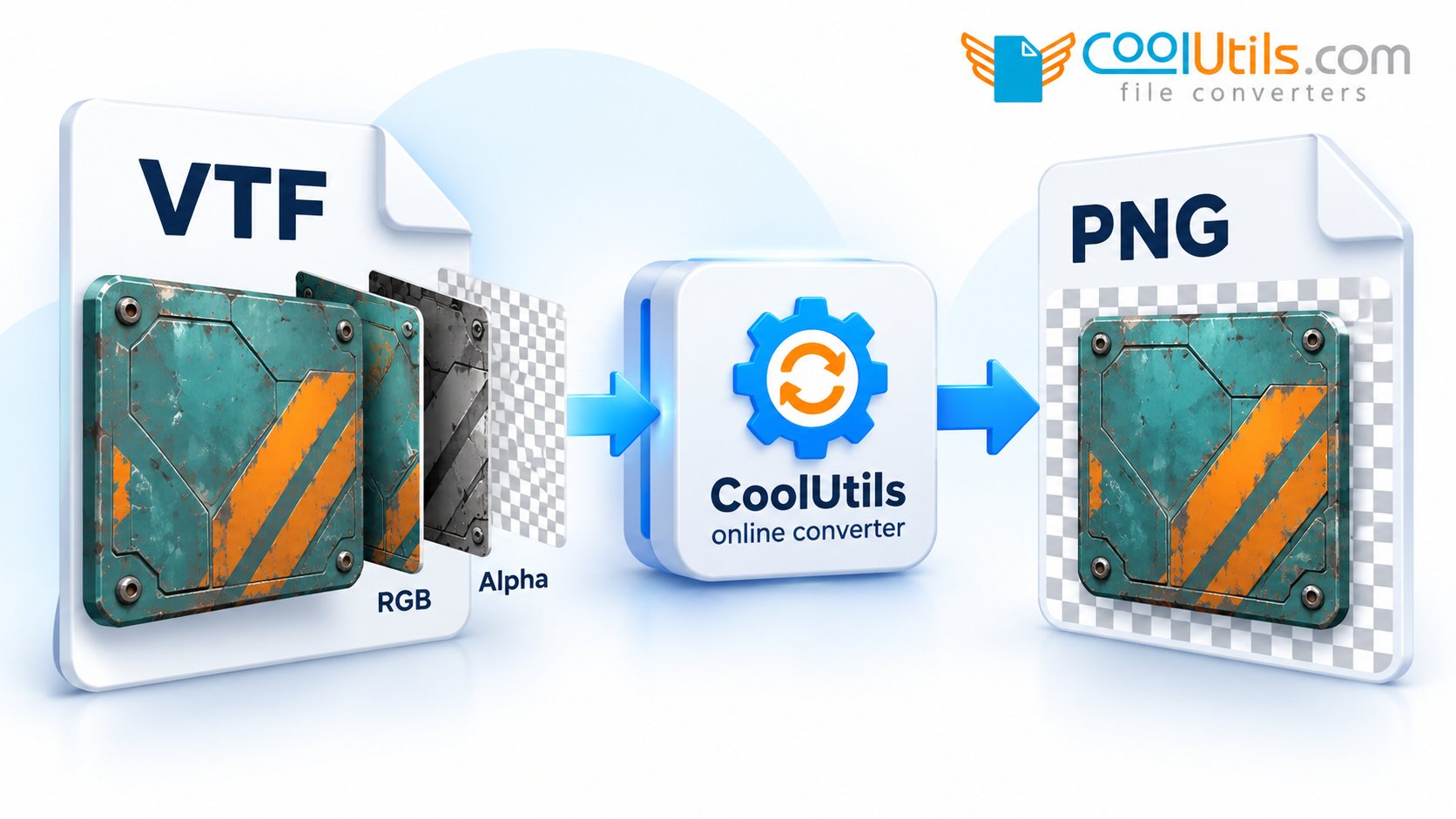
Begin with the composite PNG, then view its RGB content with alpha masking disabled and inspect alpha as a greyscale channel. The controls vary by editor, but the aim is to see where the colour data exists and how alpha affects its displayed visibility. Examine the same area in all three views before editing the image.
First check that the PNG has an alpha channel at all. In our tests the converter wrote an RGB PNG without alpha when the texture was fully opaque, and also when its largest alpha value was below 64 of 255 (many materials keep a mask rather than transparency in alpha). The VTFLib command-line exporter (VTFCmd) kept that faint alpha in our test, so compare the two when you expect transparency and the PNG comes out opaque.
Suppose a patch looks like a hole in the composite preview, while the RGB view still contains the expected surface detail. The alpha values are responsible for that displayed transparency, so the next step is to check how the source material uses them. If the RGB information is absent as well, compare the source in a texture-aware viewer and investigate the particular export.
Judge transparency against the intended background
View the exported texture over both a light and a dark background, because faint outlines and partially transparent edges can be difficult to judge against a single colour. A checkerboard preview is helpful, and a plain background can reveal whether the edge will look right in the image’s eventual use.
When you need an opaque preview for a document or portfolio, make a separate copy with a deliberate background colour. When the PNG has an alpha channel, keep it for editing, especially if you intend to return the asset to a material workflow. That way the preview serves its purpose while the exported channel information remains available.
Keep the texture’s earlier compression in mind
PNG can store the decoded pixels without adding lossy image compression. Details that were discarded when the texture was originally compressed will still be missing, so use the VTF you have as the reference when judging the export. Small blocks or softened edges may already be visible in the source texture.
A JPEG preview introduces its own compression and carries no alpha transparency, which changes both the image data and its appearance. Choose it when an opaque delivery image is useful, and retain the PNG when transparency or further editing matters. Comparing the two formats can help you understand the preview, but the source texture remains the reference for the export.
Check the asset where you will actually use it
For an image-editing task, confirm the exported dimensions, visible colour content and alpha edges before you start painting. A VTF container may hold more information than one flat image represents, so establish which image or texture component you need when the source is more complex. The converter exports only the largest mipmap of the first frame (and the first face of a cubemap) and offers no selector for the others, so inspect the other frames and faces in a texture-aware viewer. Keep the untouched export while you work on a separate edited copy.
If the image will go back into a game, inspect the resulting texture with its material settings in that workflow. The appearance in an ordinary PNG viewer is only one part of the check; the intended material determines how the channels contribute to the final surface.
Frequently asked questions
Can PNG preserve an alpha channel?
PNG supports alpha transparency, and the converter keeps the alpha channel of a texture whose largest alpha value is at least 64 of 255; a fully opaque or very faint alpha gives an RGB PNG without an alpha channel. Inspect the exported channel and its appearance in your editor to confirm the result you need.
Can PNG restore detail lost in the original VTF?
The export contains the decoded texture information available in the source. Earlier compression losses remain part of that source.
Start with the CoolUtils VTF-to-PNG tool and compare the exported colour and alpha channels before using the texture in your next project.

