Need help? Reach us at 

 +1 (855) 418-2323
Need help? Reach us at
+1 (855) 418-2323

 File Converters TIFF and PDF apps Forensic Freeware
Download Total CAD Converter and start converting DXF drawings to PLT today.
(includes 30 day FREE trial)
(only $99.00)
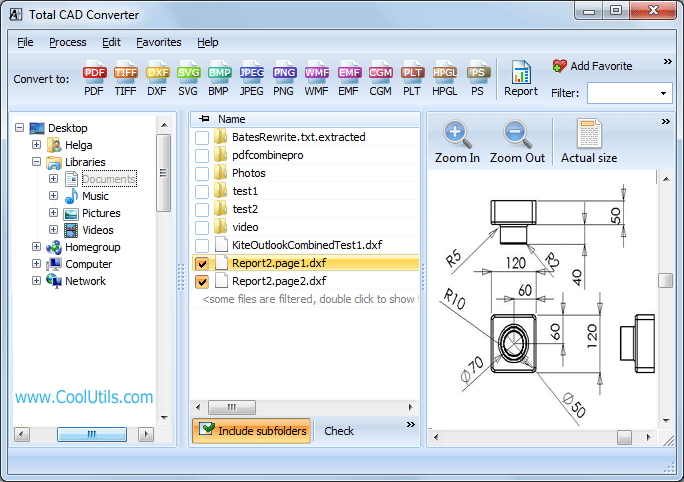
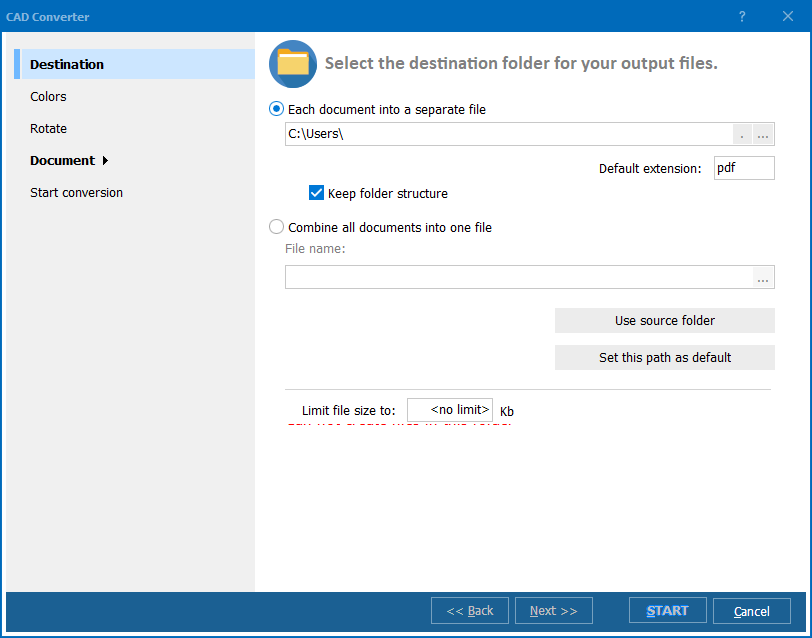
Quick answer: To convert DXF to PLT, install Total CAD Converter, browse to the folder with your DXF files, check the files or click Check All, click PLT in the format toolbar, set the paper size, pen width, and output folder, then press Start. The whole folder converts to plotter-ready HPGL PLT in one batch, offline, with no AutoCAD required and no file-size limit.
DXF (Drawing Exchange Format) is a CAD data format created by Autodesk for interoperability between AutoCAD and other drafting software. It stores 2D and 3D geometry, layers, text, dimensions, and hatches in a tagged text or binary structure. DXF is the standard exchange file when engineers share drawings across different CAD platforms.
PLT (Plotter File) is a vector graphics file based on the HPGL/HPGL2 (Hewlett-Packard Graphics Language) standard. Plotters and wide-format printers read PLT natively — no CAD software needed on the print station. PLT contains pen-up/pen-down instructions, pen selection, and coordinate data optimized for line-based output.
DXF files store design intent: layers, blocks, dimensions, annotations. PLT files store print instructions: pen movements, colors, and line widths. Converting DXF to PLT strips design metadata and produces a clean, plotter-ready output that any HPGL-compatible device can print without AutoCAD installed on the plotter workstation.
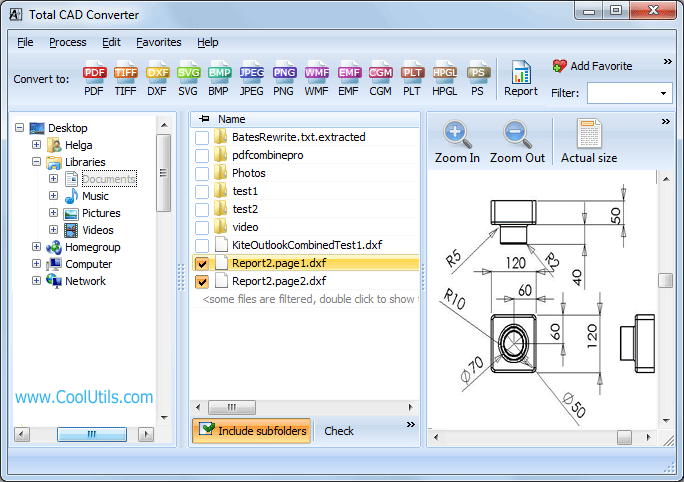
Conversion completes in seconds, even for folders with hundreds of DXF drawings. Original files remain untouched.
Total CAD Converter includes a command-line interface for automation. Example:
CADConverter.exe C:\Drawings\plan.dxf C:\Output\plan.plt -cHPGL
Wrap this in a .bat file or Windows Task Scheduler job to convert DXF drawings to PLT on a fixed schedule — overnight, every Friday, or whenever new files appear in a watched folder.
 Batch processing. Select a folder with 500 DXF files and convert them all to PLT in one run. No need to open each drawing individually — the converter handles everything unattended.
No AutoCAD required. Total CAD Converter reads DXF files with its own rendering engine. You do not need AutoCAD, DraftSight, or any other CAD application installed on the conversion machine.
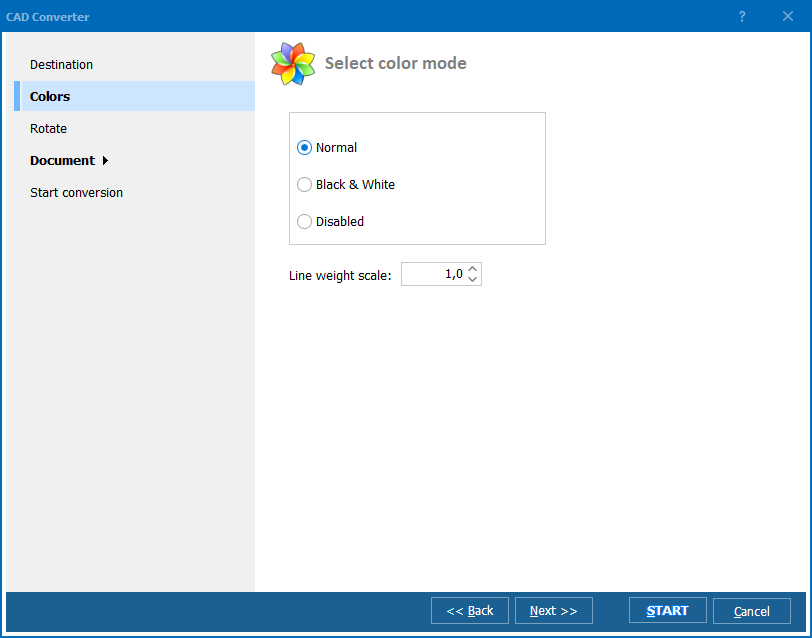
Layer and scale control. Choose which layers to include in the PLT output. Set a custom scale factor, paper size, or orientation before conversion starts.
Line weight adjustment. Increase or decrease line weight scale so that thin construction lines and thick outlines print correctly on your plotter.
100% offline. All processing happens locally. Engineering drawings that contain proprietary dimensions, client floor plans, or classified layouts never leave your computer.
13+ output formats. Besides PLT/HPGL, convert DXF to PDF, TIFF, JPEG, PNG, BMP, SVG, WMF, CGM, and more — all from the same tool.
| Feature | Online Tools | Total CAD Converter |
|---|---|---|
| File size limit | 10–50 MB | No limit |
| Batch conversion | One file at a time | Unlimited |
| Privacy | Drawings uploaded to cloud | 100% offline |
| Speed | Depends on connection | Instant (local) |
| Plotter settings | None | Pen width, paper, scale |
| Layer selection | No | Yes |
| Automation | Not available | Built-in command line |
| Pricing | Subscription / per-file | One-time $99.00 |

(includes 30 day FREE trial)
(only $99.00)
CADConverter.exe C:\Drawings\plan.dxf C:\Output\plan.plt -cHPGL
Download free trial and convert your files in minutes.
No credit card or email required.

Related Topics
Convert CGM to DXF — Batch CGM to DXF Converter for Windows