Logo
Home Products Support Contact About Us
arrow1 File Converters
arrow1 TIFF and PDF apps
arrow1 Forensic
arrow1 Freeware

Total Mail Converter Pro Video Tutorials


To get the idea of how the app works watch this short video tutorial. Refer to the PDF help file for more details.

Quick answer: To use Total Mail Converter Pro, install it, pick the folder of EML or MSG emails, select PDF or TIFF as the output, then add headers and footers such as page counters, dates, and Bates numbers before clicking Start. The video tutorials walk through each setting, and the whole batch of emails converts in one run on Windows.


How To Add Page Counters, Dates Or Stamp Bates With Total Mail Converter

Convert emails and add any text to the header and the footer of each page! Dates, page counters, bates numbers, legal notes, company's name, copyright - anything you may need.


Program's Overview

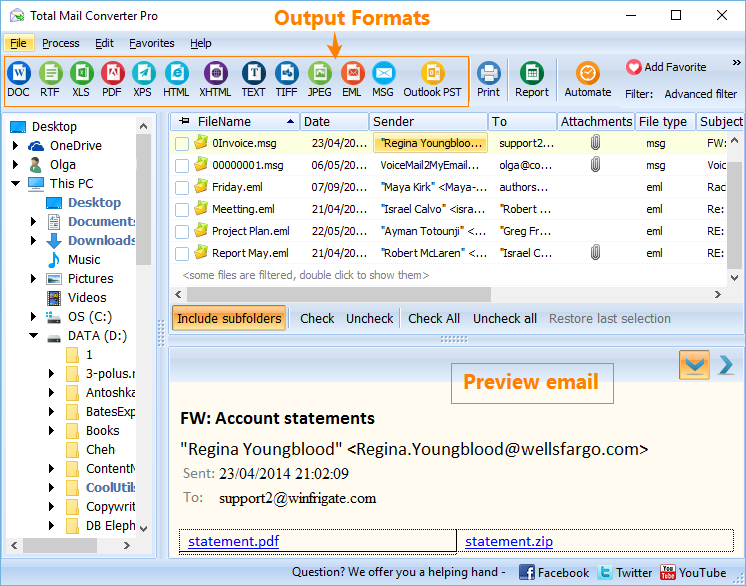
The main options of Total Mail Converter Pro - at a glance.


With any questions or concerns please contact us via support form.

Total Mail Converter Pro Tutorials — FAQ ▼

Install the program, select the folder of EML or MSG emails, choose PDF or TIFF as the output, set any header and footer options, then click Start. The video tutorials on this page show each step, and the whole batch converts in one run.
Open the header and footer settings in Total Mail Converter Pro and add the text you need, including dates and page counters. The text is stamped on every page of the output PDF or TIFF.
Yes. Total Mail Converter Pro lets you stamp Bates numbers, legal notes, the company name, and a copyright line into the header or footer. This is shown in the page counters and Bates tutorial video.
The tutorial videos are embedded on this page, covering a program overview and how to add page counters, dates, and Bates stamps. For more detail, open the PDF help file linked at the top of the page.
Yes. Total Mail Converter Pro is a batch tool. Select a whole folder of emails and convert them together to PDF or TIFF in a single run, with your header and footer settings applied to each one.
Yes. A full PDF help file is linked at the top of this page and explains every setting in Total Mail Converter Pro, complementing the short video tutorials.
It opens EML and MSG email files and converts them to PDF or TIFF. You can also process attachments and add custom headers and footers during the same conversion.


Start working now!

Download free trial and convert your files in minutes.
No credit card or email required.

⬇ Download Free Trial Windows 7/8/10/11 • 172 MB

Support
Total Mail Converter Pro Preview1
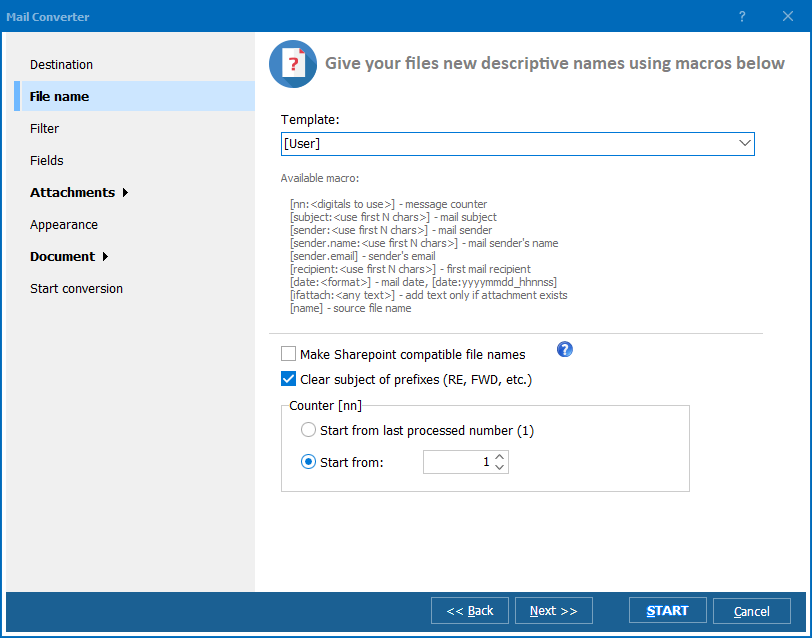
Total Mail Converter Pro Preview2
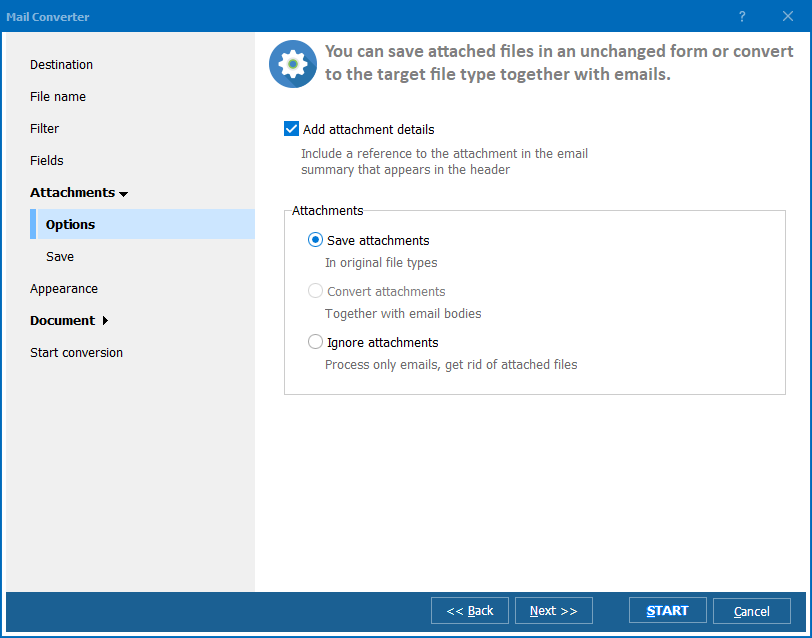
Total Mail Converter Pro Preview3

Latest News

Newsletter Subscribe

No worries, we don't spam.


© 2026. All rights reserved. CoolUtils File Converters

Cards