

 +1 (855) 418-2323

 File Converters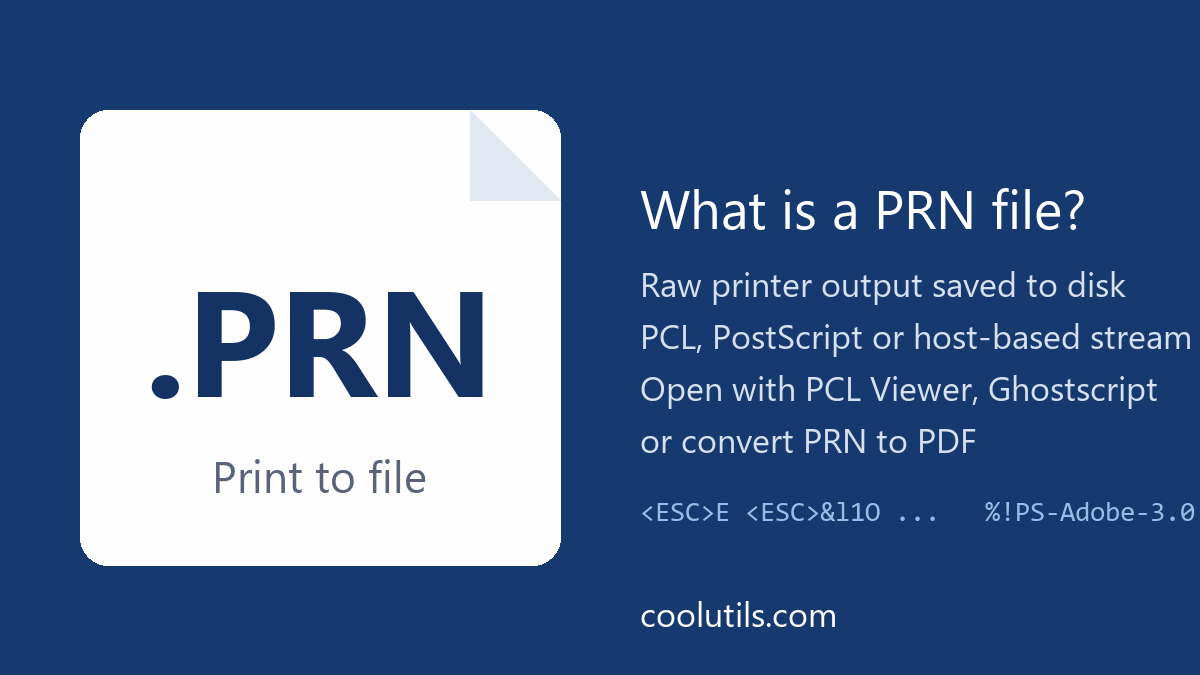
A PRN file is a print job saved to disk instead of being sent to a printer. It holds the raw commands a printer driver generated, usually in PCL or PostScript, so it is a printer-specific stream rather than a document. Word or Acrobat cannot open it. To read a PRN file, view it in a PCL or PostScript viewer, send it to a compatible printer, or convert the PRN to PDF.
What is a PRN file?
Every time you print, the application hands the pages to a printer driver, and the driver translates them into the language of that printer. Ticking Print to file in the Windows print dialog captures that translated stream and saves it as a .prn file. The content therefore depends entirely on which driver was selected when the file was made.
| Property | PRN file |
|---|---|
| Extension | .prn |
| Created by | Print to file option in Windows print dialogs; some applications export .prn directly |
| Contains | Printer commands: PCL (HP and compatibles), PostScript, ESC/P (Epson), or a proprietary host-based stream |
| Portable | No; it reproduces correctly only on a printer that speaks the same language |
| Opens with | PCL Viewer, GhostPCL, Ghostscript, PRN to PDF converters |
If the job was captured through the Microsoft XPS Document Writer, the result is an XPS file, not a PRN. Three kinds of PRN content are common:
- PCL. Printer Command Language from HP, used by most laser printers. A PCL stream starts with escape sequences such as
<ESC>Eand<ESC>&l. - PostScript. Produced by PostScript printer drivers, common in publishing. The file begins with
%!PS-Adobeand is technically the same thing as a .ps file. - Host-based streams. Cheap inkjet and GDI printers receive pre-rendered bitmap data in a vendor format. Such PRN files cannot be viewed with any general tool.
A second, unrelated meaning exists: Microsoft Excel saves worksheets as Formatted Text (Space delimited) with the .prn extension. That PRN is plain text with fixed-width columns and opens in Notepad or back in Excel. If your PRN file came from Excel or from an accounting system’s report export, it is this text variant, not a print stream.
How do I open a PRN file?
- Check what is inside. Open the file in Notepad.
%!PSat the top means PostScript. Escape characters and fragments such as&l0Omean PCL. Readable columns of numbers mean an Excel text export. - PCL or PXL: install the free CoolUtils PCL Viewer. It opens PCL, PRN and PXL files on Windows, shows the pages as thumbnails or full screen, and prints them.
- PostScript: rename the file to .ps and open it in Ghostscript, GSview or any program that reads PostScript, or convert it to PDF.
- Excel text export: open it in Excel with the Text Import Wizard (fixed width) or in any text editor.
How do I print a PRN file?
A PRN file is already in printer language, so it must bypass the driver and go to the printer as raw bytes. On Windows, share the printer, then run in a Command Prompt:
copy /B document.prn \\COMPUTERNAME\PrinterShareName
For a printer on a parallel port, copy /B document.prn LPT1: works. The printer must understand the language in the file: a PCL file sent to a PostScript-only printer prints garbage or nothing.
How do I convert a PRN file to PDF?
Conversion is the practical answer when the original printer is gone or the file came from someone else’s system. The PRN to PDF online converter interprets the PCL or PostScript stream and produces a PDF in the browser; PRN to JPG gives page images. For batches of print files, for example spooled invoices or lab reports collected over a month, Total PDF Converter processes PRN files together with PS, EPS and PDF on Windows, converts them to PDF, DOC, JPG, TIFF or TXT, and runs from the command line. The 30-day trial is free and needs no card or email.
Host-based PRN files from GDI printers are the exception. No converter can interpret a vendor-specific bitmap stream; ask the sender to print to PDF instead.
Frequently asked questions
How can I open a PRN file?
Open PCL and PXL print files in the free CoolUtils PCL Viewer. Open PostScript PRN files in Ghostscript or by renaming them to .ps. If the file is an Excel space-delimited export, open it in Excel or Notepad. For anything else, convert the PRN to PDF online.
How can I convert a .prn file to a PDF?
Upload it to the PRN to PDF online converter and download the PDF. For many files, use Total PDF Converter on Windows, which handles PRN, PS and EPS in batch and from the command line.
How do I print a .prn file?
Send it to the printer as raw data: copy /B file.prn \\PC\PrinterShare in a Command Prompt on Windows. The printer has to support the language stored in the file, usually PCL or PostScript.
Why does Excel save a PRN file?
Excel’s Formatted Text (Space delimited) format uses the .prn extension. It is a plain-text export with fixed-width columns for legacy systems, unrelated to printer streams. Excel and any text editor open it.
Can I open a PRN file in Word?
Not a print stream: Word shows binary noise. Convert the PRN file to PDF or DOC with Total PDF Converter or the online converter first. An Excel-style text PRN does open in Word as plain text.

