Need help? Reach us at 

 +1 (855) 418-2323
Need help? Reach us at
+1 (855) 418-2323

 File Converters TIFF and PDF apps Forensic Freeware
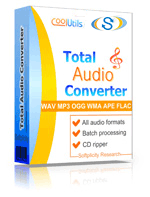
Total Audio Converter: Convert Audio Files & Rip CDs
Windows
2000/2003/Vista
7/8/10/11/Citrix
Total Audio Converter converts audio files between MP3, WAV, FLAC, OGG, AAC, WMA, APE, MPC, OPUS and 30+ other formats in batch. Whether you need to compress a lossless collection to MP3 for portable players or convert legacy formats for modern software, Total Audio Converter handles it.
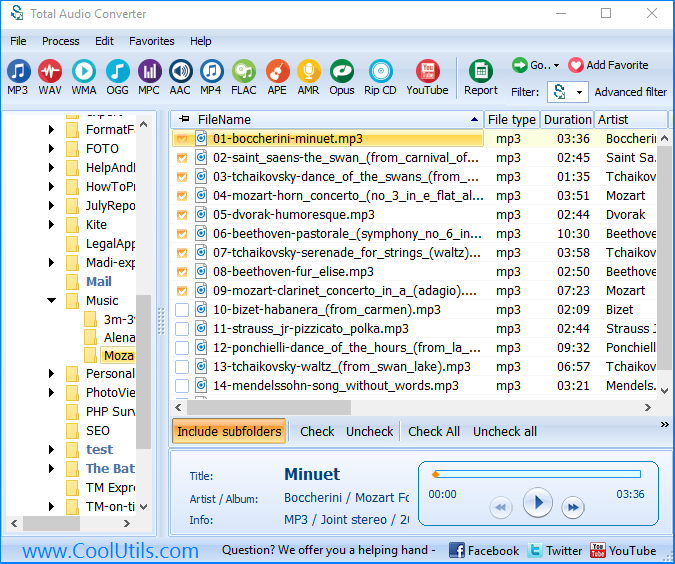
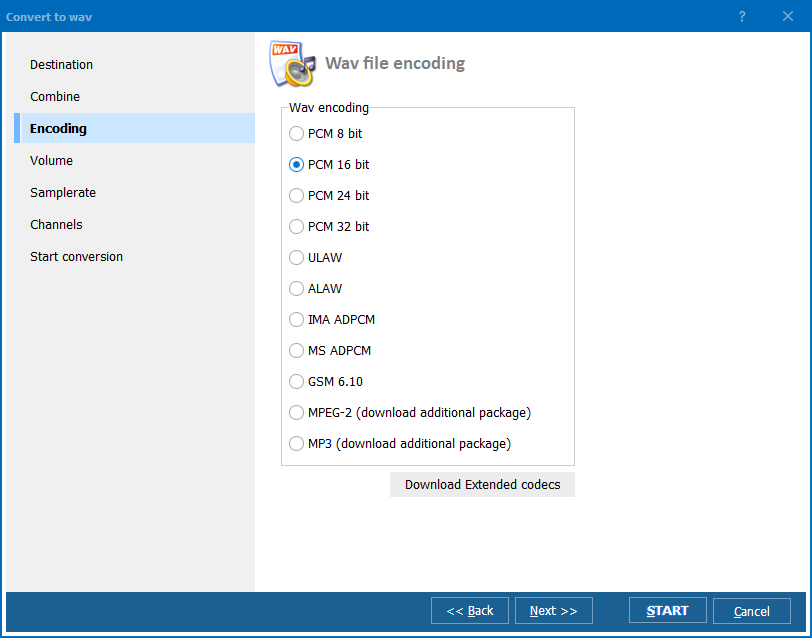
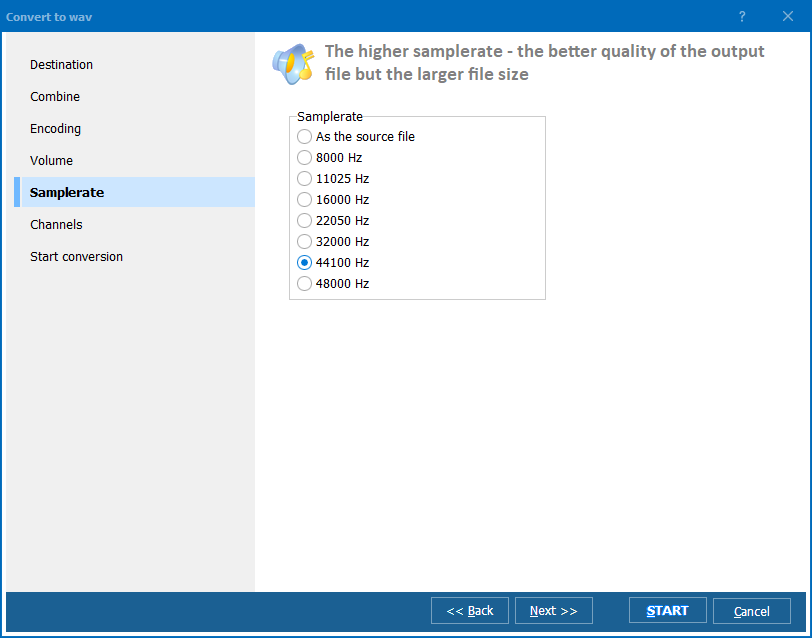
Quick answer: To convert audio files, install Total Audio Converter, browse to your folder of MP3, WAV, FLAC, M4A, or other audio files, check the ones you need, pick an output format, set the bitrate, then click Start. The whole batch converts offline on your PC, with tags kept and no file-count limit.
Total Audio Converter has been online for over 20 years. Works on Windows 7/8/10/11. 30-day free trial, no credit card or email required.
| Feature | Total Audio Converter | Online Services |
|---|---|---|
| Batch conversion (thousands of files) | Yes | 1–5 files per upload |
| File size limit | None | Usually 50–200 MB |
| Supported formats | 30+ (FLAC, APE, OGG, OPUS, VOX...) | Usually MP3/WAV only |
| Privacy (files stay on your PC) | Yes | Uploaded to third-party servers |
| CD ripping | Yes (CDA to any format) | No |
| CUE splitting (APE/FLAC) | Yes | No |
| Metadata preservation | Yes (ID3, Vorbis, APE tags) | Often lost |
| YouTube/SoundCloud capture | Yes | Separate tool needed |
| Command-line automation | Yes | No |
| Pricing | $24.90 one-time | Monthly subscription or per-file |
(includes 30 day FREE trial)
(only $24.90)

"I have only used the program once, so far. I use an open source program, in my professional work, called Audacity, which does not recognize audio files, only MP3 or .wav files. I was able to convert the audio file, then load it into Audacity, which made the job of notating the song much easier. I have no doubt that I will find similar uses for TAC in the future. By the way, using that program had stirred my curiosity, and I will be visiting your site to investigate your other programs."
 Richard Pilatsky
"This little software does a fantastic job at converting. I had a insane number of files, some Flac and OGGs to move into MP3s. Your tools did a great job, chugged away for a few days and boom."
 Luc Simard
Updated Mon, 21 Sep 2026
(only $24.90)
Updated Mon, 21 Sep 2026
(only $24.90)
Download free trial and convert your files in minutes.
No credit card or email required.


