Need help? Reach us at 

 +1 (855) 418-2323
Need help? Reach us at
+1 (855) 418-2323

 File Converters TIFF and PDF apps Forensic Freeware
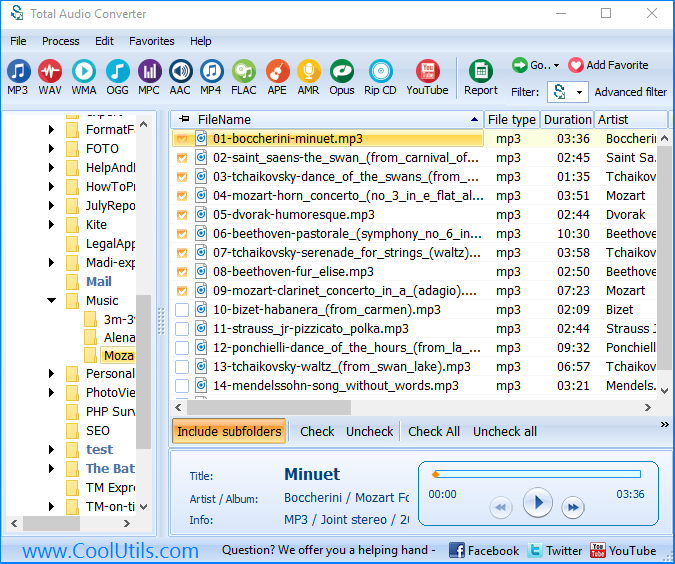
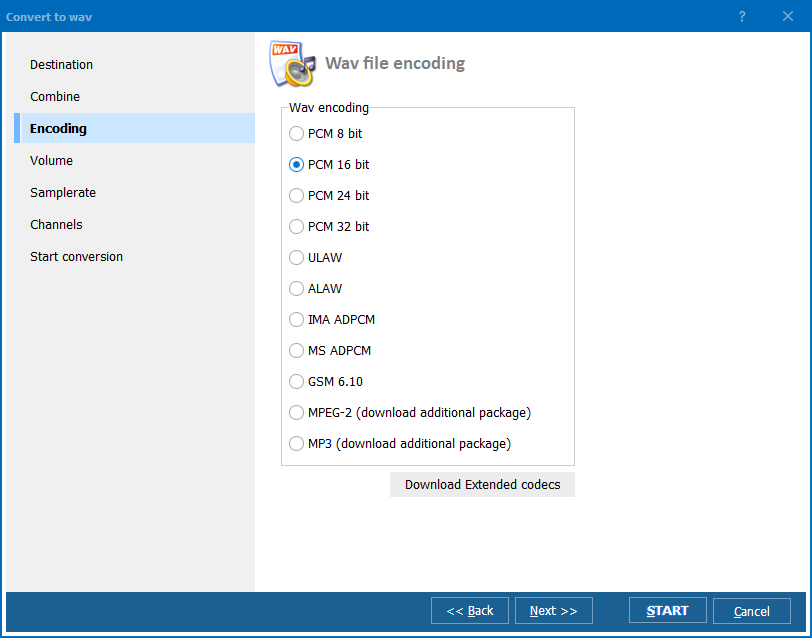
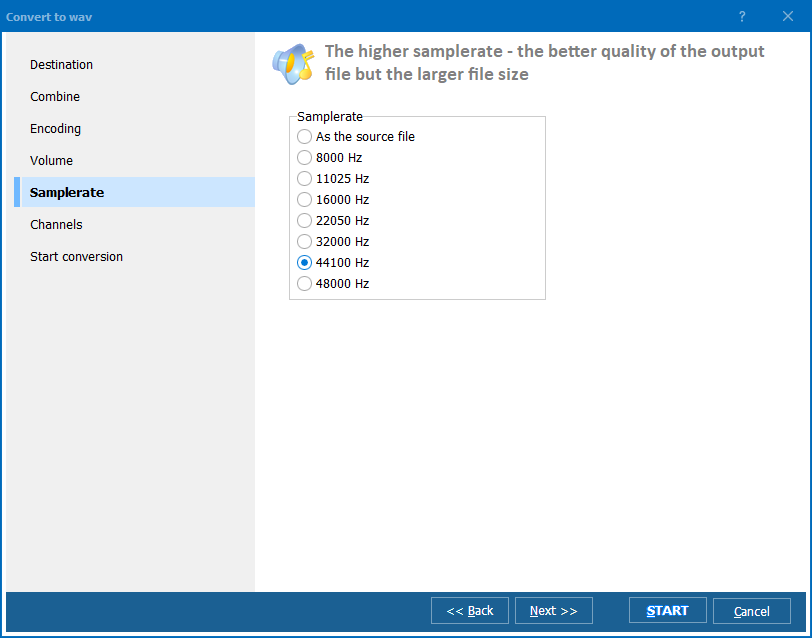
Quick answer: To convert audio with Total Audio Converter, install the program, open the folder with your music files, select the tracks, click the target format button (MP3, WAV, FLAC, OGG, WMA, AAC and more), set bit rate and sample rate, then click Start. Whole folders convert in one batch, offline, with a free trial and command-line support.
Download free trial and convert your files in minutes.
No credit card or email required.