What formats can Total Excel Converter convert Excel files to?
▼
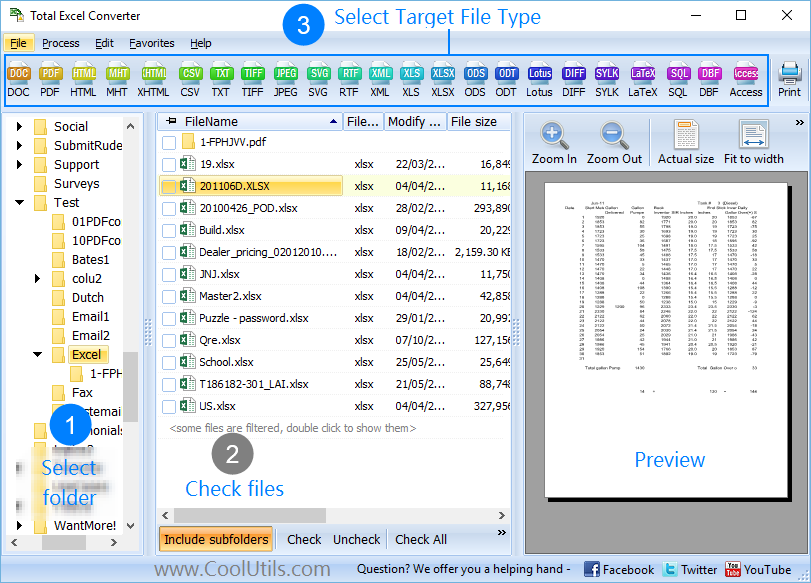
Total Excel Converter exports XLS, XLSX, XLSM, ET, and OpenOffice spreadsheets to PDF, DOC, HTML, JPEG, TIFF, EMF, TXT, RTF, CSV, XML, and SQL. You select the target format from the toolbar and the rest of the steps stay the same.
Which input file types does Total Excel Converter support?
▼
It reads XLS, XLSX, XLSM, ET, and OpenOffice Calc spreadsheets. You can mix several input types in one folder and convert them all in a single batch run.
Can I convert Excel files in batch?
▼
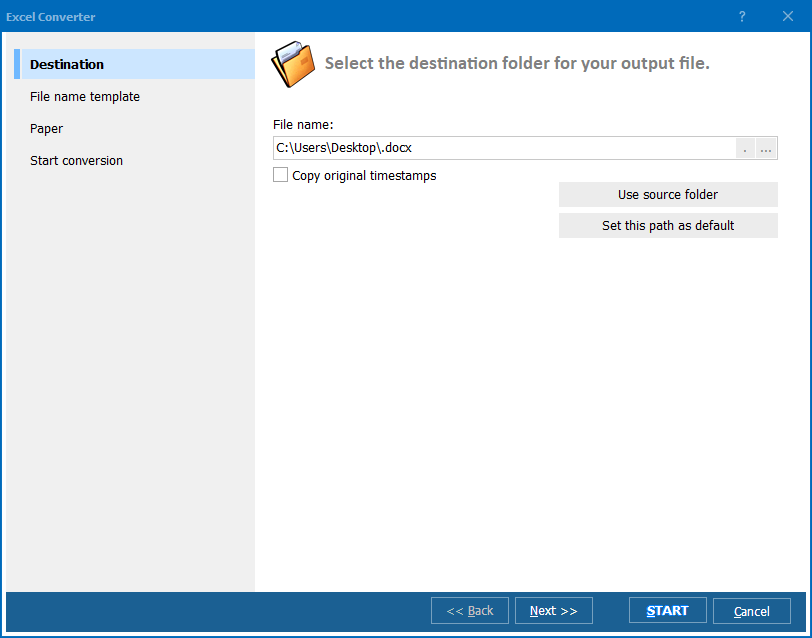
Yes. Total Excel Converter works in batch mode. Point it at a folder, check the files you want (or use Check All), and convert hundreds of spreadsheets in one run. It also keeps the original folder structure in the output.
Can I convert each Excel sheet into a separate file?
▼
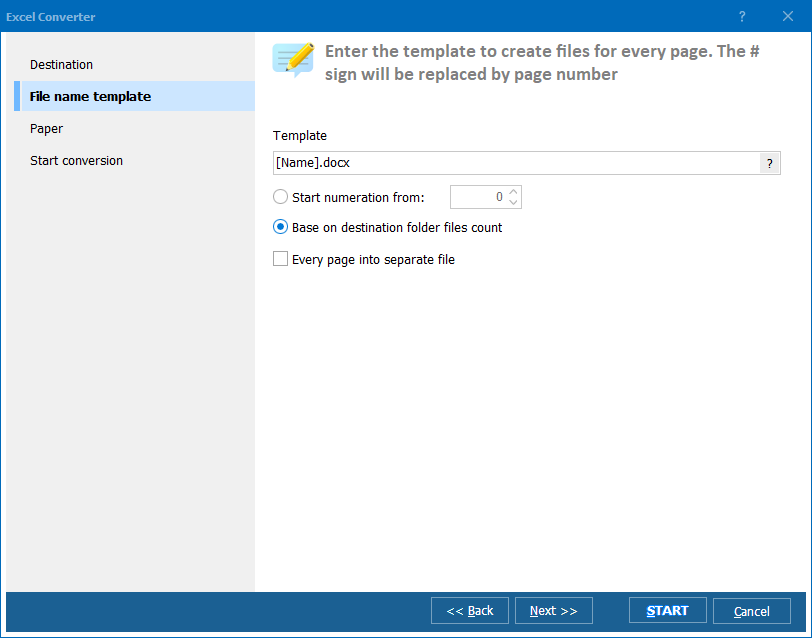
Yes. Total Excel Converter can split a workbook so that each worksheet becomes its own output file. This is useful when a single XLSX holds many sheets that need to go out as individual PDFs or documents.
Can Total Excel Converter add a watermark?
▼
Yes. You can add a text or image watermark to the output document during conversion, which is handy for marking drafts or branding reports.
Does Total Excel Converter run from the command line?
▼
Yes. Besides the user interface, it offers a command-line version, and a special server edition with ActiveX is available for unattended and server-side automation.
Is there a free trial?
▼
Yes. Total Excel Converter comes with a free 30-day evaluation copy. A personal license costs $49.90, and it runs on Windows 7, 8, 10, and 11.