Need help? Reach us at 

 +1 (855) 418-2323
Need help? Reach us at
+1 (855) 418-2323

 File Converters TIFF and PDF apps Forensic Freeware
To get the idea of how the app works watch this short video tutorial. Refer to the PDF help file for more details.
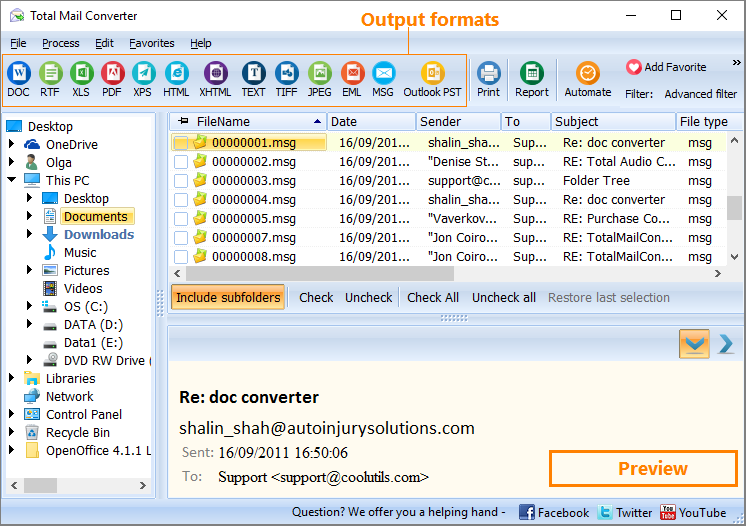
Quick answer: Total Mail Converter turns EML and MSG emails into PDF, DOC, RTF, TIFF, HTML, and PST. Launch it, open the folder of emails in the folder tree, check the messages or click Check All, click the output format button, then start the batch. These video tutorials show how to add page counters, dates, and Bates stamps, and how to convert MSG to PST — all offline with no Outlook required.
Convert emails and add any text to the header and the footer of each page! Dates, page counters, bates numbers, legal notes, company's name, copyright - anything you may need.
Convert emails to one PST file for easy importing to Outlook.
With any questions or concerns please contact us via support form.
Download free trial and convert your files in minutes.
No credit card or email required.